15.3 Self test
Function
The self test checks the main device functions.
Operation
Attention
Danger of destruction of the controller. Disconnect the loads
and solar module from the controller before starting the self
test.
This is described in section 11.
1. Disconnect the cables from the ‘AUX 1’ and ‘AUX 2’ relay
outputs.
2. Call up ‘Main menu’
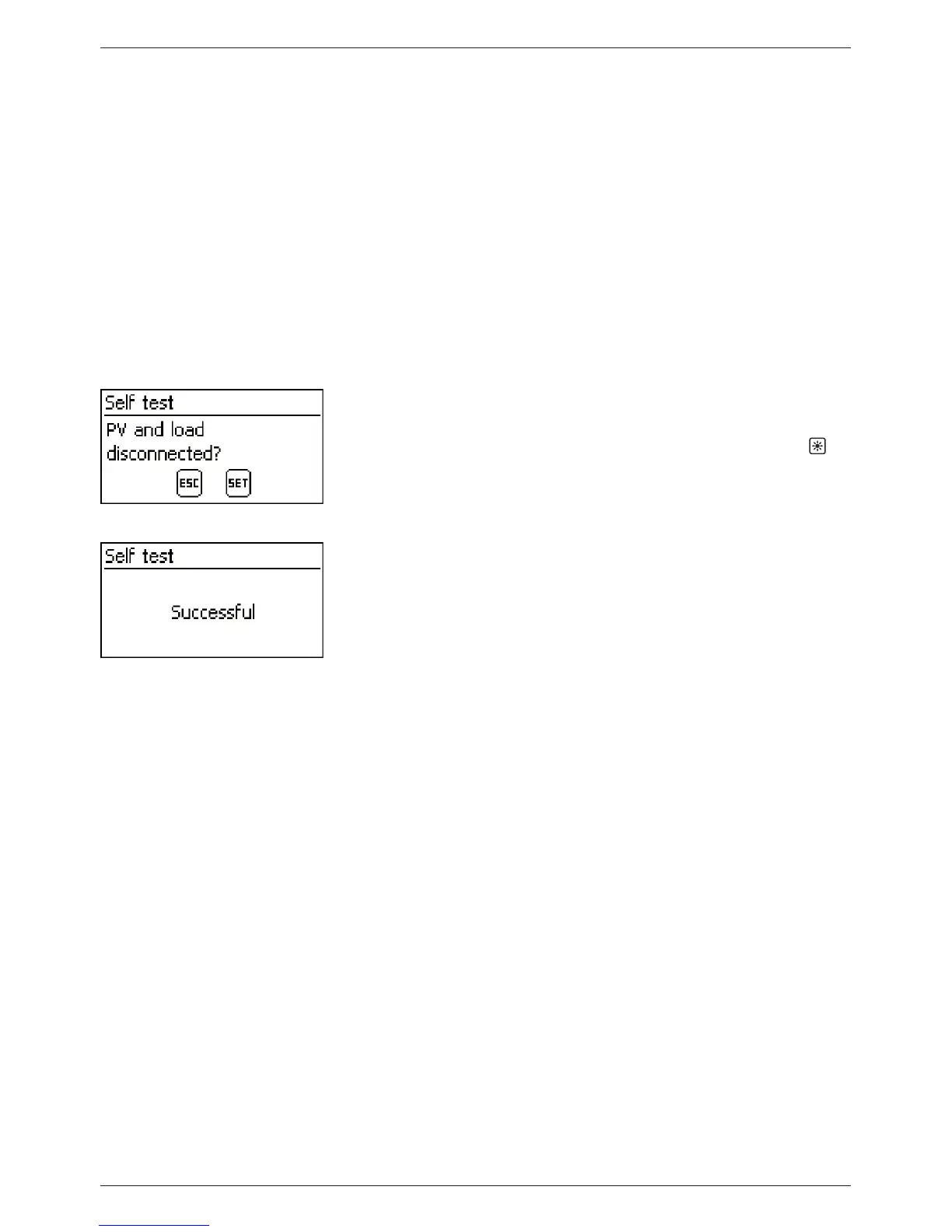
‘Self test’. The dialog shown at the
left is displayed.
3. Press and hold ‘SET’ for 1 second. The self test starts, the
symbol is displayed and the switching of the relays can be
heard.
4. If no errors occur then the dialog shown at the left is dis-
played; otherwise ‘Self test failed’ is displayed.
5. Press ‘ESC’.
6. If ‘Self test failed’ was previously displayed then correct the
error using the event message menu (‘Main menu’
‘Event
log’ ).
7. Connect solar module and loads, as described in section 9.5.3,
and section 9.5.4.
8. Connect cables to ‘AUX 1’ and ‘AUX 2’.



 To Next Page