Changing slave settings
Notices
Q Here, the device-specific settings of the slaves registered on the
controller can be set.
Q Different settings are available depending on the functional
scope of the slave.
‘Main menu‘
‘System settings‘ ‘StecaLink master menu‘
‘Change slave settings’
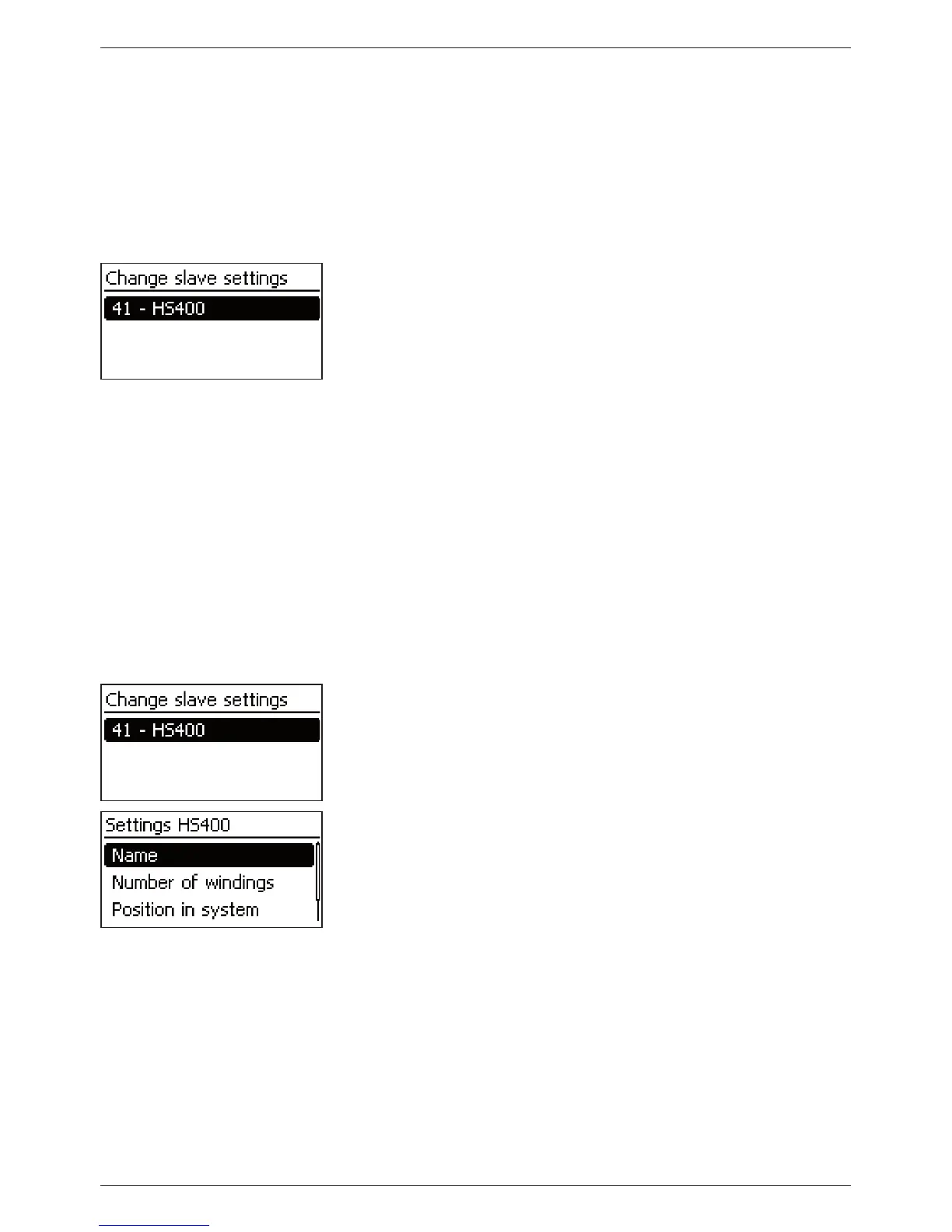
1. Press ‘SET‘. The ‘Change slave settings‘ dialogue appears with
a list of the recognized StecaLink slave members. The list is
sorted by increasing order of the member addresses (Fig left).
2. Press
r, s to select the StecaLink slave member whose settings
are to be changed.
3. Press ‘SET‘. The configuration menu for the selected slave
appears.
Further information on the individual configuration settings for
each respective slave is provided in the operating instructions for
the slave.
In the operating instructions for the PA HS400 current sensor.
14.3.9.3 Changing the slave settings
Selecting the slave
‘Main menu‘
‘System settings‘ ‘StecaLink master menu‘
‘Change slave settings’
1. Press ‘SET‘. The ‘Change slave settings‘ dialogue appears with
a list of the recognised StecaLink slave members. The list is
sorted by increasing order of the member addresses (Fig left).
2. Press
r, s to select the slave whose settings are to be chan-
ged.
3. Press ‘SET‘. The ‘Settings slave‘ dialogue appears, with the
configuration menu for the slave (Fig. left).



 To Next Page