10 Performing initial commissioning
All the measures described in section 9.4 and section 9.5 have
been completed.
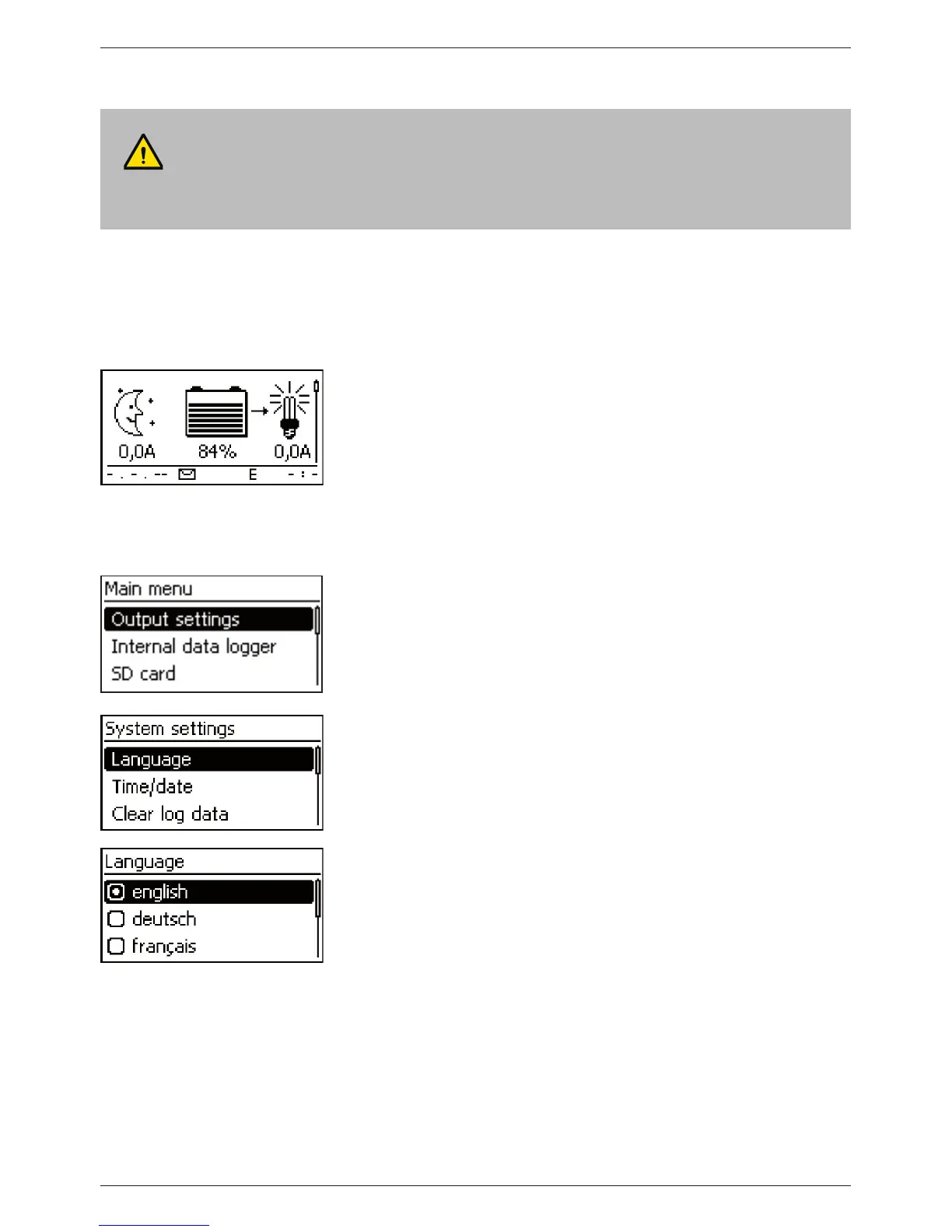
Showing the basic setting of the status display
If necessary, press ‘ESC’ for 1 s to show the basic setting of
the status display.
Setting the language
1. Press ‘SET’. The main menu appears and the ‘Output
settings’ entry is selected (Fig. left).
Note
English is set as the default menu language at the factory
2. Press
s 3 times to select 'System settings'.
3. Press ‘SET’. The ‘System settings’ menu appears and
‘Language’ is selected (Fig. left).
4. Press ‘SET’ . The ‘Language’ menu appears (Fig. left).
5. Press
r s to select a different language.
6. Press ‘SET’.
ATTENTION!
Danger of damage to the device and reduction of power. Only technical professionals may
perform the work described in this section.



 To Next Page