14.3.9 StecaLink bus
14.3.9.1 StecaLink slave address setting
StecaLink slave address
Notices
Q Setting of the device address used for identifying the device as
a StecaLink slave node.
Q Within a StecaLink communication network each slave device-
must have a unique device address.
Q Problems/error messages will occur during device registration if
multiple devices have the same address.
‘Main menu
System settings StecaLink slave addr.’
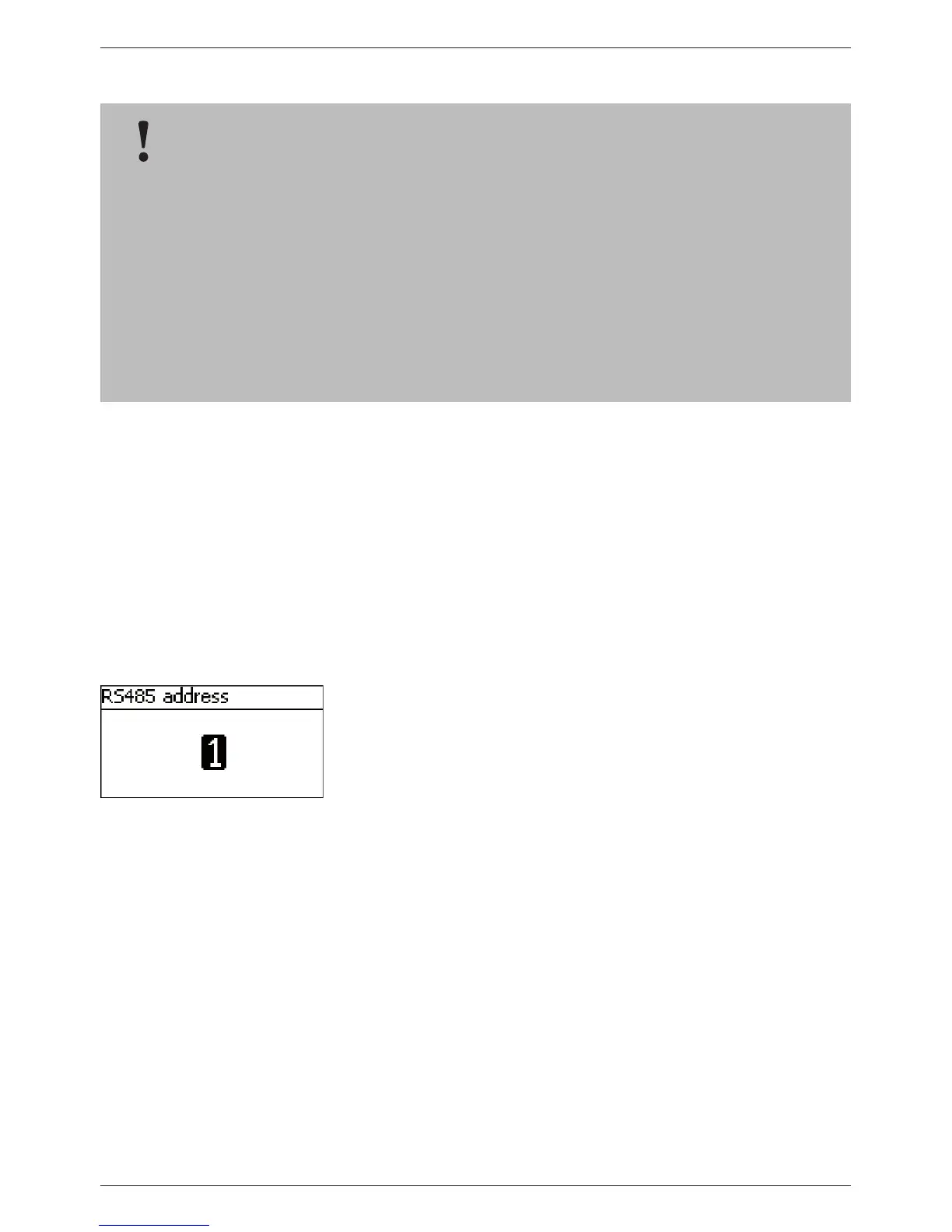
1. Press ‘SET‘. The ‘RS485 address‘ dialogue appears (Fig. left).
2. Press ‘SET‘. The value flashes.
3. Press
r, s to change the value.
4. Press ‘SET‘. The value stops blinking.
NOTICE!
– The StecaLink bus is an RS-485 communication interface that uses a special Steca
transmission protocol.
– Various different StecaLink-compatible devices can be networked together via the
StecaLink bus.
– Data exchange and/or remote function execution are possible via the StecaLink bus,
depending on the respective StecaLink member device.
– For information on connecting StecaLink member devices to the controller, see section 9.2.1
‘StecaLink slave connection’.
– Please visit www.steca.com for continuously updated documentation on the compatible
StecaLink devices and the software versions required.



 To Next Page