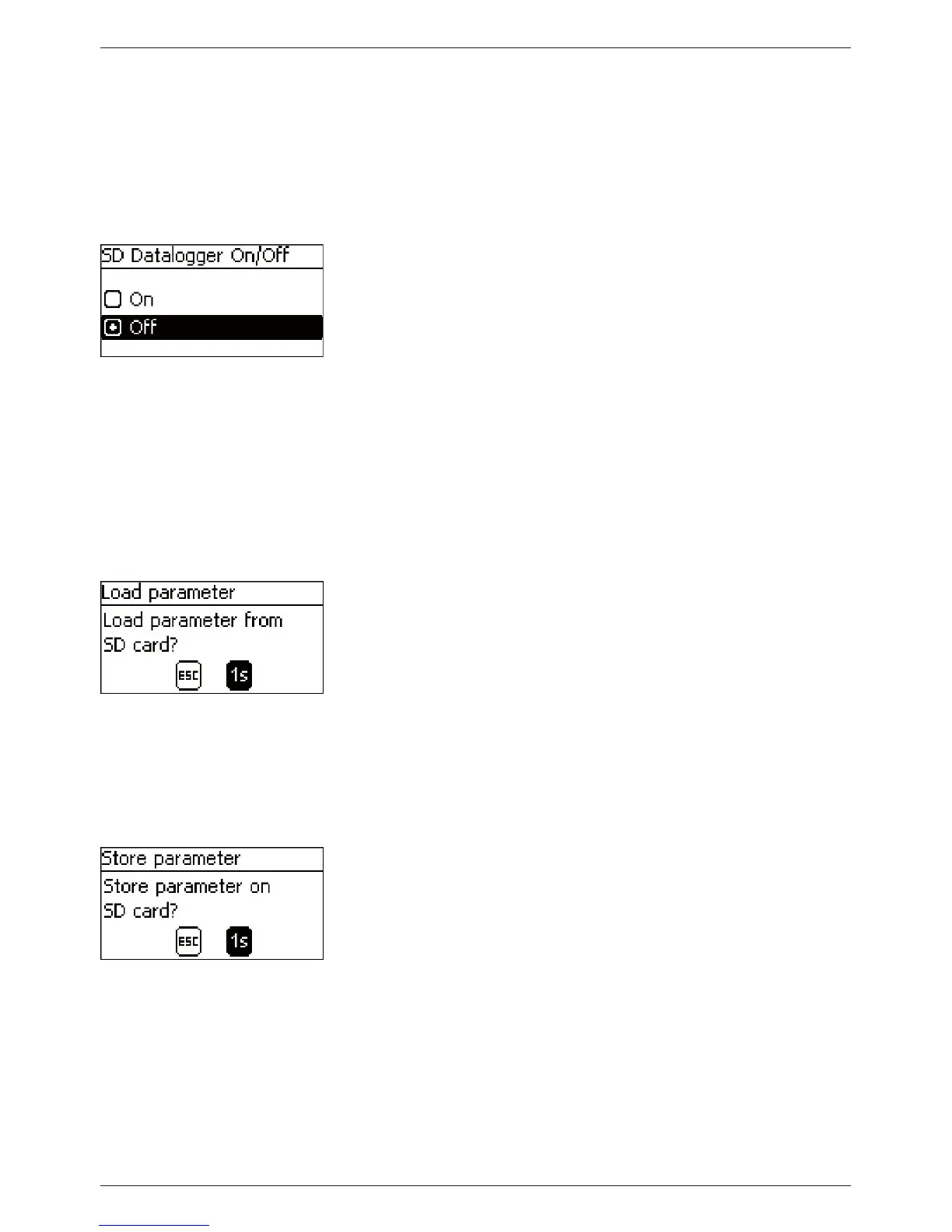
Datalogger On/Off
Notices
Q Data logging to the SD card can only be generally switched on
and off.
Q Any existing data files are not deleted. Information is appen-
ded to existing files.
‘Main menu‘
‘SD card‘ ‘Datalogger On/Off’
1. Press ‘SET‘. The 'SD Datalogger On/Off' dialogue appears
(Fig. left).
2. Press
r, s to change the selection.
3. Press ‘SET‘. The selection is adopted.
Loading parameters
Notices
Q Only the entire set of parameters can be loaded.
Q The applicable set of valid parameters must be stored in a file
with the name ‘Master.ini’.
Q Selection between various different parameter sets is not
possible.
‘Main menu‘
‘SD card‘ ‘Load parameter’
1. Press ‘SET‘. The ‘Load parameter‘ dialogue appears (Fig. left).
2. Press ‘SET‘ for 1 s. Then, the parameters are loaded from the
SD card and accepted in the Tarom's settings.
Storing parameters
Notices
Q Any existing file is replaced when the parameter file is stored.
Q The file name used for the parameter files is not configurable.
‘Main menu‘
‘SD card‘ ‘Store parameter’
1. Press ‘SET‘. The ‘Store parameter‘ dialogue appears (Fig. left).
2. Press ‘SET‘ for 1 s. The parameters are then stored on the
SD card.



 To Next Page