Operation
Confirming event messages
An event message with the comment ‘NEW’ is displayed.
Press ‘ESC’/r/s. The event message is confirmed.
Displaying event messages
‘Main menu’
‘Event log’
Press rs to page through the event messages; see following "List of event messages".
Clearing the event log
All event messages are cleared.
‘Main menu’ ‘System settings’ ‘Clear event log’
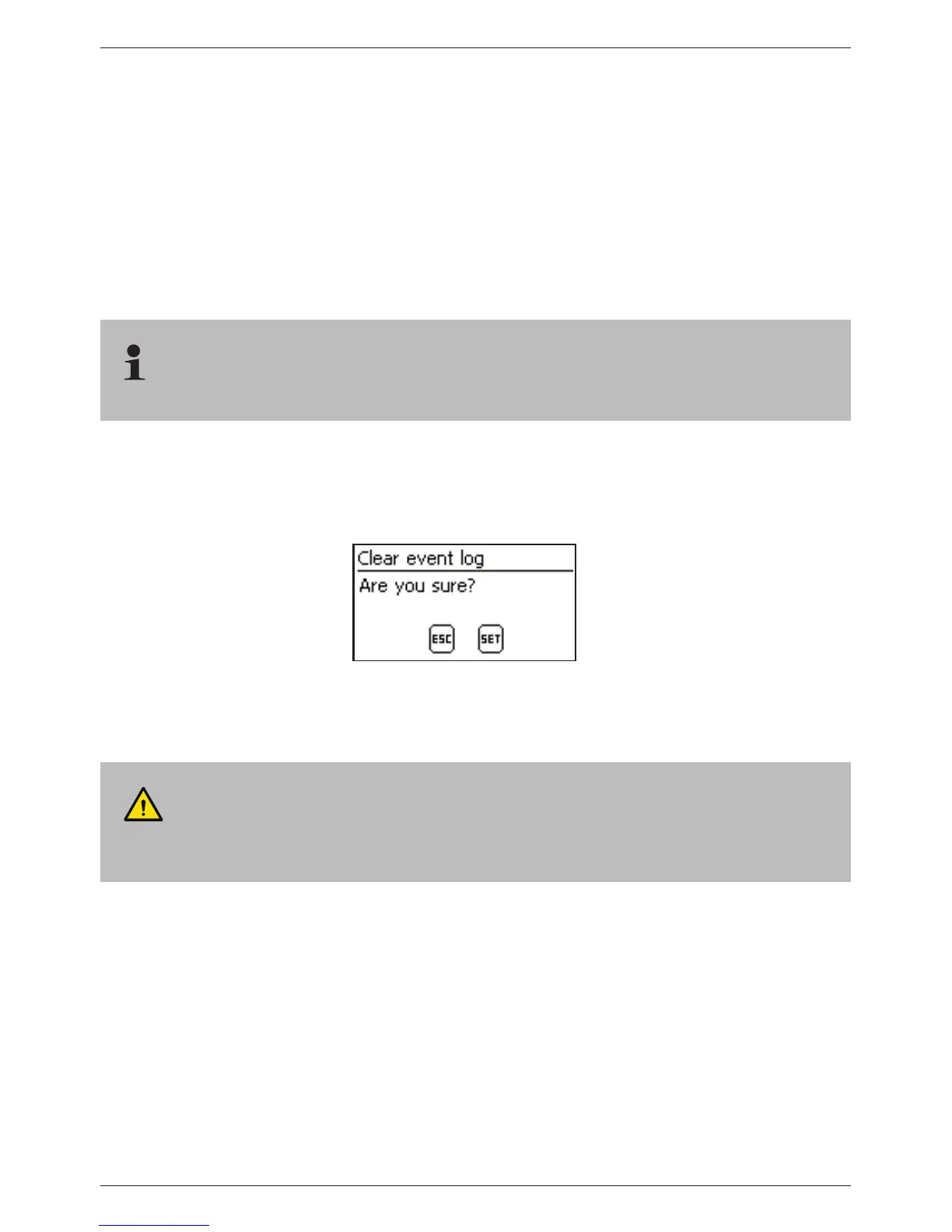
1. Press ‘SET’. Fig. 16 appears.
2. Press ‘SET’ for 1 s to clear the event log.
Fig. 16 Clear event log dialog
List of event messages
DANGER!
When correcting errors, observe the safety instructions in section 9.1.



 To Next Page