Operation & Service Manual (VA) 47 ST1175
3. Go to the other column of "the pair" and press [SELECT] until the [PAIR] light is
continuously lit. Now "the pair" has been selected.
4. Press button 3 to raise "the pair" of columns.
Press button 4 to lower "the pair" of columns.
An acoustic signal will be emitted when "PAIR" UP and DOWN are operational,
because this is an unusual situation.
When a pair operation is set up, the other axle pairs are also automatically
selected as a pair in the operating system. This will only work correctly if all
column lifts have been configured in a closed circuit according to Linking columns.
6.5.3 Operation of a single column
1. Press [SELECT] until the [SINGLE] light has been activated.
2. Press button 3 to raise the single column or press button 4 to lower the single
column.
An acoustic signal will be emitted when "SINGLE" UP and DOWN are operational,
because this is an unusual situation.
6.6 Operating the pallet lifting mechanism
Follow the next described procedure to operate the pallet lifting mechanism:
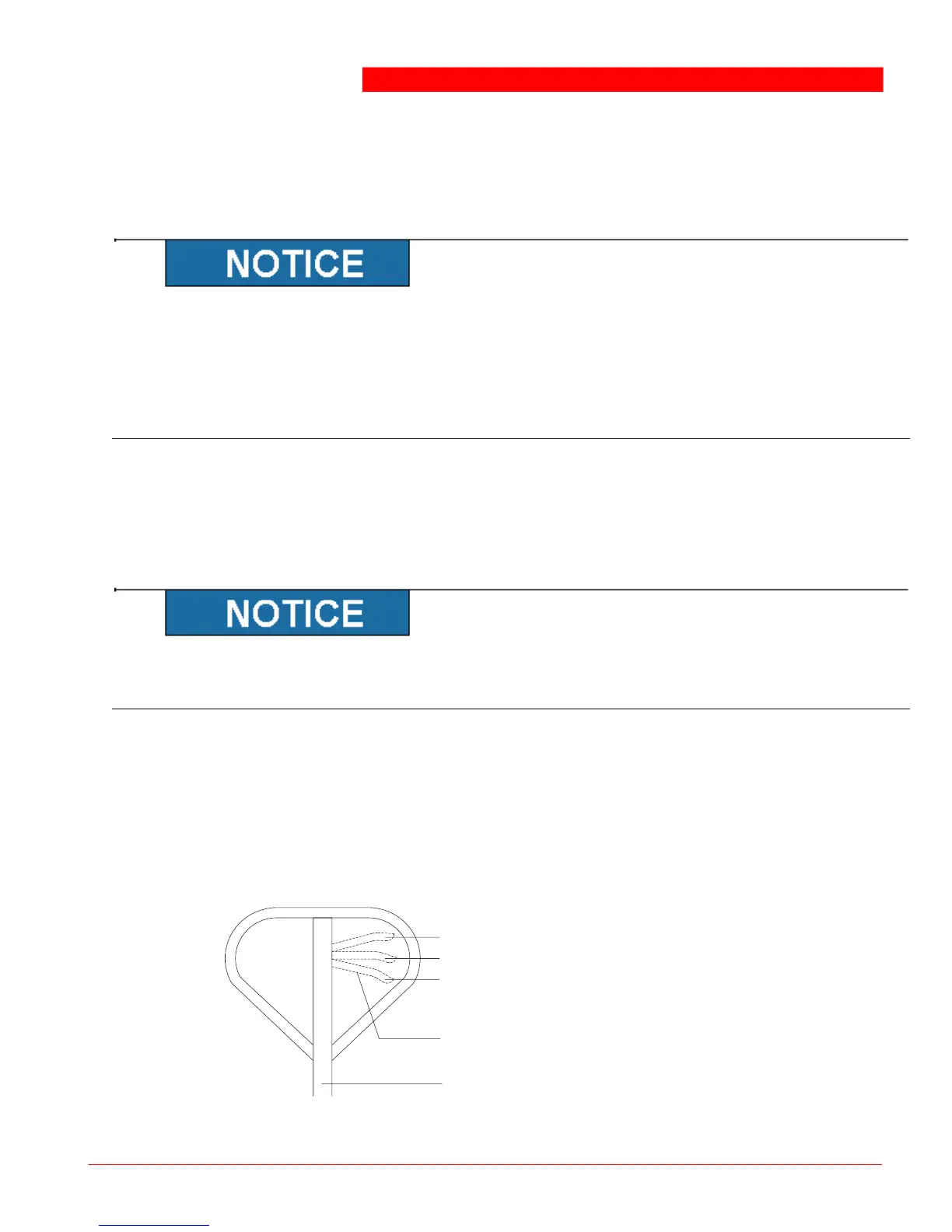
1. Set the lever (4) to position (3) and make a pumping movement with the
drawbar (5) to raise the column lift with the pallet lifting mechanism. The column lift
can then be relocated.
2. Pull the lever to position (1) to lower the column lift to the floor.



 To Next Page