Operation & Service Manual (VA) 59 ST1175
7.6.5 Checking the pneumatic spring(s)
With the pallet lifting mechanisms fully raised, hoist a vehicle of at least 8,800 lbs
by approximately 4". Then check at the rear side of each column lift whether it is
on the floor.
7.7 Maintenance switches
Switches can be found in the control panel that can be operated by the fitter during
maintenance to the lifting system. These switches can be used to check whether
the lowering valve, the unlocking solenoid and the hydraulic power unit are
functioning properly. As long as the control system is functioning properly, the
switches can also be used to check the safety margins for the control.
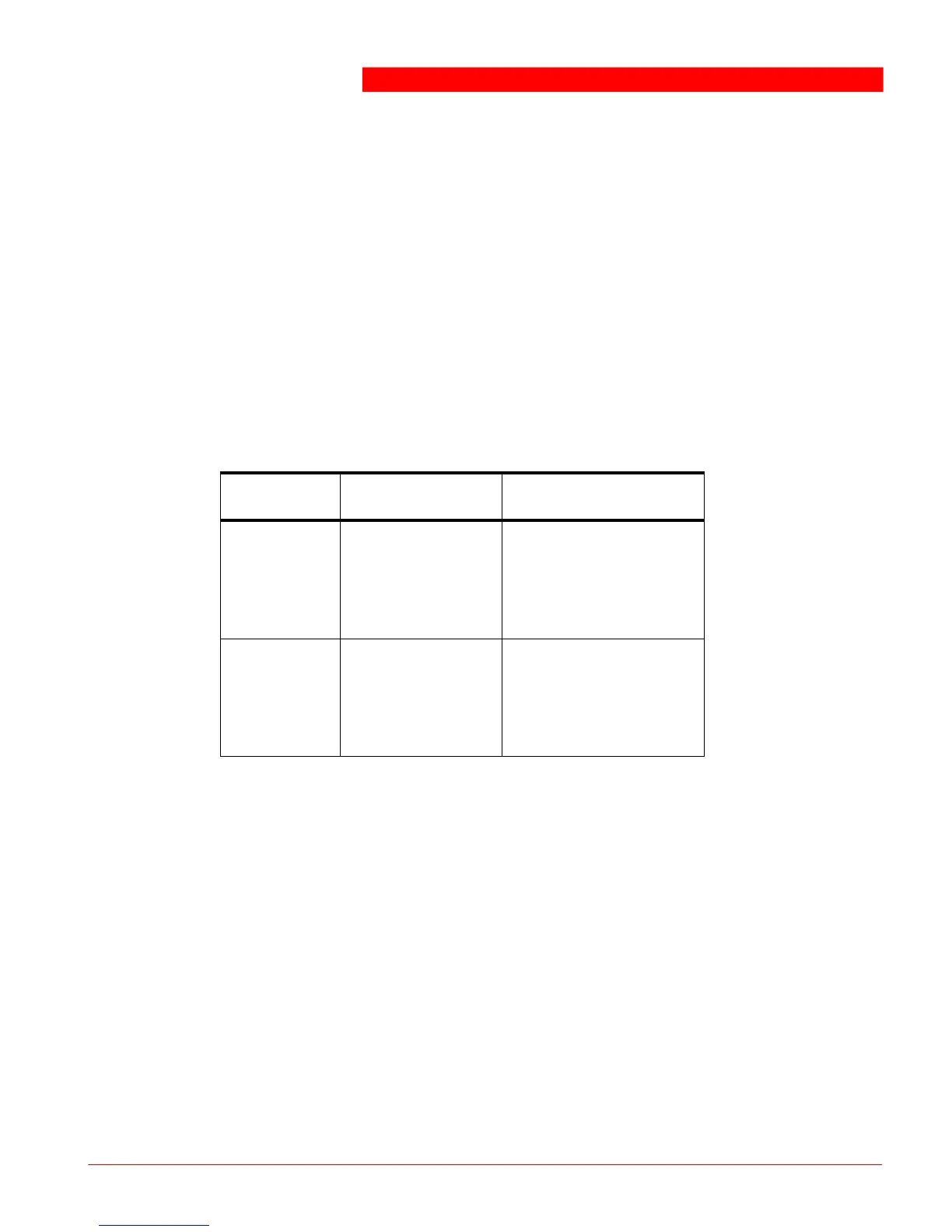
Maintenance switches
Controls the electric
motor of the column lift
on which this switch is
being operated (the
column lift goes up).
Controls the lowering
valve and the solenoid
for unlocking the
column lift on which
this switch is operated.
7.8 Programmable settings
In general, programming is done as follows:
1. Open the door of the control box.
2. Switch the main switch on and simultaneously press the slow lowering button
(turtle) and the UNLOCK button until a flashing 60 is displayed on the display.
- Button [UP]: selection of programs 60 to 67.
- Button [DOWN]: makes the function active (the code will be lit continuously)
or inactive (the code flashes).
- Button [UNLOCKED]: exits programming mode.
- Button [SELECT]: the operating system will be started (normal operation).
The program is automatically terminated when no button is pressed for
30 seconds. The settings are also saved after a power failure.



 To Next Page