Installation and commissioning
Instructions for use • AIDA C WD310 • AAB272_EN_V2.0_12-2021_IFU_CE-MDR 35
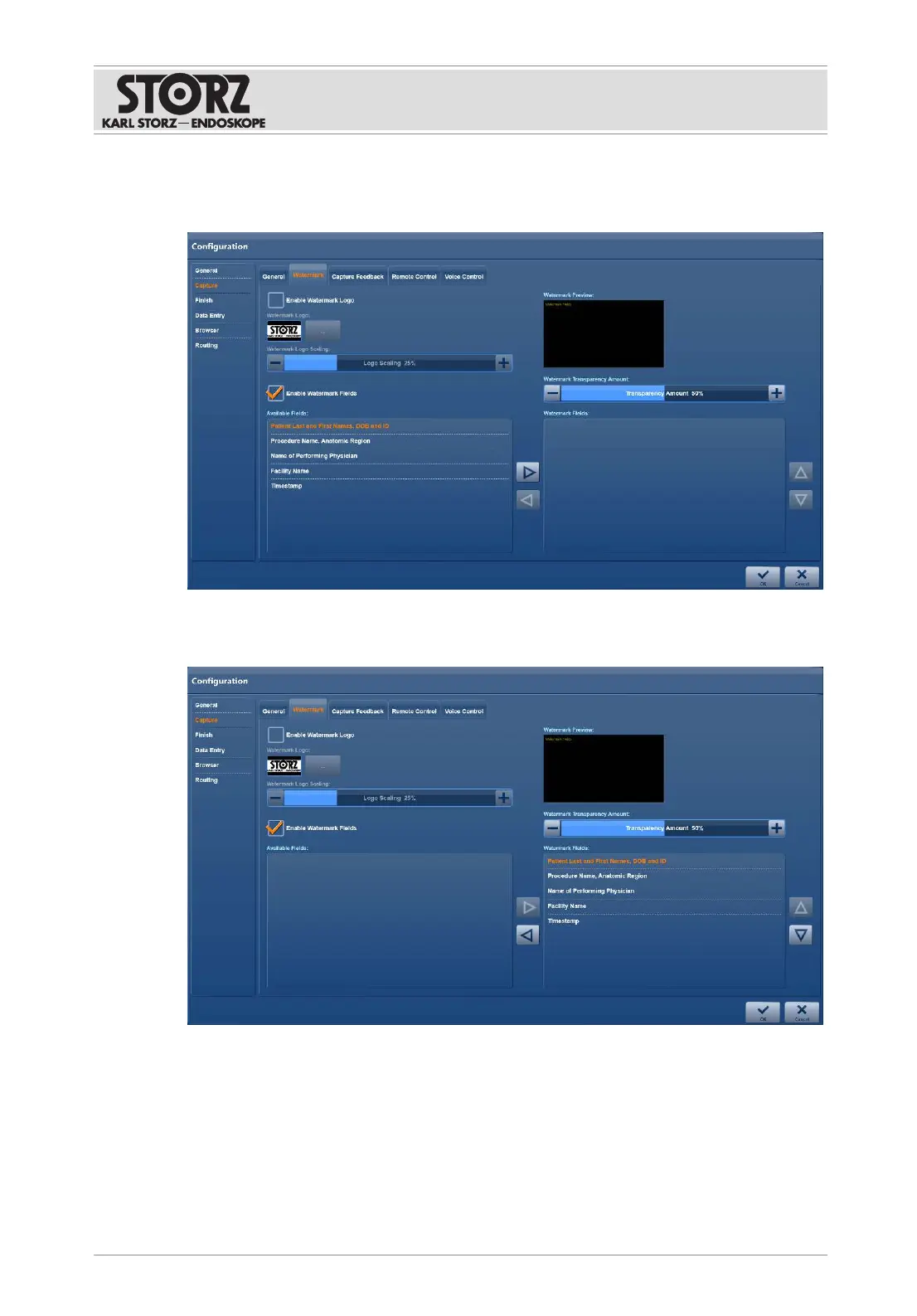
Setting up image labeling
1. Place a check mark next to
Enable Watermark Fields
.
2. Select the desired entries in the
Available Fields
list.
3. Tap the arrow to copy the entries to the
Watermark Fields
list.
4. Place the entries in the order in which they are to appear on the images.
5. Press
OK
to confirm.
6.1.3.3 Capture feedback
The
Capture Feedback
tab is used to specify whether the user receives visual and/or acoustic
feedback about a captured image or recorded video.













 To Next Page