Installation and commissioning
Instructions for use • AIDA C WD310 • AAB272_EN_V2.0_12-2021_IFU_CE-MDR 36
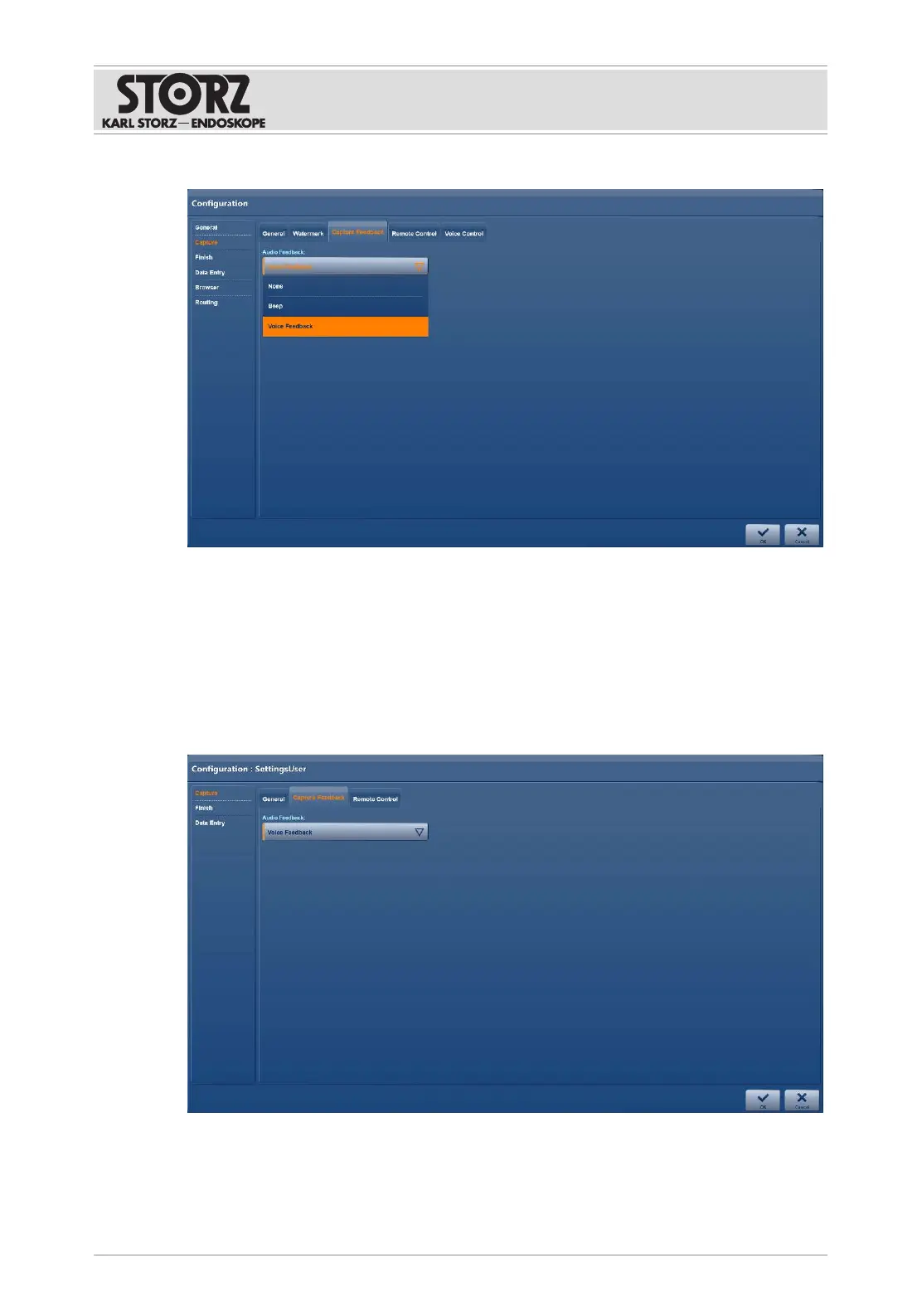
1. Tap the
Capture Feedback
tab.
2. Enable the required feedback display.
3. Press
OK
to confirm.
6.1.3.4 Remote control
The
Remote Control
tab is used to specify the assignment and functioning of the remote
control. Depending on the installation, the remote control can be set up for the footswitch and,
if necessary, for the camera head.
1. Tap the
Remote Control
tab.
Remote control via the footswitch
1. If a two-pedal footswitch is connected, set up all 4 operating options:
Left Full Press, Left
Half Press, Right Full Press, Right Half Press
.













 To Next Page