Installation and commissioning
Instructions for use • AIDA C WD310 • AAB272_EN_V2.0_12-2021_IFU_CE-MDR 41
Saving data on a hard disk
The export destination
Localdrive
is predefined; the name and the file path D:\Export cannot be
edited.
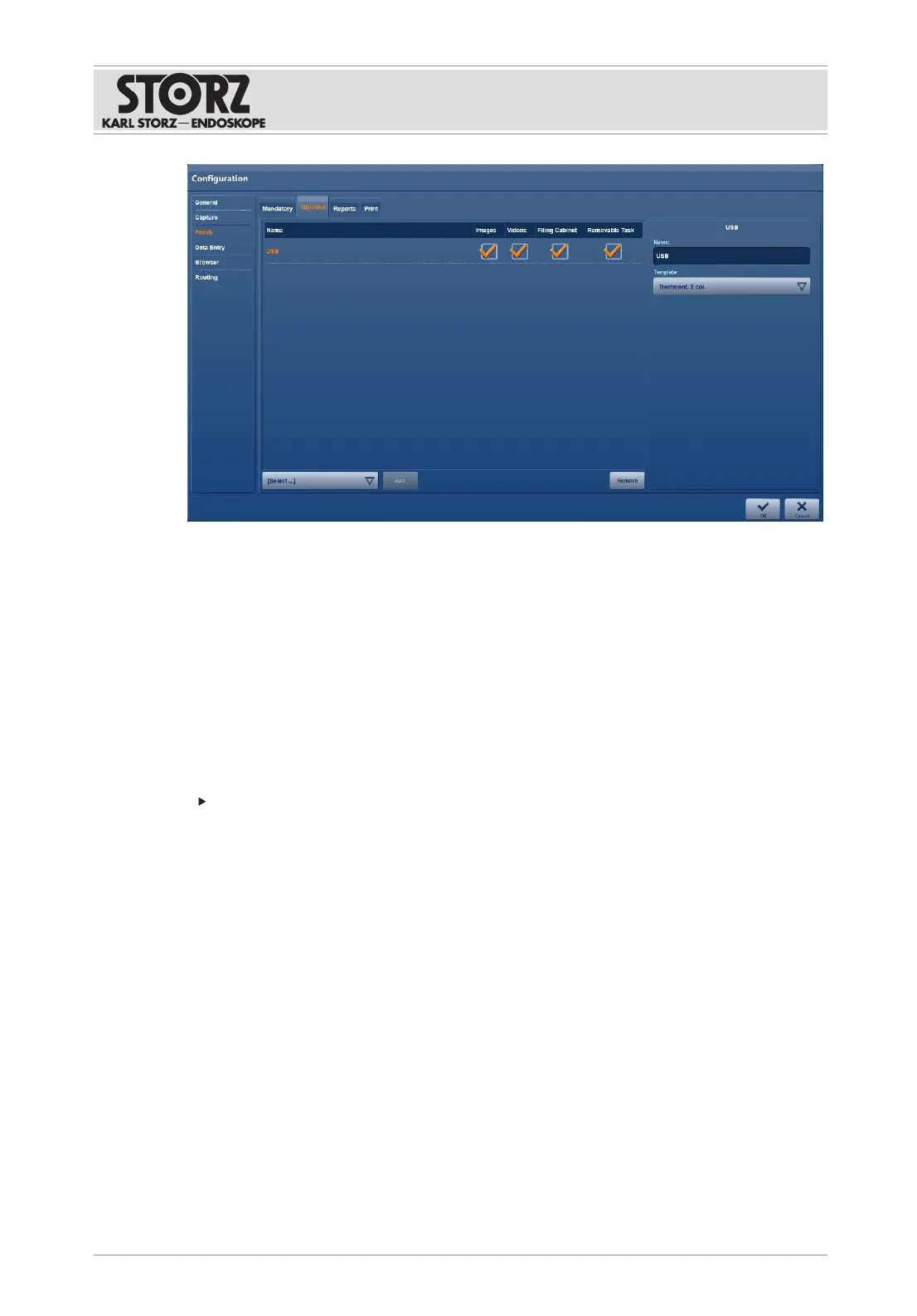
1. To create an additional export destination on the hard disk D:\ or an external storage
medium, tap the
Hard Disk
or
USB
export destination.
2. Specify the name of the export destination and the file path.
Storing data with minimum memory space
The system continuously checks the memory space on the hard disk to ensure that enough
space is available for the recordings.
Check the
Remove Old Procedures if Needed
checkbox.
ð Old exports are overwritten as of a memory capacity of less than 250GB.
ð As of a memory capacity of 100GB or less, storage on the hard disk is aborted.
Data storage on the DICOM server
1. Enter the destination address and test the connection using the
Echo
button.
2. Set the timeout time.
ð If only stills are to be saved, a timeout time of approx. 30seconds is recommended.
ð If stills and video recordings are to be saved, a timeout time of approx. 120seconds is
recommended.
3. Select the video format.
ð The video data is exported in the same format as the recording or in SD proxy format.
4. Check the
Storage Commitment
checkbox if you would like to receive confirmation that
the data has been securely stored in PACS.













 To Next Page