Installation and commissioning
Instructions for use • AIDA C WD310 • AAB272_EN_V2.0_12-2021_IFU_CE-MDR 46
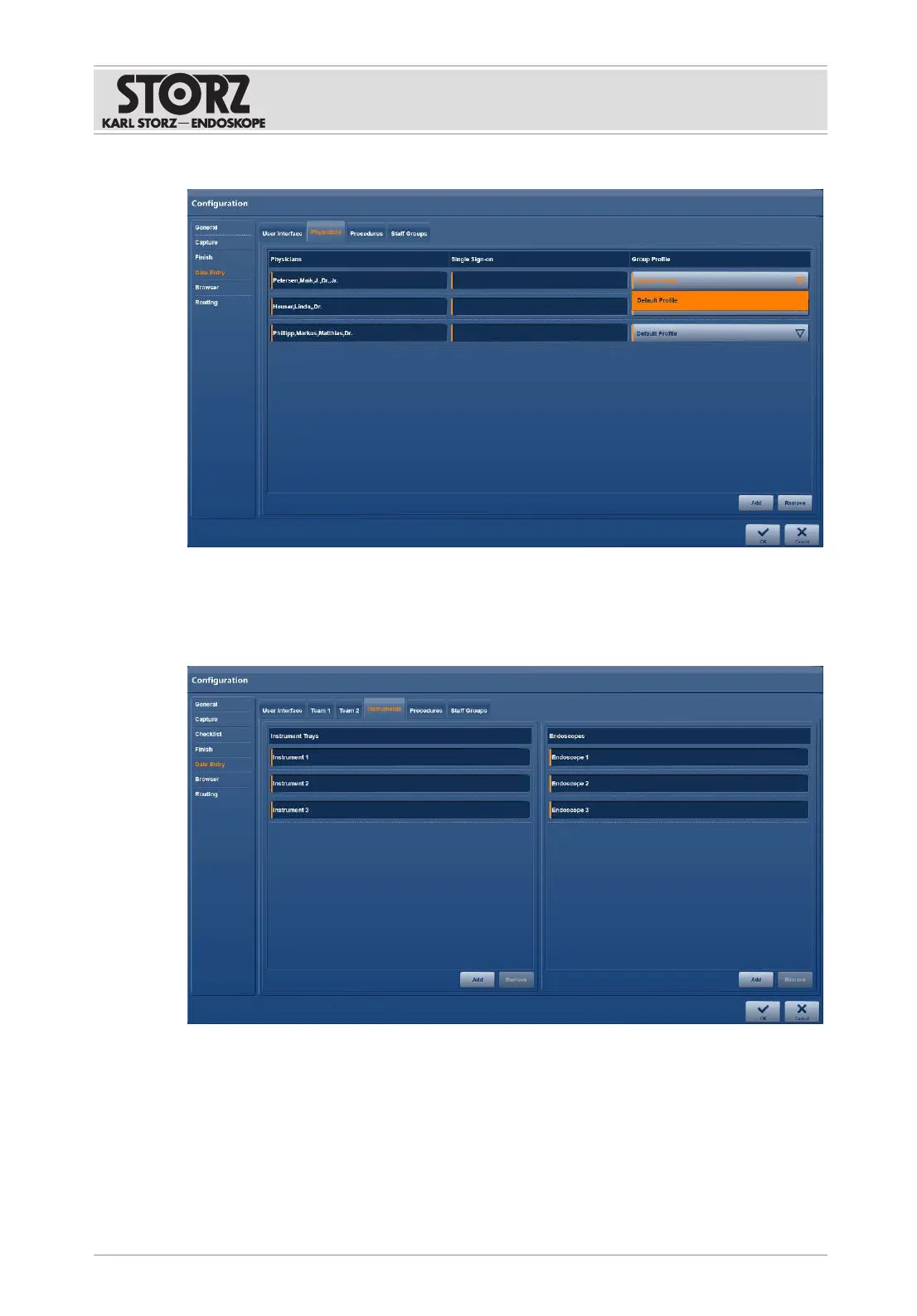
4. Select the desired profile in the
Group Profile
list.
6.1.5.3 Instruments
The
Instruments
tab is used to enter the identification numbers of instruments or instrument
trays as well as the serial numbers of endoscopes.
1. Tap the
Instruments
tab.
2. Enter the data.
3. Tap the
Add
button.
ð The data is available on the user interface.
4. To delete an entry, tap the
Remove
button.
5. Confirm the entries by pressing
OK
.













 To Next Page