21
CatalystEX overview
• General tab: This section is where you can select the model fill, support style, change the STL
units and STL scale.
• Orientation tab: This section allows you to rotate, resize and auto-orient your parts. You can
also change the view and insert a pause.
• Pack tab: This section shows you which parts are in the pack for printing. You can add parts,
arrange the parts for a better fit or clear the pack from this section.
• Printer Status tab: This section shows you the amount of material remaining (both model and
support) as well as which parts are in the Build Queue.
• Printer Services tab: From this section you can check the printer history, set the printer time, set
the printer password, update printer software, get printer info and export configuration files
(files containing specific operating information regarding the printer).
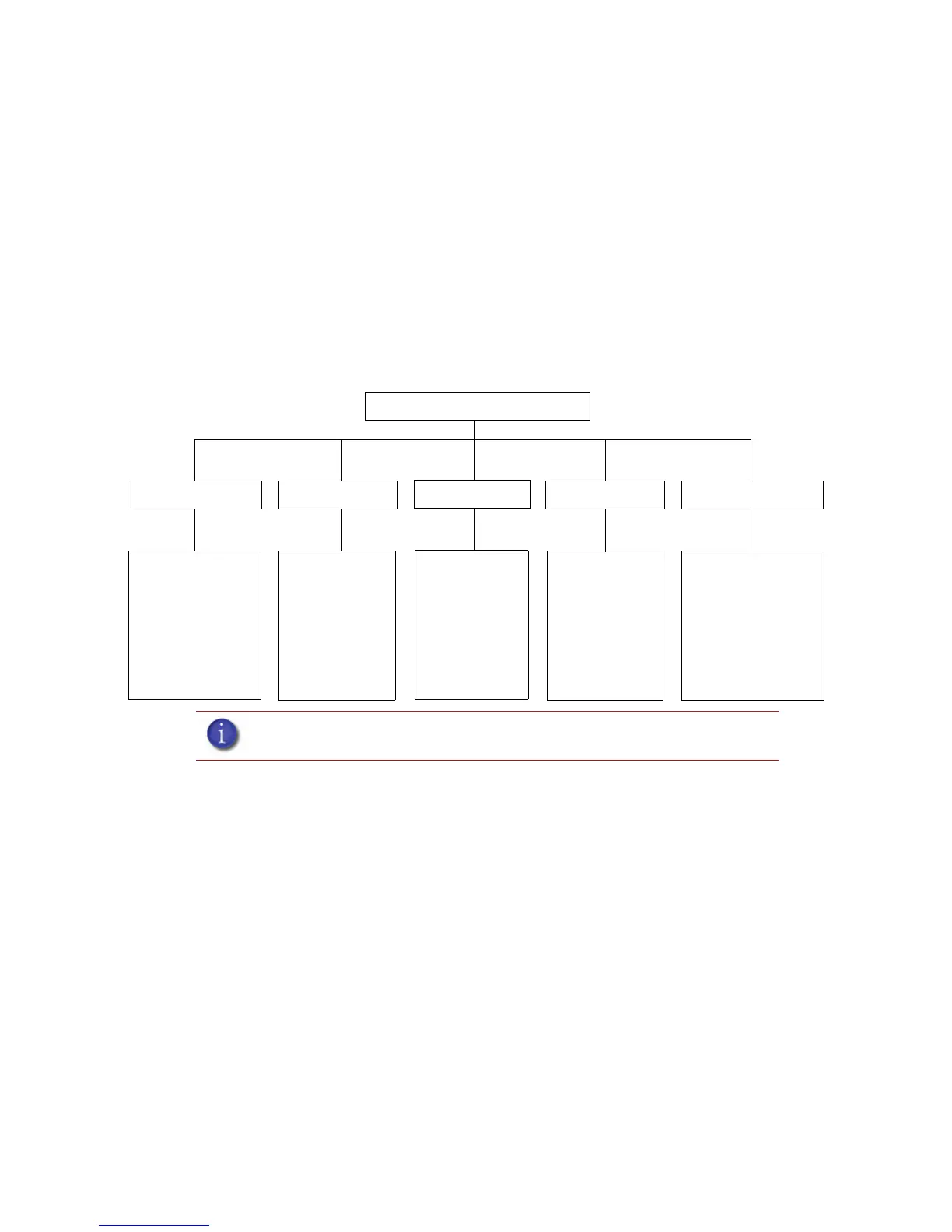
Figure 17 CatalystEX hierarchy
Note: For detailed information refer to CatalystEX Dynamic Help.
CatalystEX
• Auto orientation
• Part rotation
• STL scale
• Change views
• Insert Pause
• Insert CMB file
• Pack name
• Clear pack
• Printer status
• Job queue
• Manage queue
• Printer history
• Export configuration
• Printer time
• Printer password
• Printer information
• Update software
• Layer resolution
• Model fill style
• Support style
• Number of copies
• STL units
• STL scale
General tab
Orientation tab
Pack tab
Printer Status tab
Printer Services tab














 To Next Page