37
Tip shield replacement
Tip shields can become worn or damaged over time. This can have a negative impact on the
surface finish and detail of models. Replace the tip shields every 500 hours.
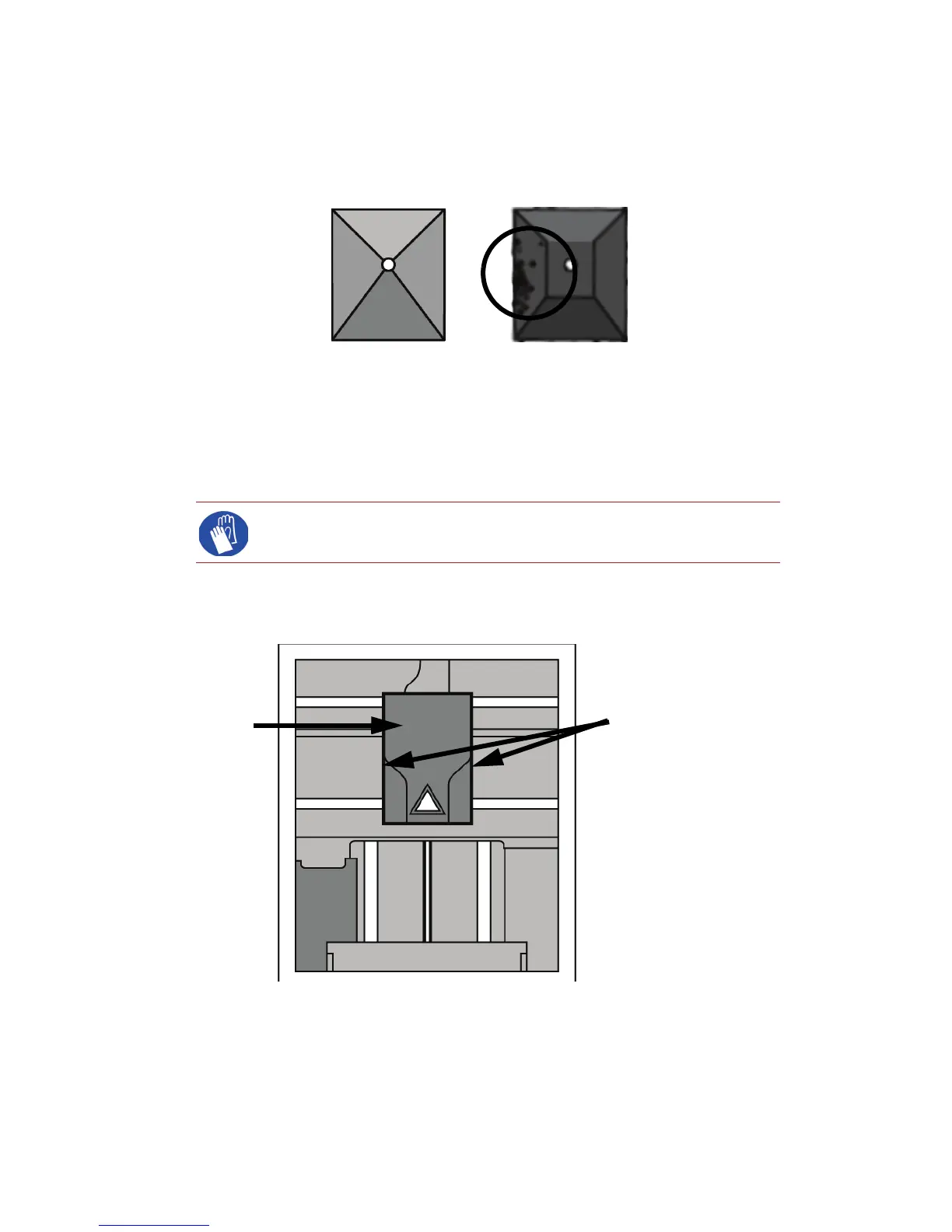
Figure 31 Tip Shield damage
1. Enter Head Maintenance.
a. From the display panel press Maintenance.
b. Press Machine.
c. Press Head. The head will come to rest in the center of the chamber
and the Z platform will change position.
2. Remove the head cover by pressing the tabs in and pulling away from the head. See Figure
32.
Figure 32 Head cover tab locations
3. Position the blade of a small screwdriver between the tip shield and tip plate. Use the blade of
the small screwdriver to separate the tip shield from the tip plate. See Figure 33.
Gloves: The head area is hot, wear gloves when working in this area of the
printer.
Press tabs in to remove
head cover
Head cover














 To Next Page