27
Removing support material
uPrint and uPrint Plus use soluble support material which is designed to dissolve in a soap and water
based solution. Your part is left with a smooth and clean finish with the fine details intact. The
soluble support material can be removed by hand with relative ease, but is designed to be dissolved
from your parts for hands free finishing.
Emptying the purge bucket
Empty the purge bucket after each build to avoid part quality issues or damage to the printer.
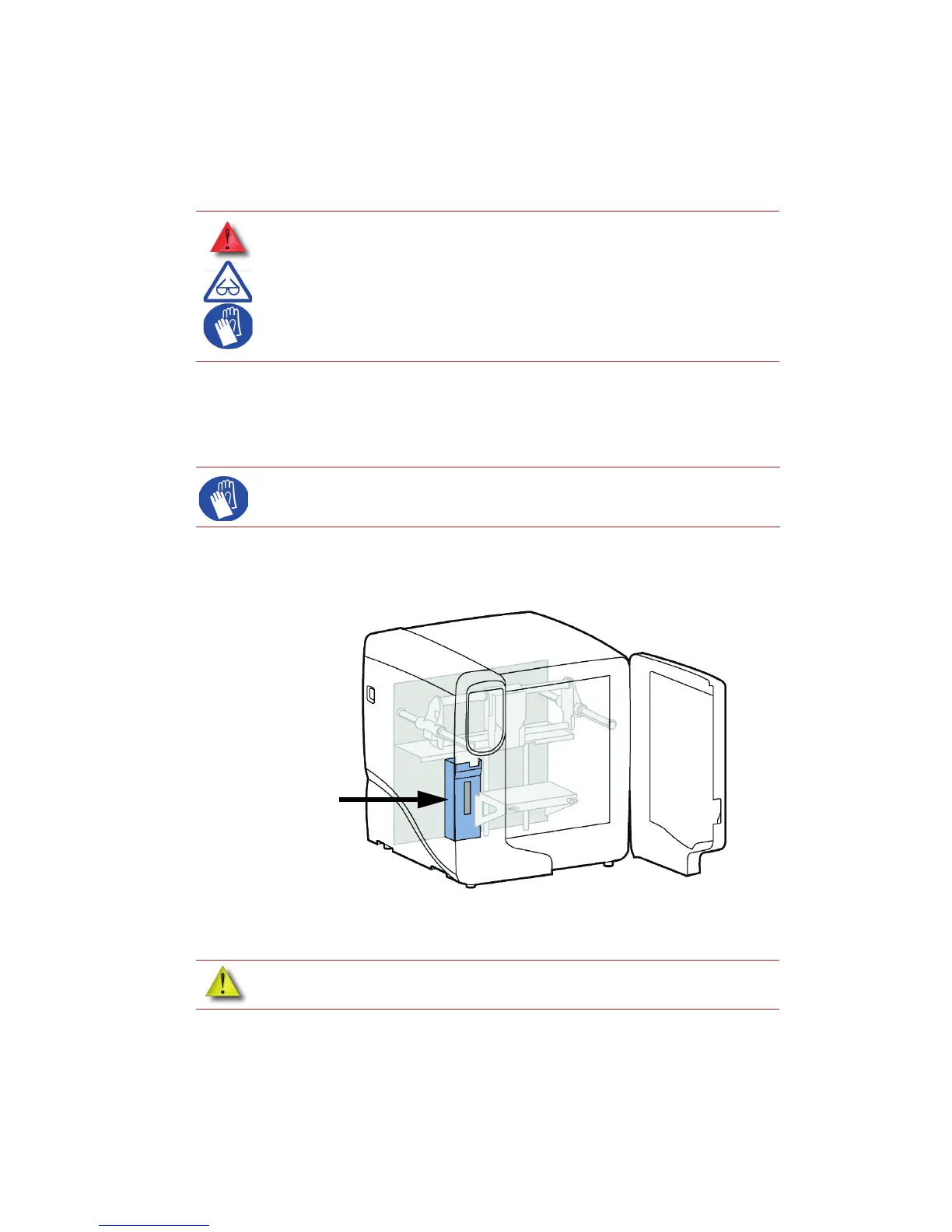
1. With a gloved hand, lift up on the purge bucket and pull it off of the two mounts. See Figure
19.
Figure 19 Emptying the purge bucket
2. Empty the purge bucket.
3. Place the purge bucket over the two mounts and push down to lock in place.
WARNING: Support material is sharp, wear safety glasses and gloves
when removing support material by hand.
Gloves: Wear gloves when emptying the purge bucket.
CAUTION: When reinstalling the purge bucket, make sure that it locks on both
mounts and hangs flush with the chamber wall to avoid damage.














 To Next Page