52
Material Jam
Occasionally, material may become jammed in the head. The printer will notify you of a material
jam through a message shown on the display panel. If a material jam is detected, follow these steps
to clear the jam.
1. From the display panel, press Continue.
2. Press Maintenance.
3. Press Machine.
4. Press Head.
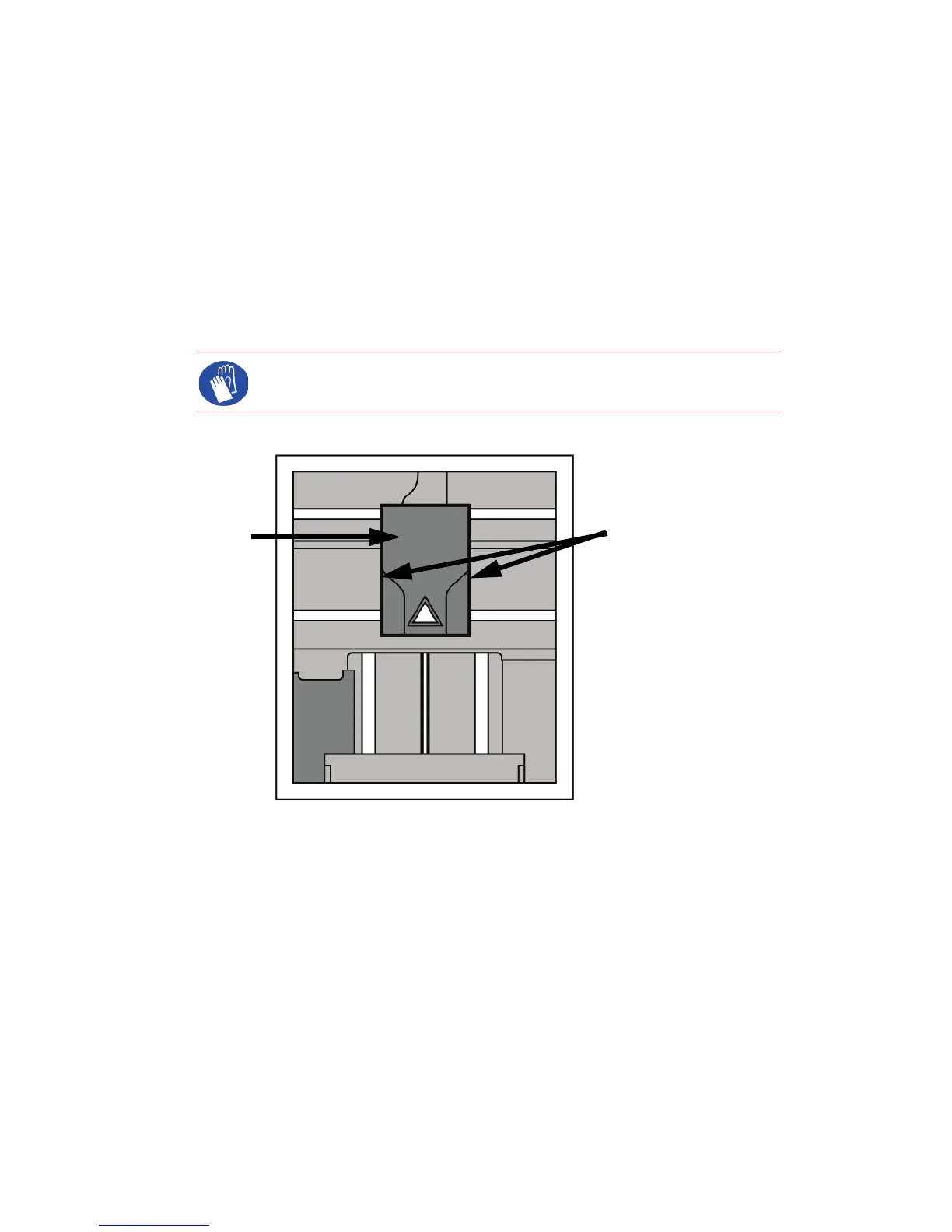
5. Once in head maintenance mode, remove the head cover by pressing the tabs in and pulling
away from the head. See Figure 48.
Figure 48 Remove the head cover
6. Inspect tip inlets for material build up see Figure 49. If there is excess material build up see
“Recovering from loss of extrusion” on page 54. If there is no excess material build up close
the chamber door and continue.
Gloves: The head area is hot. Use leather gloves when working in this area
of printer.
Press tabs in to remove
head cover
Head Cover














 To Next Page