41
2000 Hour maintenance
Tip replacement and calibration
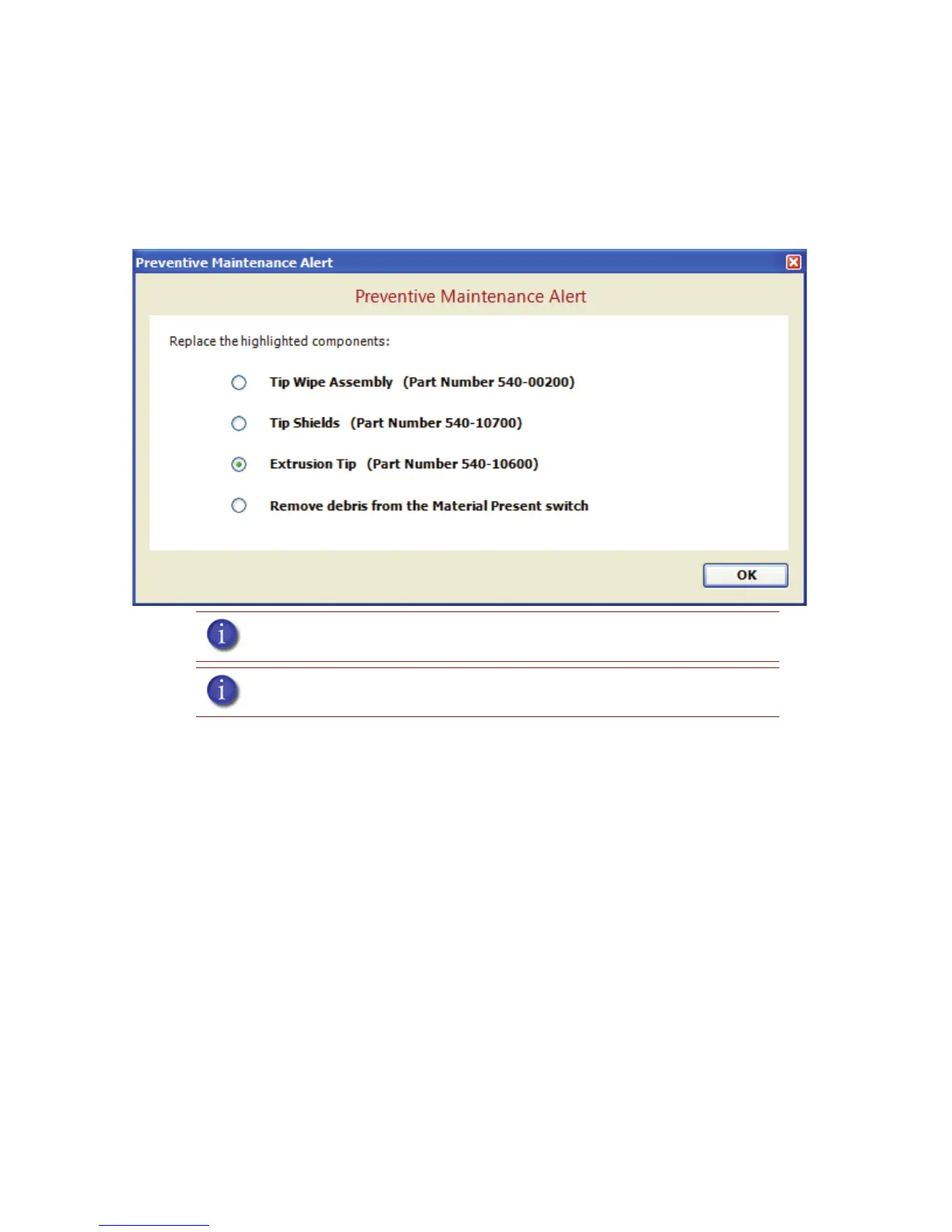
A Preventive Maintenance Alert will be displayed after 2000 hours of run time informing you that
tips need to be replaced and calibrated. See Figure 38.
Figure 38 Preventive Maintenance Alert
Removing tips:
1. You will need to make sure the printer is powered ON before replacing the extrusion tips.
2. From the display panel press Maintenance.
3. Press Machine.
4. Press Tip.
5. Press Replace.
6. The printer will display Load Model - Unloading.
7. You can now open the printer door and replace the tips - or you can Cancel the tip
replacement procedure.
8. Remove plastic head cover by squeezing raised pads on sides of cover. See Figure 39.
Note: Tips can also be damaged by improper care while performing
maintenance in the area around the tips.
Note: CatalystEX displays the tip time (hrs) - from the Printer Services Tab -
Printer Info button (Tip time will reset to zero after replacement).














 To Next Page