54
Recovering from loss of extrusion
1. Enter Head Maintenance mode.
a. From Idle, press Maintenance.
b. Press Machine.
c. Press Head. The head will heat up to operating temperature which
will take approximately 3 minutes.
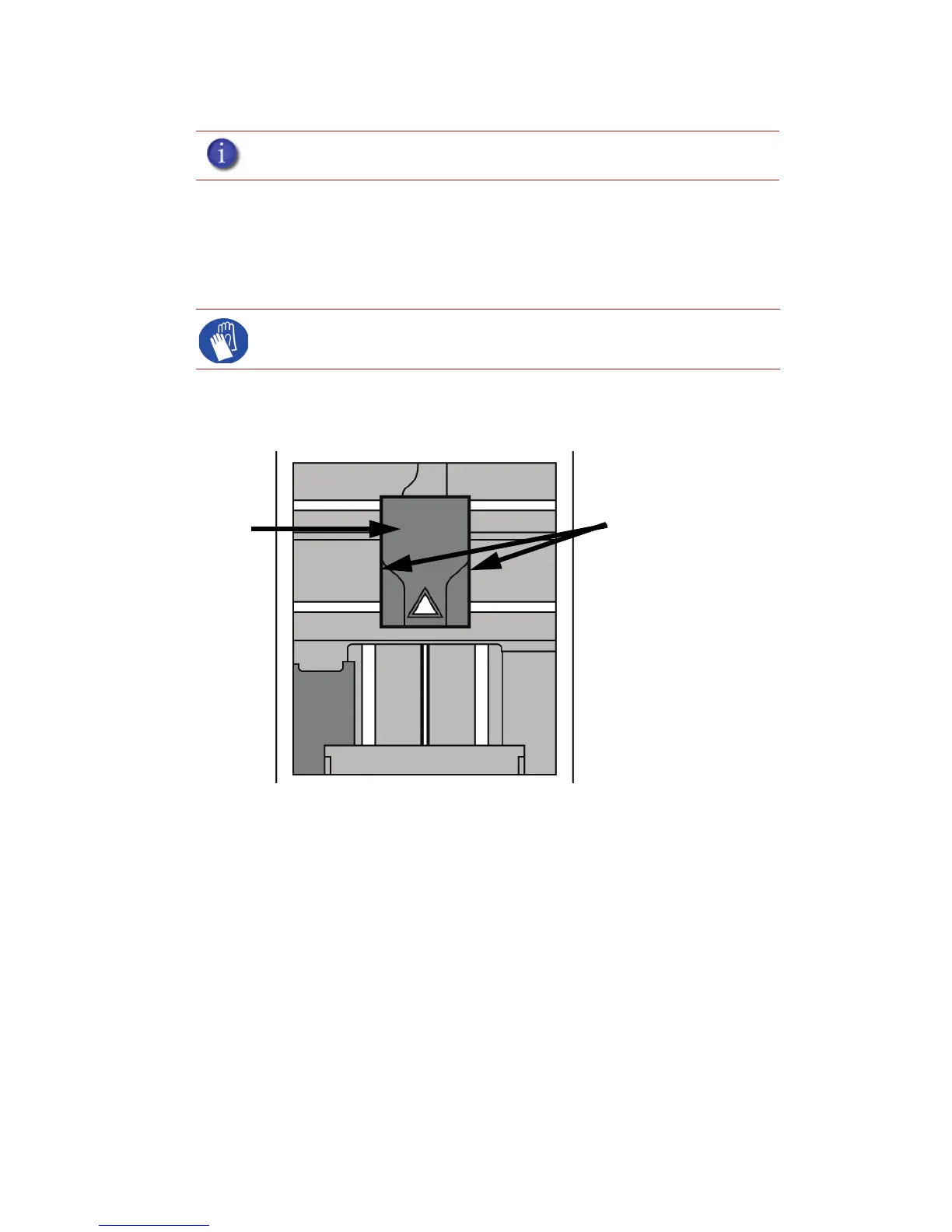
2. Remove the head cover by pressing the tabs in and pulling away from the head. See Figure
50.
Figure 50 Remove the head cover
3. Place the toggle bar in neutral position (bar will extend equally from both sides of head). This
can be done manually - push on the extended bar end. See Fi g u r e 51.
Note: It is recommended that you read and understand this entire procedure
before performing any of the work.
Gloves: The head area is hot. Use leather gloves when working in this area
of printer.
Press tabs in to remove
head cover
Head Cover














 To Next Page