39
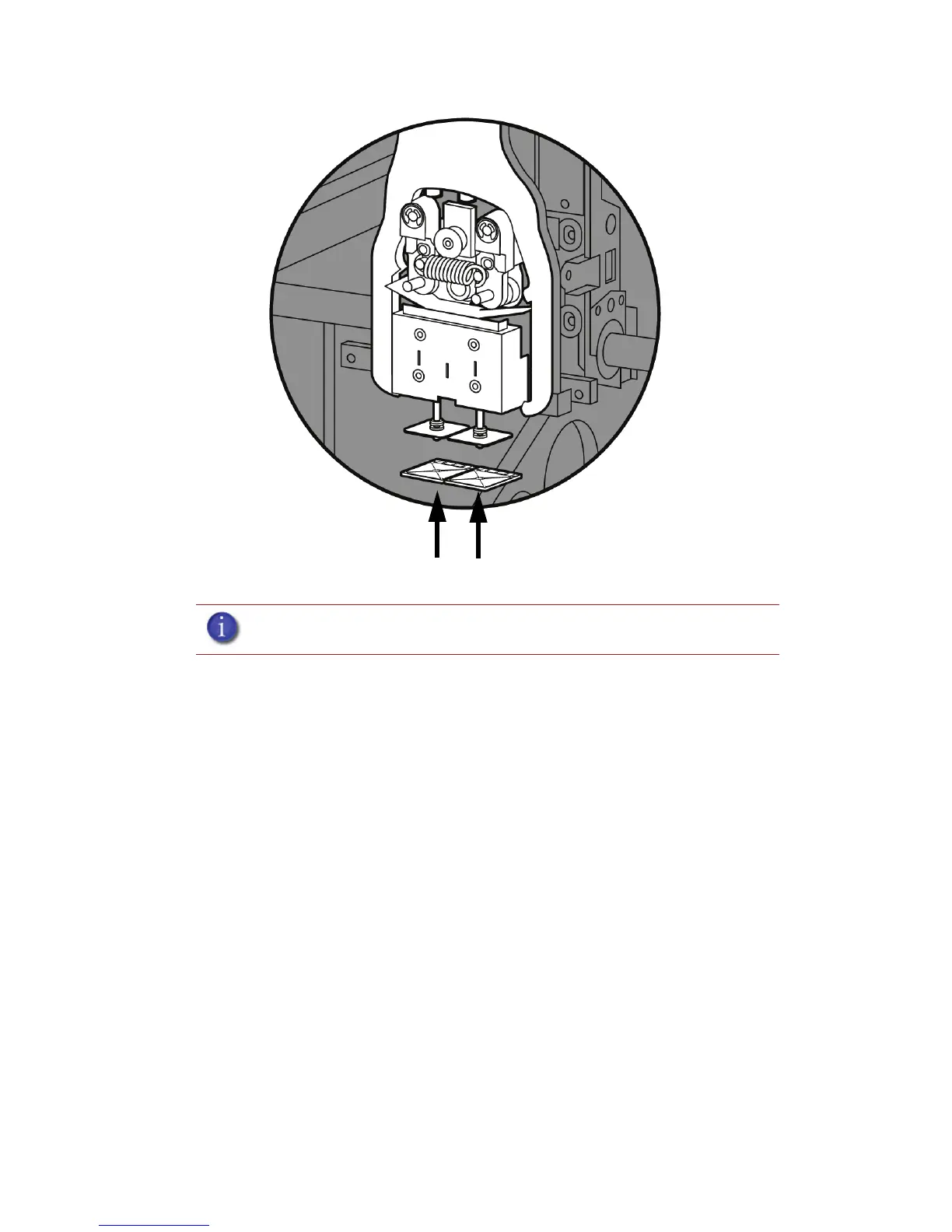
Figure 35 Tip Shield installation
6. Replace head cover.
7. Exit Maintenance, press Done until back at Idle.
Remove debris from the Filament Present switch
There may be a time when the Filament Present switch needs to be cleared in addition to the 500
hour maintenance. For example, if a Material Error-Filament blocked message appears on the
display panel; the recommendation may be to clear debris from the Filament present switch.
1. Unload material from the printer and remove the material carriers.
2. Open the material bay doors by gently pressing in to release and pulling outwards.
3. Remove the material carriers by first pushing them in to unlatch and then pulling them
outwards.
4. Disconnect the material tubes from the rear of the material bay(s). Leave them attached to the Y
block.
5. Locate the entrance hole to the Filament Present Switch in the material bay(s). See Figure 36.
Note: If the head cover is not replaced the printer may not function properly.














 To Next Page