CAUTION
When working at machines with rotating parts, take care to prevent clothes and/or
hair from being caught by the rotating parts.
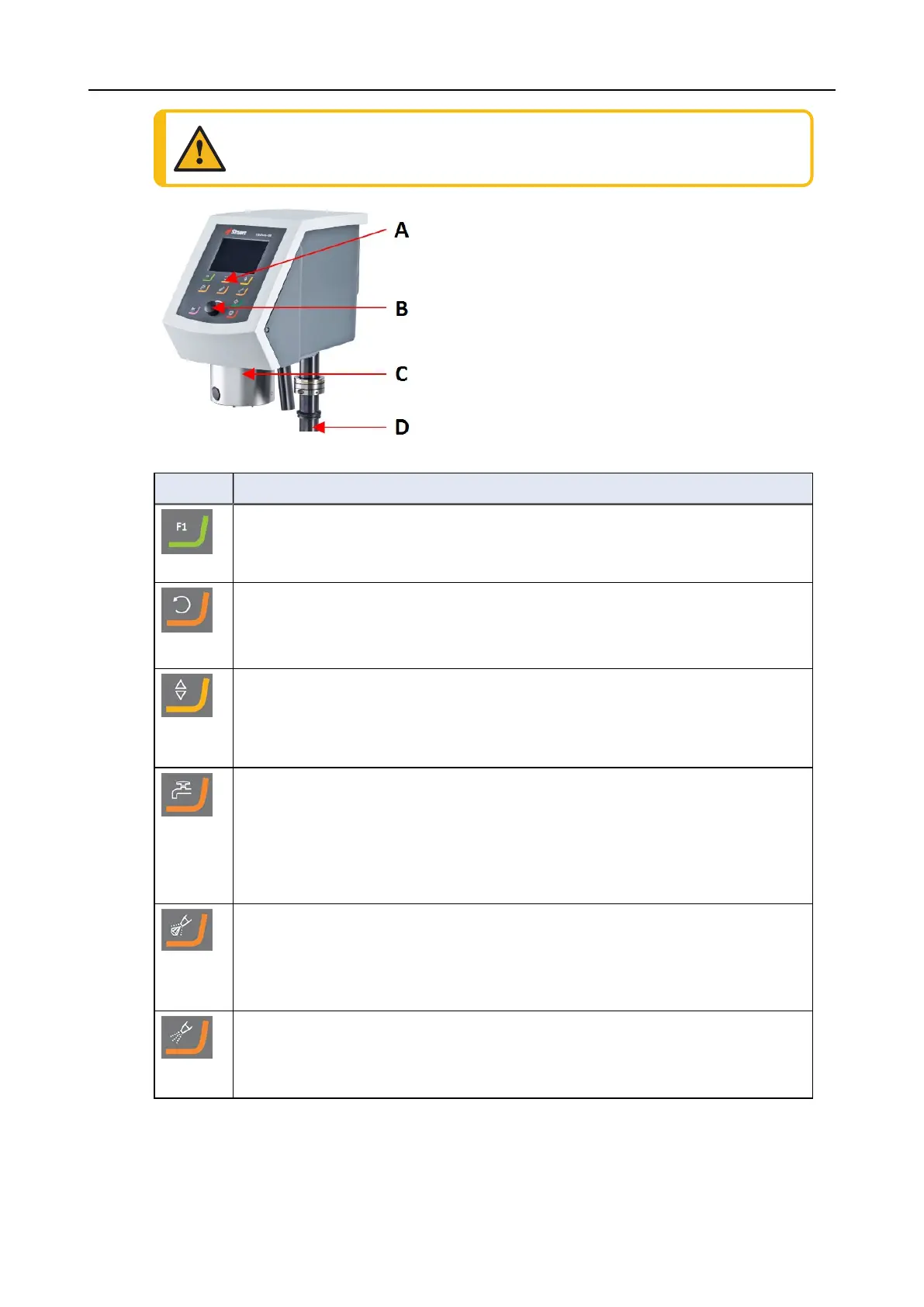
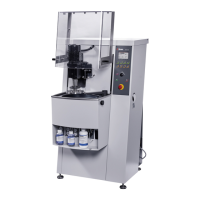
A Control panel
B Turn/push knob knob
C Specimen mover head
D Control panel column
Button Function
Function key
• Press this button to activate controls for various purposes. See the bottom line
of the individual screens.
Disc rotation
• Starts rotation of the disc (Spin function).
• Press this button again to stop the rotation.
Lower/Raise
Press this button to lowers and raise the specimen mover head when preparing
single specimens or when adjusting positions of the specimen mover plate or
specimen holder.
Water
Manual override
• Press the button to apply water. Water is applied when no process is running.
• Press the button again to stop applying water. Water switches off
automatically after 5 minutes.
Abrasive
This function is only active when dosing units are installed.
• Manual override: Press this button to apply diamond suspension from the
doser bottle.
Lubricant
This function is only active when dosing units are installed.
• Manual override: Press this button to apply lubricant from the doser bottle.
8 LaboForce-100
LaboPol-60 49









 To Next Page