6.4 Cleaning the operating panel and display
For cleaning the keyboard and display a special window cleaner or 'Glassex' using some clean cloth should be
used. Never clean the keyboard or display when the machine is powered on.
6.5 Emptying chip tray
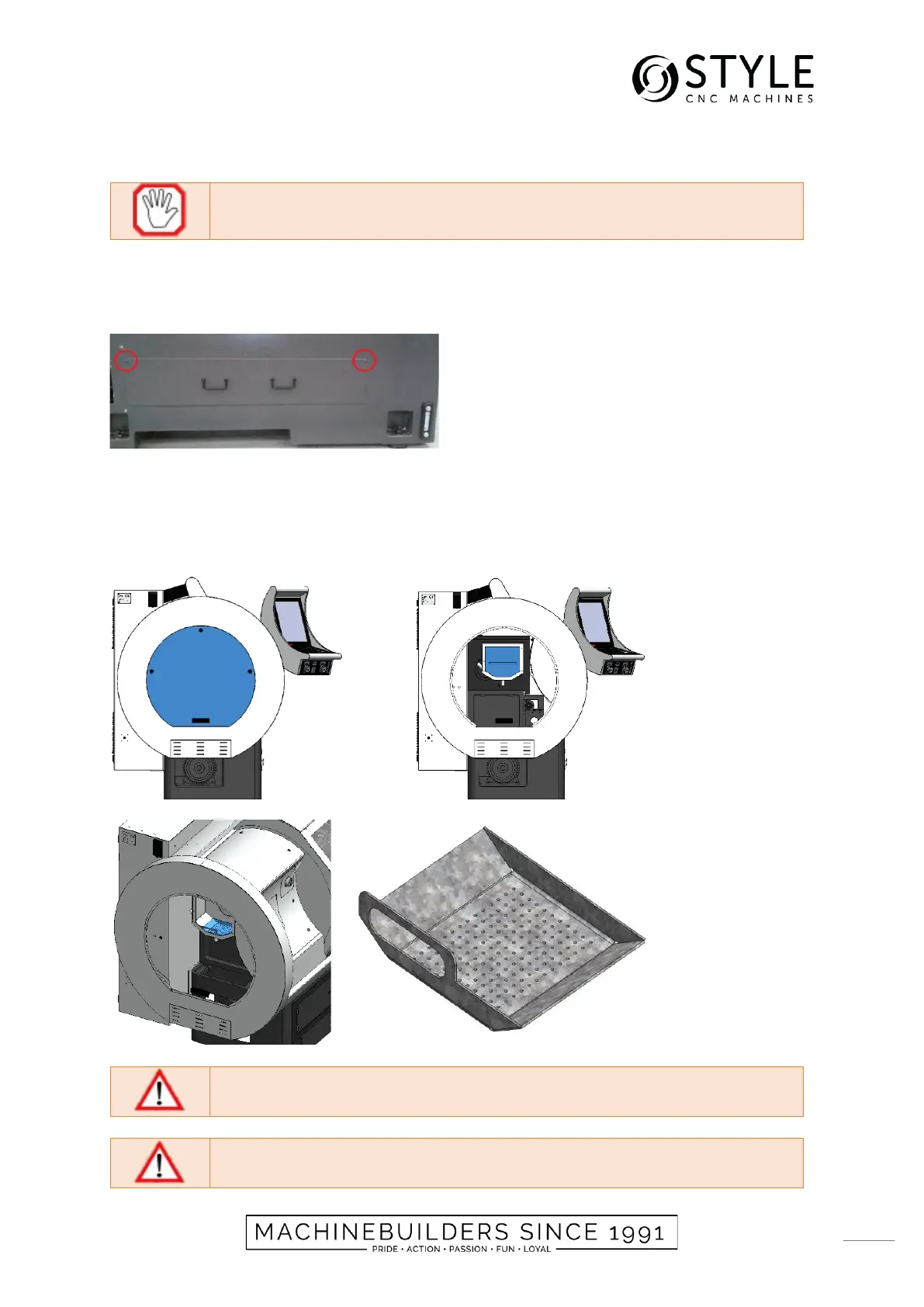
Before the chip tray can be removed of the frame it is necessary to remove the 2 screws on front of the chip tray.
Always place the chip tray back on is original position before starting the machine.
6.6 Emptying chip tray spindle bucket
1. Remove the left service hatch by opening the lockers.
2. Remove the spindle bucket cover.
3. Remove the chips of the chip tray.
4. Mount the spindle bucket cover.
5. Mount the left service hatch and close the lockers.


 To Next Page