2-17
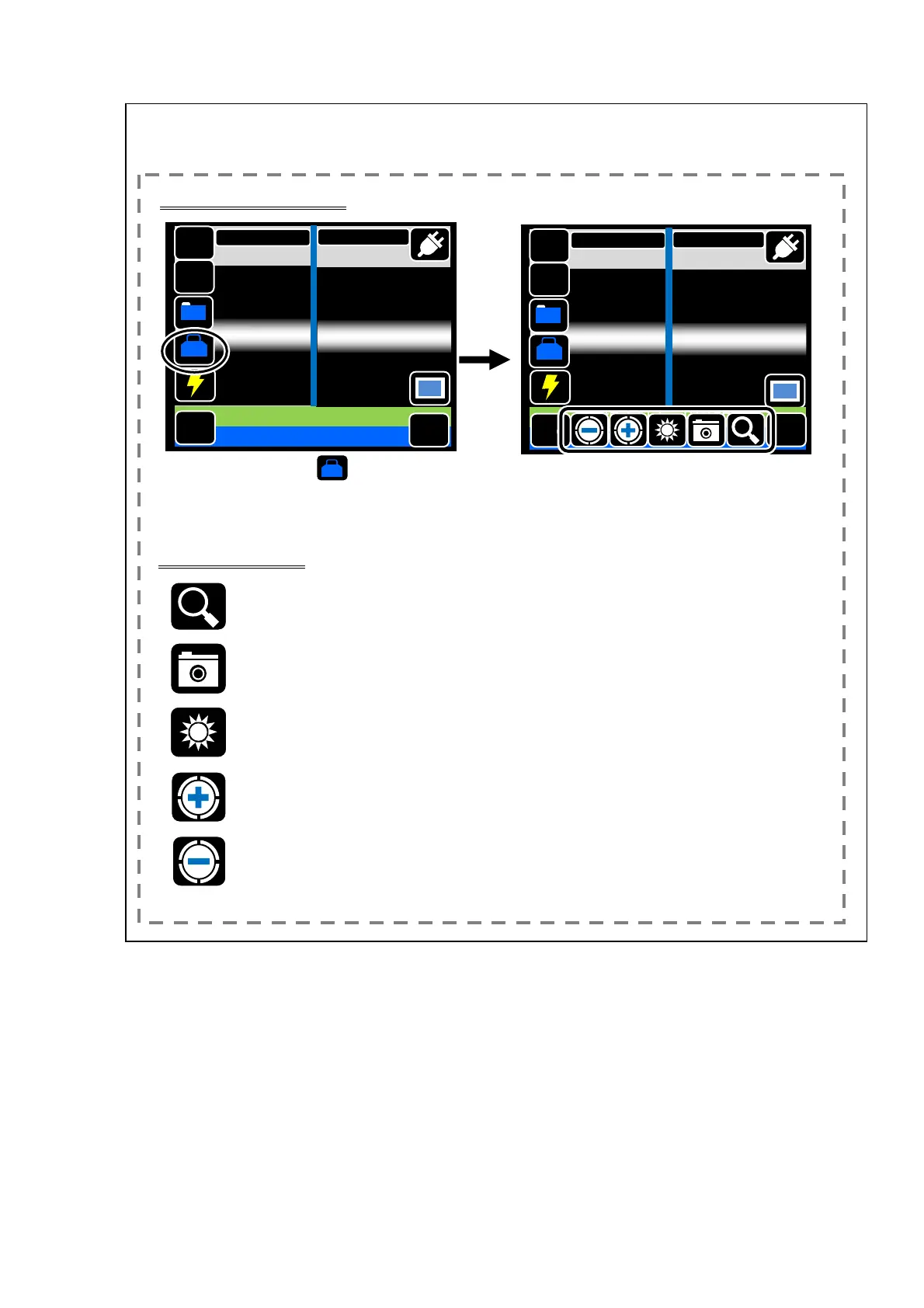
Checking splice image
See the next page if you skip the checking of splice image
and go on to the next step.
Touch the “Tool” ( ) after splice
process completed.
Tool
Icons of checking tools are
displayed.
Checking Tools
: By touching an arbitrary place of the image, the part is expanding
displayed.
:Save the image to SD card.
:Change the brightness of the image.
:Change the focus of the image.
MENU
SM G652 Std.
60mm 0.25
GO
Tool
Reset
DATA
Tap Go icon
Estimation Loss 0.01dB
DISP
X/Y
Add
MENU
SM G652 Std.
60mm 0.25
Tool
D
TA
DISP
X/Y
Add
GO を押して下さい
GO
推定ロス 0.01dB
Reset
2/3



 To Next Page