2-18
3/3
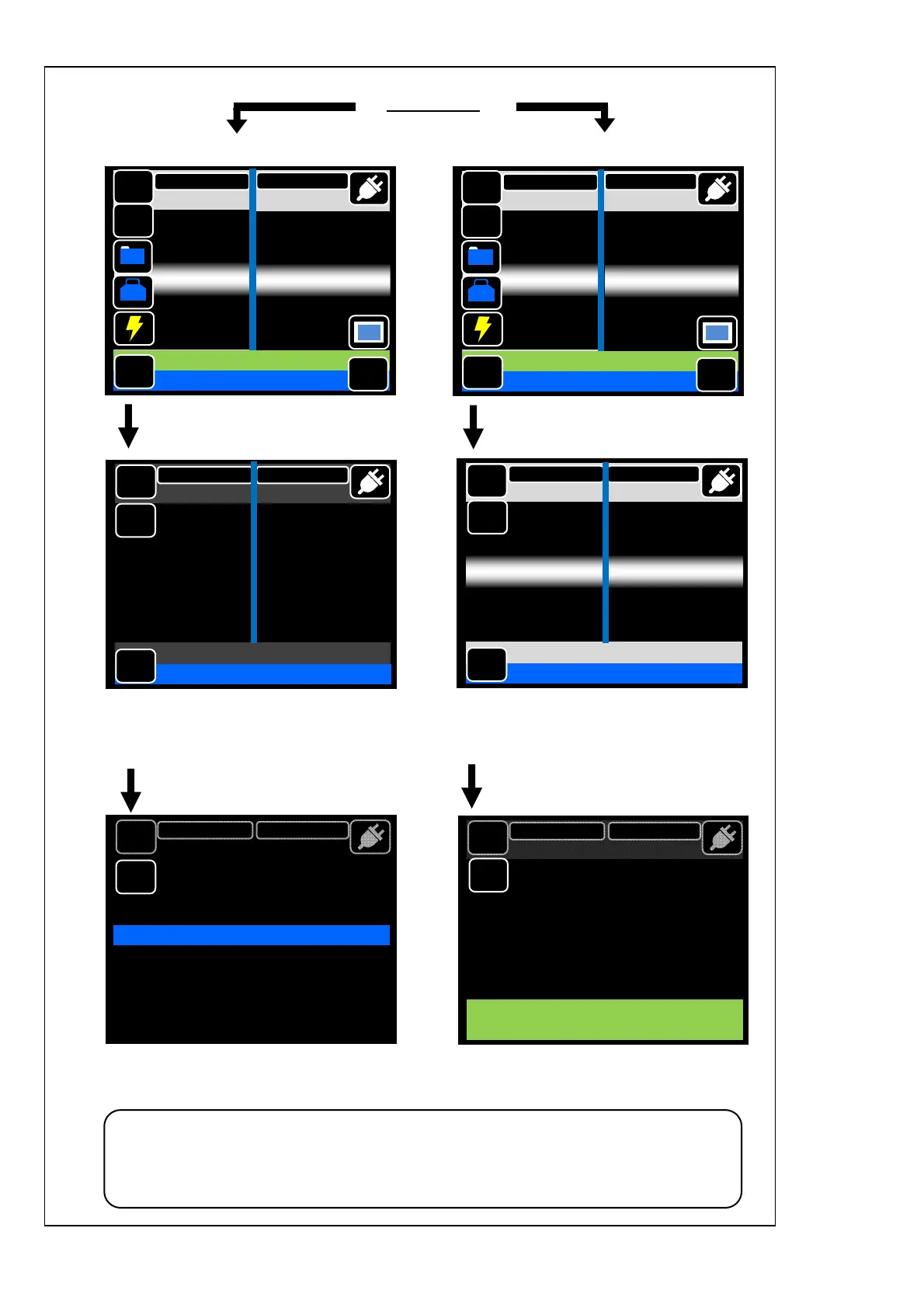
Open the hood.
The proof test is automatically started.
(The test cannot be canceled once
started.)
The proof test is started.
(The test cannot be canceled once started.)
Remove the spliced fiber when the
screen above is displayed.
Open the hood and remove the spliced
fiber when the screen above is displayed.
Touch “GO”.
Take care to keep the spliced fiber straight. Do not flex it back and forth.
Doing so will cause the spliced fiber to be broken, resulting in loss of the
long term reliability of the fiber.
Proof test
if manual
roof test is selected
(if automatic proof test is selected)
MENU
Remove Fiber
SM G652 Std.
60mm 0.25
MENU
SM G652 Std.
60mm 0.25
GO
Tool
Reset
DATA
Tap Go icon
Estimation Loss 0.01dB
DISP
X/Y
Add
MENU
SM G652 Std.
60mm 0.25
GO
Tool
Reset
DATA
Tap Go icon
Estimation Loss 0.01dB
DISP
X/Y
Add
MENU
Proof Test
SM G652 Std.
60mm 0.25
Reset
X/Y
MENU
SM G652 Std.
60mm 0.25
Ready
X/Y
MENU
SM G652 Std.
60mm 0.25
Reset
Proof Test
X/Y
X



 To Next Page