S One User’s Manual
Basic operation 2-7
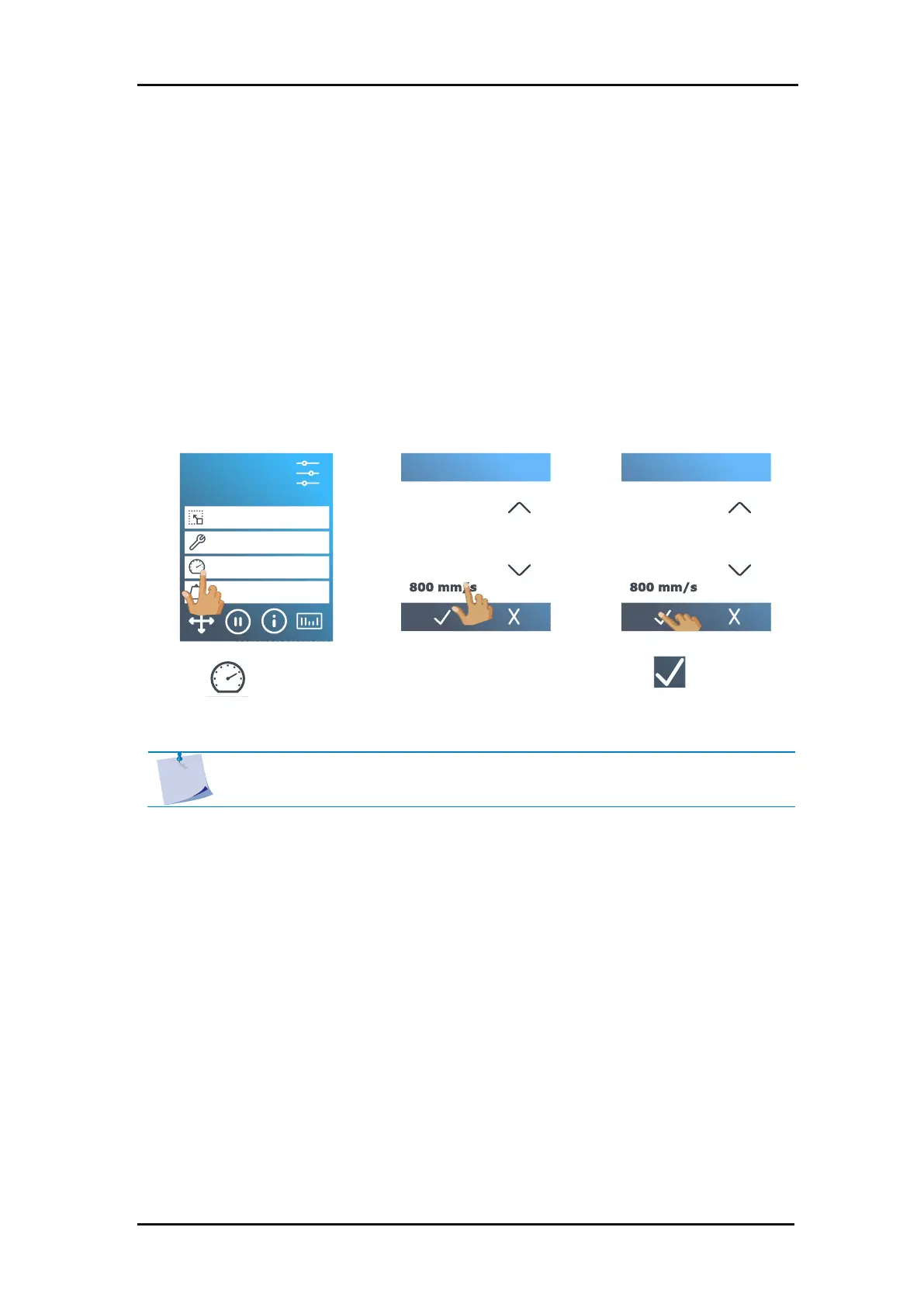
The actual speed at which the tool moves is determined by 4 different parameters. Speed (and
acceleration) while the tool is down; speed (and acceleration) while the tool is up. These 4
parameters have been bundled in one parameter to enable changing the speed fast and easy.
This overall parameter is called “velocity” and represents the speed the cutter uses when the
tool is down. If velocity is raised or lowered, the other parameters are also raised or lowered
accordingly. The parameters can be changed individually, but only with the program Summa
Cutter Control.
There is one fixed speed: the speed at which the cutter pulls the media from the roll. This speed
is fixed at 200 mm/s (8 ips).
Setting the cutting speed:
1. Power on the cutter and load the media.
NOTE: The speed can also be set in the
Settings
menu, see section 4 for more
information on using this menu.



 To Next Page