EasyManua.ls Logo

Summa S ONE - Page 46

Summa S ONE
89 pages
Print Icon
To Next Page IconTo Next Page
To Previous Page IconTo Previous Page
Loading...
S One User’s Manual
Basic operation 2-12
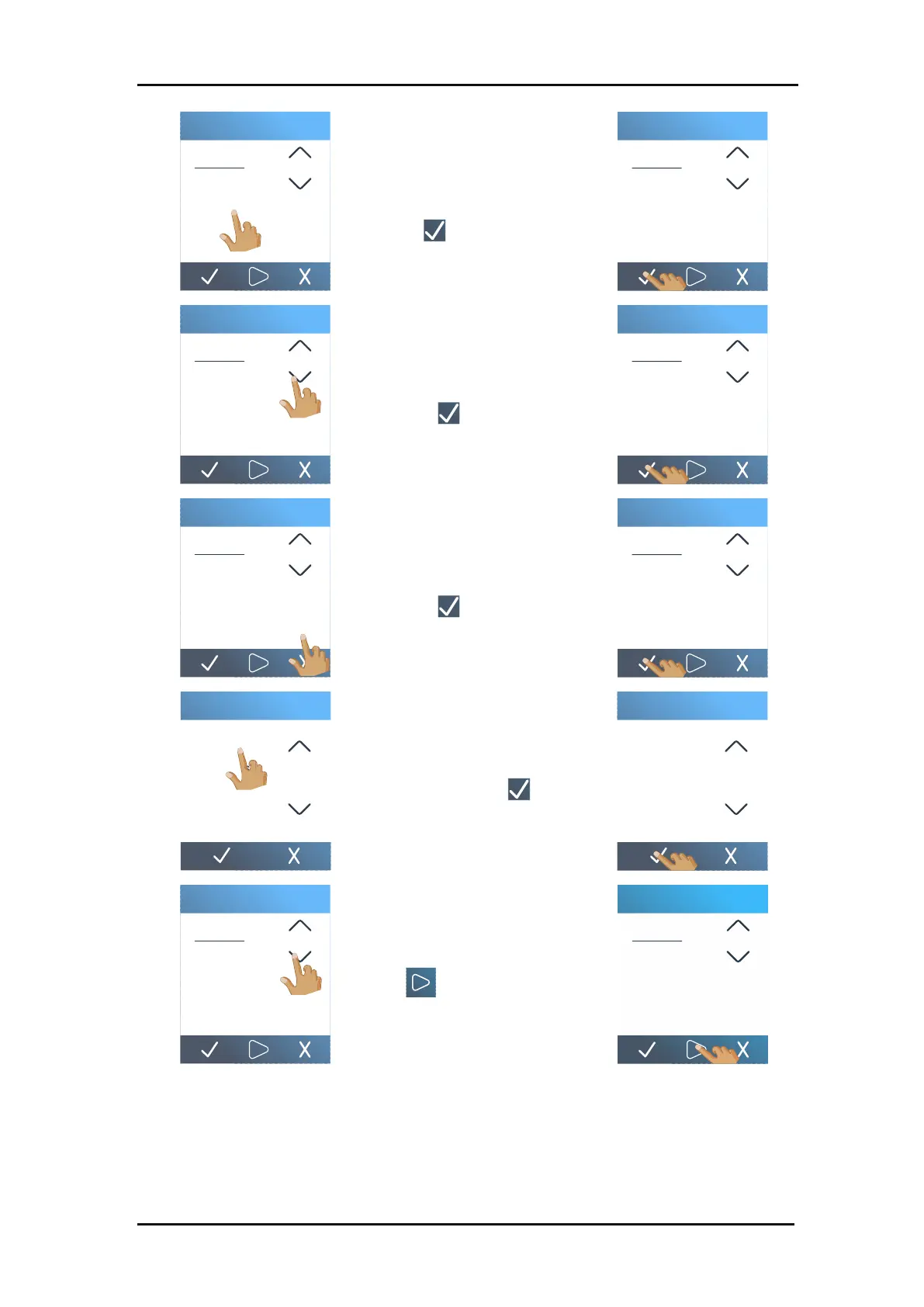
Use the arrows to
change the value or
enter the value. Tap
to confirm.
Use the arrows to change
the value or enter the value.
Tap to confirm.
Use the arrows to change
the value or enter the value.
Tap to confirm.
Tap the desired velocity. Use
the arrows to scroll if
necessary. Tap to
confirm.
Use the arrows to change
the value or enter the value.
Tap to apply the values
and leave the menu.
5. Check the bridges. If they are too large, perform a test with a lower value. If they are too
small (or non-existent) then raise the
Flex pressure cut length
value.
Full pressure
1 2 3 0
4 5 6 .
7 8 9 C
180
180
g
Full pressure
1 2 3 0
4 5 6 .
7 8 9 C
180
180
g
Full pressure cut length
1 2 3 0
4 5 6 .
7 8 9 C
10.000
10.000
mm
Full pressure cut length
1 2 3 0
4 5 6 .
7 8 9 C
10.000
10.000
mm
Flex pressure
1 2 3 0
4 5 6 .
7 8 9 C
100
100
g
Flex pressure
1 2 3 0
4 5 6 .
7 8 9 C
100
100
g
400 mm/s
500 mm/s
600 mm/s
700 mm/s
800 mm/s
AUTO
FlexCut velocity
400 mm/s
500 mm/s
600 mm/s
700 mm/s
800 mm/s
AUTO
FlexCut velocity
Flex pressure cut length
1 2 3 0
4 5 6 .
7 8 9 C
1.000
1.000
mm
Flex pressure cut length
1 2 3 0
4 5 6 .
7 8 9 C
1.000
1.000
mm

Table of Contents

Related product manuals