EasyManua.ls Logo

Summa S ONE - Page 47

Summa S ONE
89 pages
Print Icon
To Next Page IconTo Next Page
To Previous Page IconTo Previous Page
Loading...
S One User’s Manual
Basic operation 2-13
NOTE: FlexCut parameters are always metric, regardless of the value of the
Menu
Units
parameter.
ATTENTION: When cutting through, it is recommended that parallel lines are at
least 1 cm (0.4”) away from each other. Otherwise, while cutting the second line,
the first line may come loose and cause trouble.
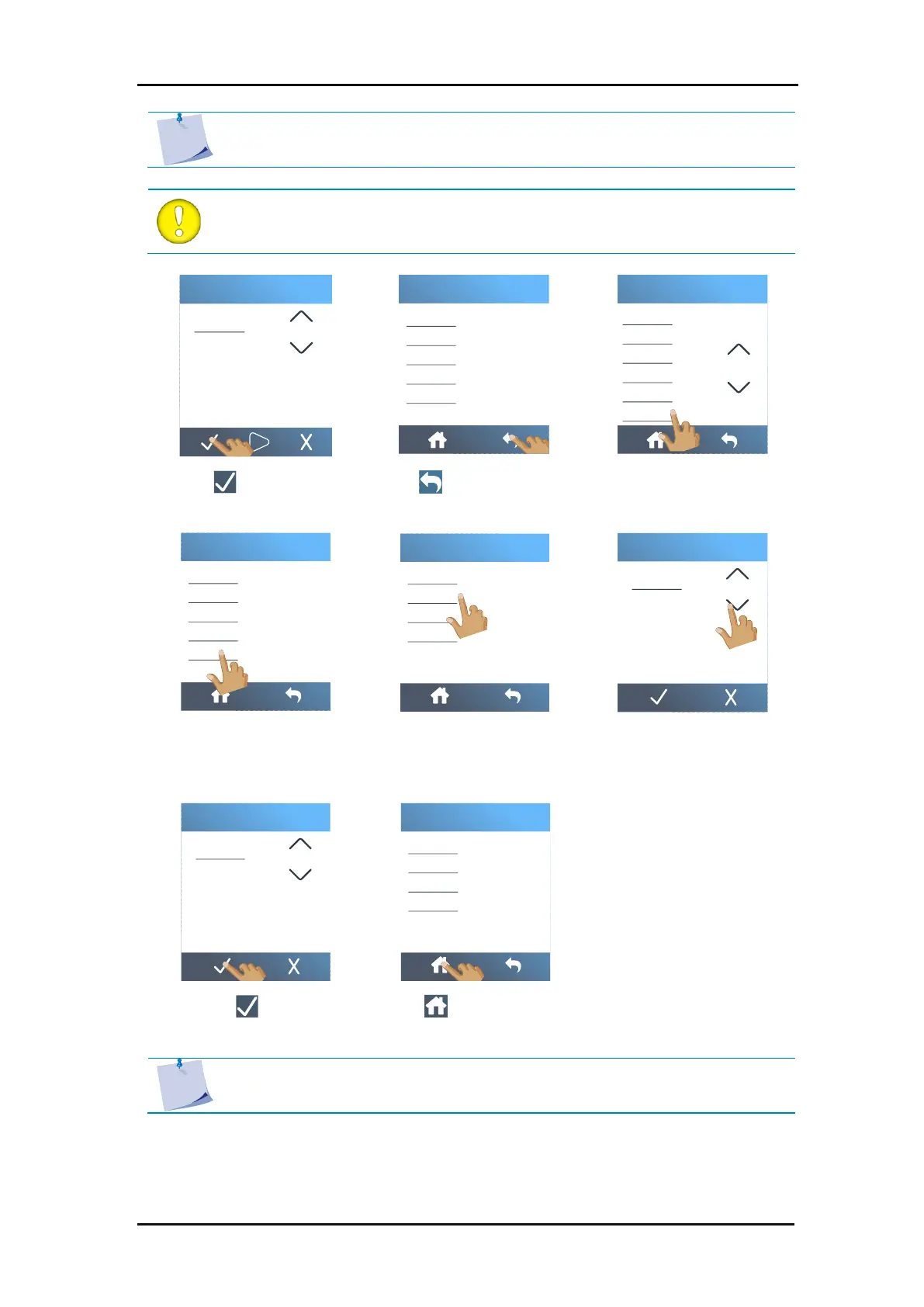
7. Tap to confirm.
8. Tap to return to the
main menu.
9. Tap
Settings
.
10. Tap
Panel
.
11. Tap
Panel size
.
12. Use the arrows to change
the value or enter the
value.
13. Tap to confirm.
14. Tap to return to the
home screen.
NOTE: Recommended setting for
Panel size
: between 3 and10 cm (1.18” and
3.94”).
Flex pressure cut length
1 2 3 0
4 5 6 .
7 8 9 C
1.000
1.000
mm
Full pressure
Full pressure cut length
Flex pressure
Flex pressure cut length
FlexCut Velocity
FlexCut
Knife pressure
Knife offset
FlexCut
Tool
Actions
Settings
Menu
Knife offset
FlexCut
Tool
Velocity
OptiCut
Panel
TurboCut
Overcut
Settings
Sorting vectors
Panel replot
Panel size
Paneling
Panel
Panel size
1 2 3 0
4 5 6
7 8 9 C
5
5
cm
Panel size
1 2 3 0
4 5 6
7 8 9 C
5
5
cm
Sorting vectors
Panel replot
Panel size
Paneling
Panel
Tool

Table of Contents

Related product manuals