4-8 Sun Fire X2100 Server User Guide • April 2007
4. Lift the I/O board away from the front panel to free it from the guideposts on the
DVD cage.
4.5.1.2 Installing an I/O Board
Follow these steps to install the I/O board:
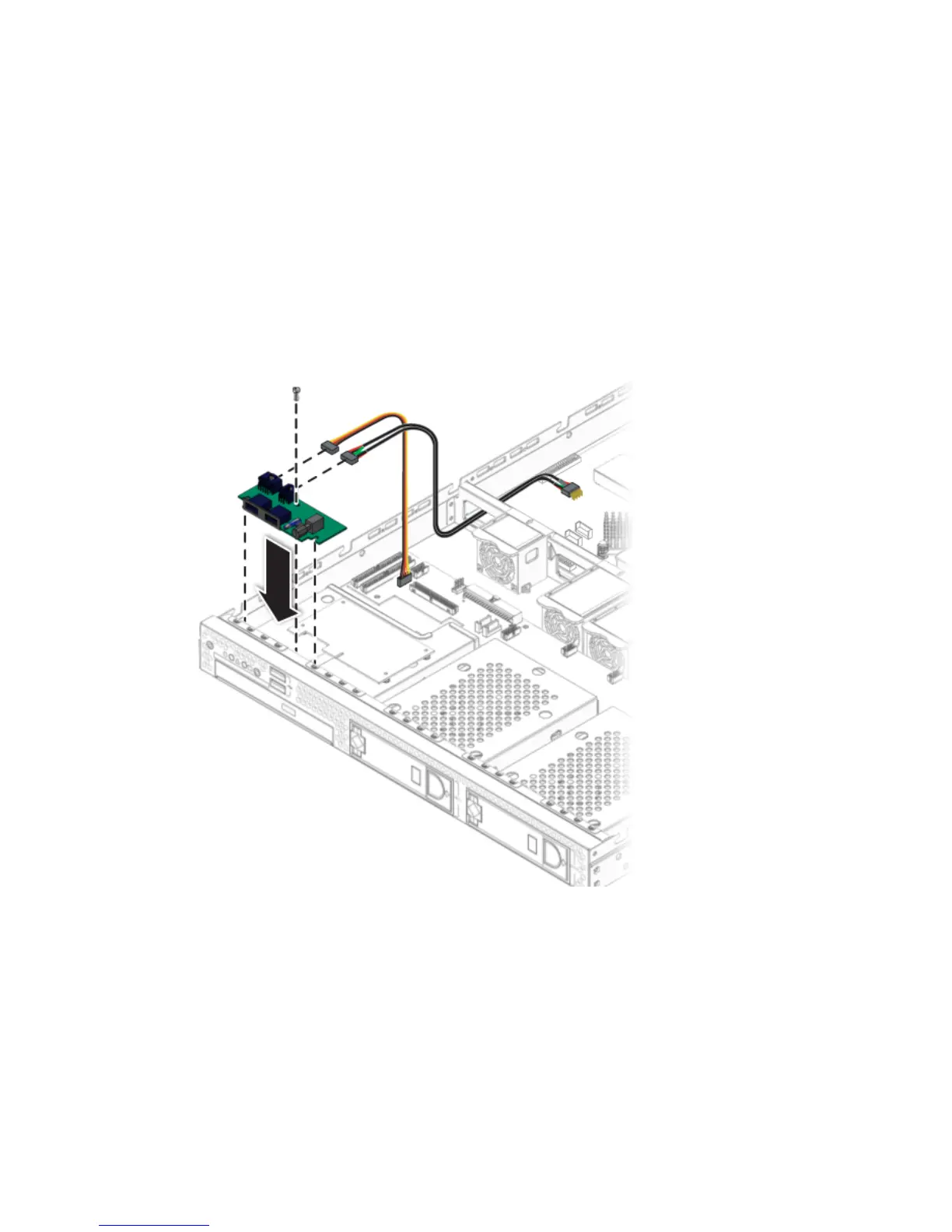
1. Position the I/O board on top of the DVD cage so that it fits into the I/O board
guideposts.
FIGURE 4-4 Installing the I/O Board
2. Fasten the screw to secure the I/O board to the drive cage.
3. Connect the cables.
4. Before installing the cover on the server, check the routing of all cables for
obstructions.












 To Next Page