Chapter 4 Maintaining the Sun Fire X2100 Server 4-51
Refer to the following sections for information on removing and replacing the CPU
and memory:
■ Section 4.5.12, “CPUs” on page 4-39
■ Section 4.5.9, “Dual Inline Memory Modules” on page 4-30
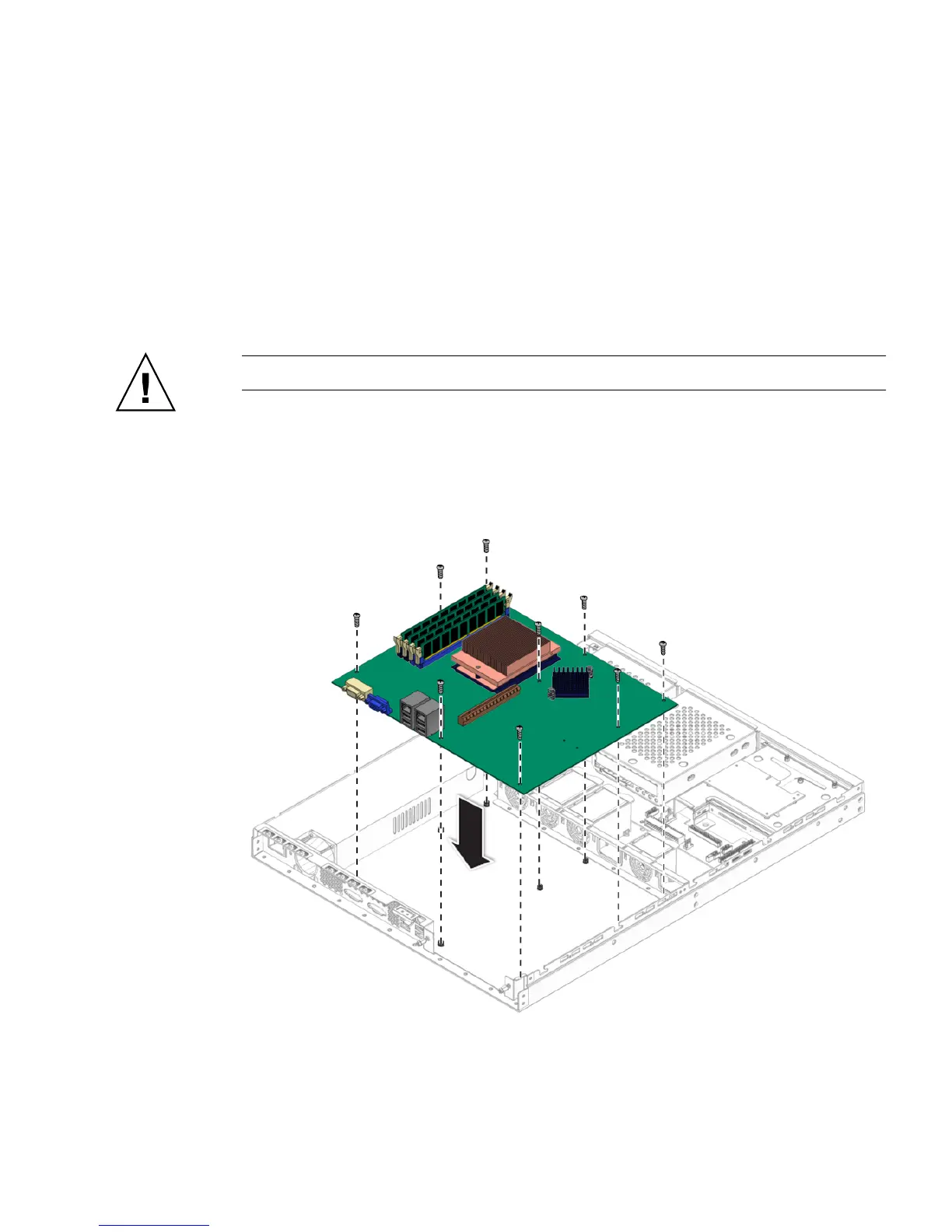
4.5.14.2 Installing the Motherboard
Follow these steps to install a motherboard:
Caution – Observe proper ESD precautions when handling the new motherboard.
1. Center the motherboard on the chassis so that the screw holes in the motherboard
align with the screw holes on the chassis.
2. Secure the nine Phillips screws that fasten the motherboard to the chassis. Torque
screws to 8- to 9-inch pounds.
FIGURE 4-41 Installing the Motherboard












 To Next Page