Chapter 4 Maintaining the Sun Fire X2100 Server 4-33
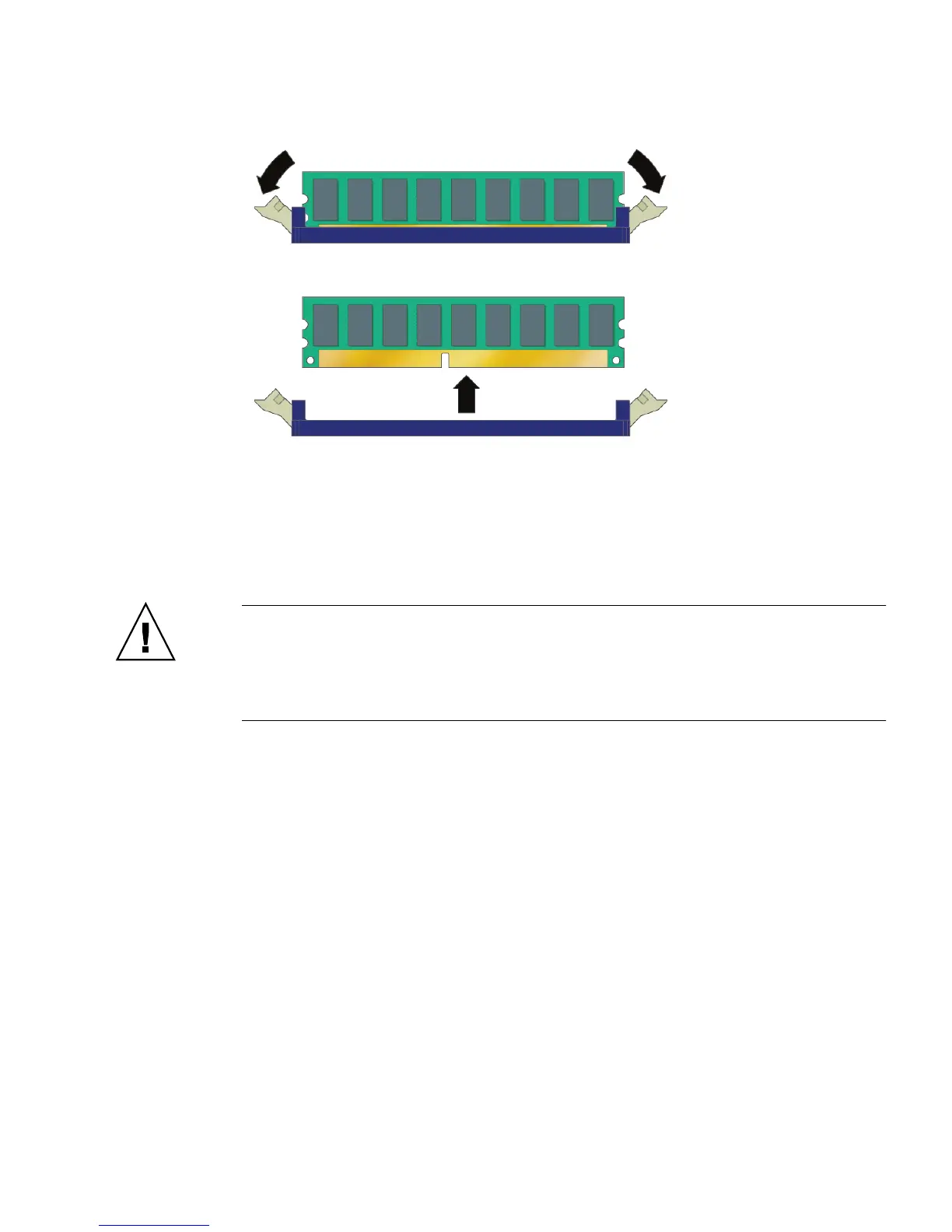
FIGURE 4-26 Removing a DIMM
4.5.9.4 Installing a DIMM
Follow these steps to install a DIMM:
Caution – DIMMs and other components within your Sun Ultra 40 Workstation are
extremely sensitive to electrostatic discharge (ESD). ESD can damage DIMMs and
other components beyond repair. Use proper ESD grounding techniques when handling
DIMMs and other components. Wear an antistatic wrist strap and use an antistatic
mat.
1. Refer to “DIMM Population Rules” on page 30 before installing DIMMs.
2. Ensure that the DIMM socket ejector levers are open (rotated outward) to allow
the new module to be inserted. See
FIGURE 4-26.
3. Align the DIMM’s edge connector with the alignment key and insert the memory
module into the connector.












 To Next Page