4-10 Sun Fire X2100 Server User Guide • April 2007
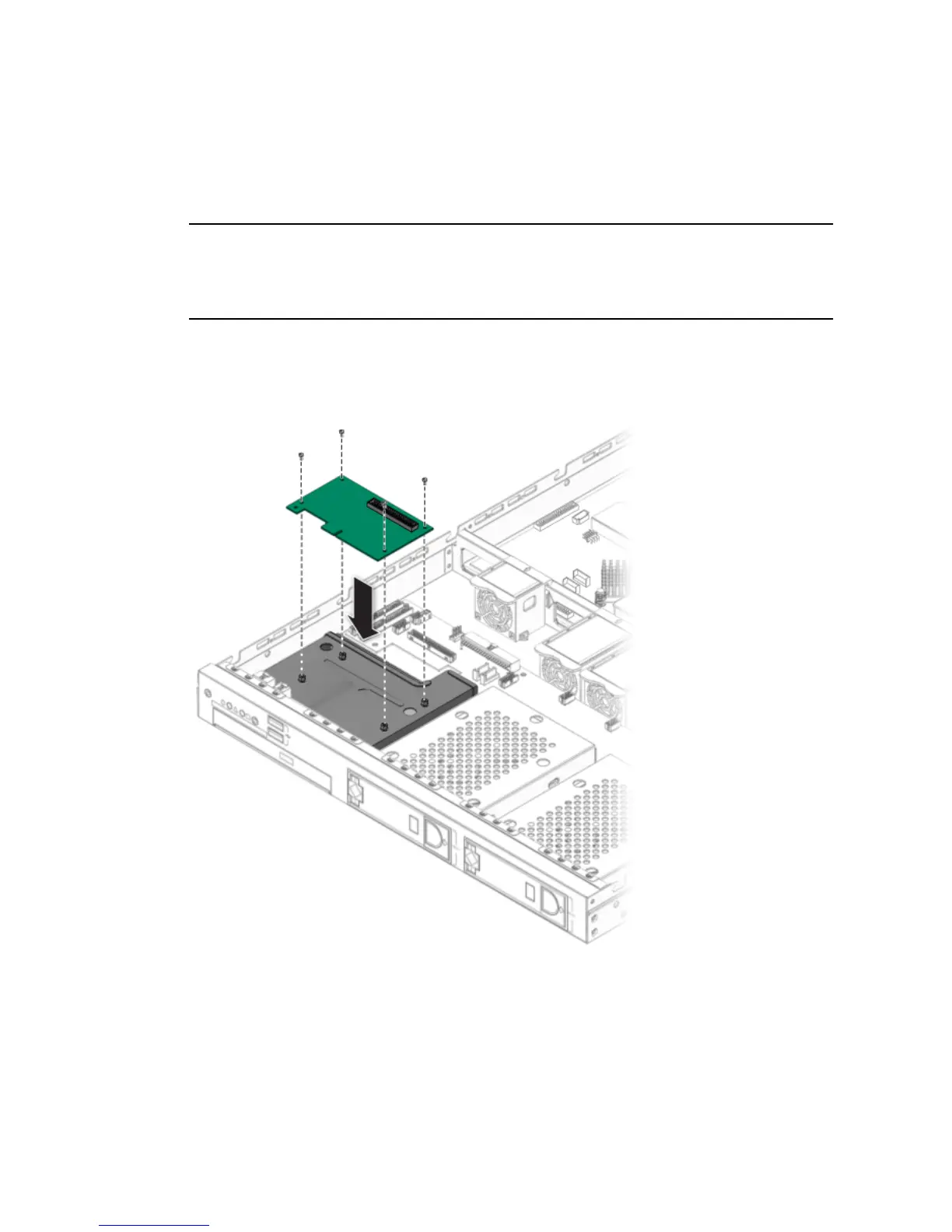
4.5.2.2 Installing the SMDC Card
This procedure describes how to install the SMDC service processor.
Note – If you are installing the SMDC for the first time, you will need the Sun Fire
X2100 Server Supplemental CD to complete the installation. Additionally, refer to
Appendix C for more information and requirements related to installing and using
the SMDC service processor.
1. Position the SP card over the four holes on top of the DVD drive cage.
2. Secure the SP card to the DVD drive cage using the four screws.
FIGURE 4-6 Installing the SP Card












 To Next Page