Chapter 4 Maintaining the Sun Fire X2100 Server 4-17
3. Grasp the carrier bezel with both hands and carefully pull the carrier out of the
drive bay.
Note – Avoid using the arm to remove the carrier.
4. Reinsert the HDD and carrier into the server as described in Section 4.5.4.2,
“Installing an HDD and Carrier” on page 4-17.
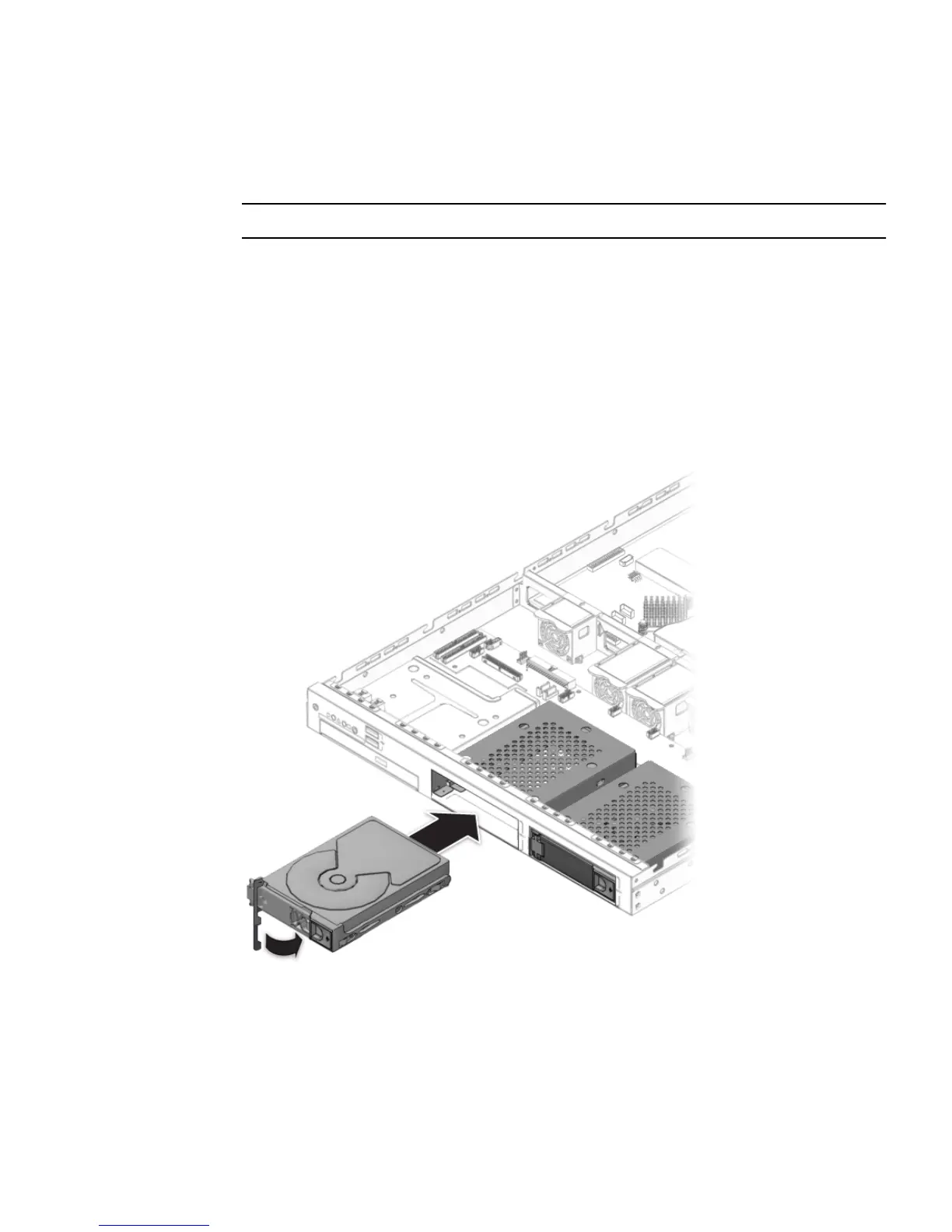
4.5.4.2 Installing an HDD and Carrier
Follow these steps to install the HDD and carrier:
1. Squeeze the release latch and carefully swing the arm to the left as far as it will
go.
FIGURE 4-13 Installing the Hard Disk Drive












 To Next Page