4-28 Sun Fire X2100 Server User Guide • April 2007
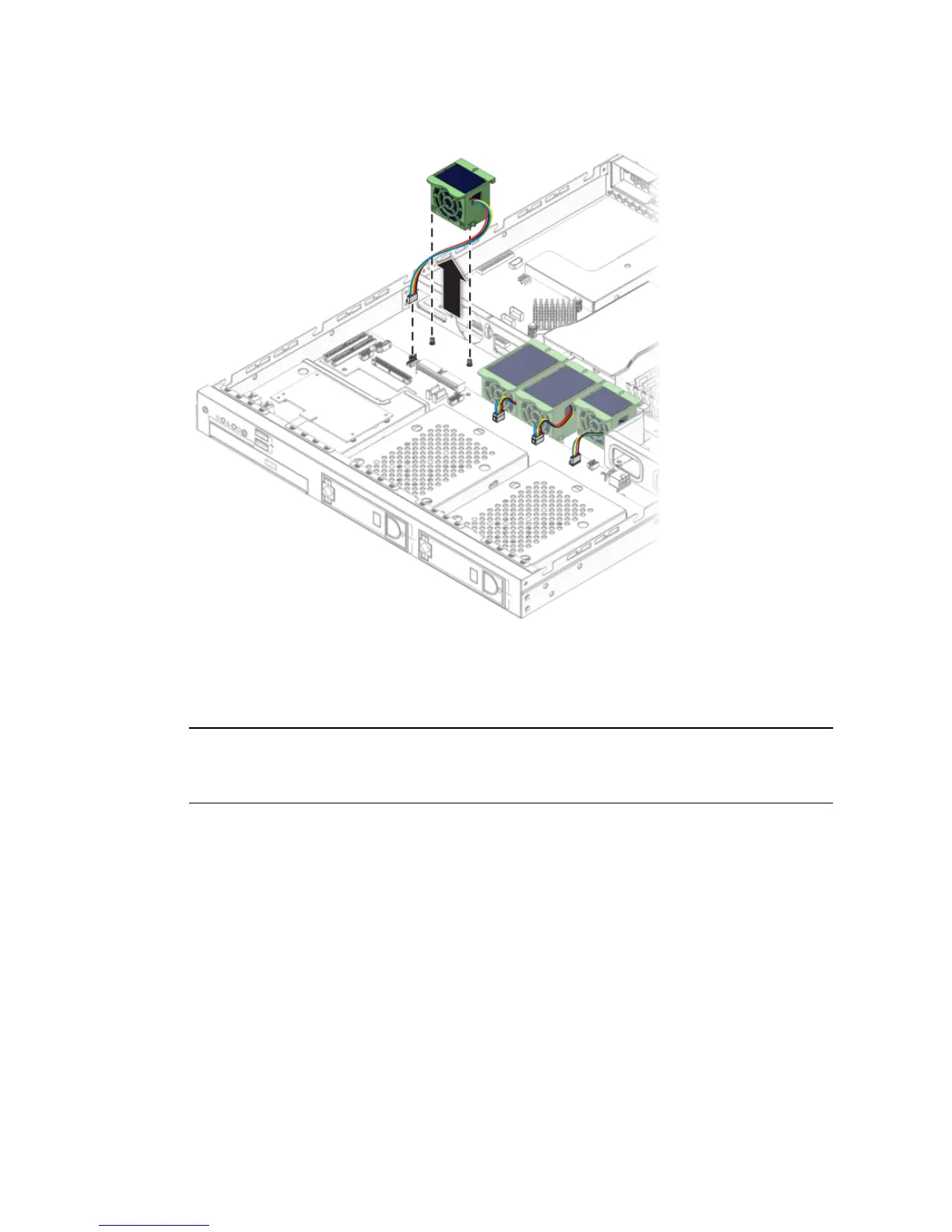
FIGURE 4-23 Removing a Fan Module
4. Unplug the fan’s power connector from the SATA backplane (see FIGURE 4-23).
Note – Note exactly which motherboard connector to which the fan was connected.
If you connect a fan to an incorrect connector, the SP cannot correctly identify a fan
failure.
4.5.8.2 Installing the Fans
Follow these steps to install a system fan module:
1. Position the fan so that the arrow on top of the fan casing is facing the middle
chassis divider.
2. Place the fan in the chassis so that it fits over the small guideposts.












 To Next Page