Chapter 4 Maintaining the Sun Fire X2100 Server 4-29
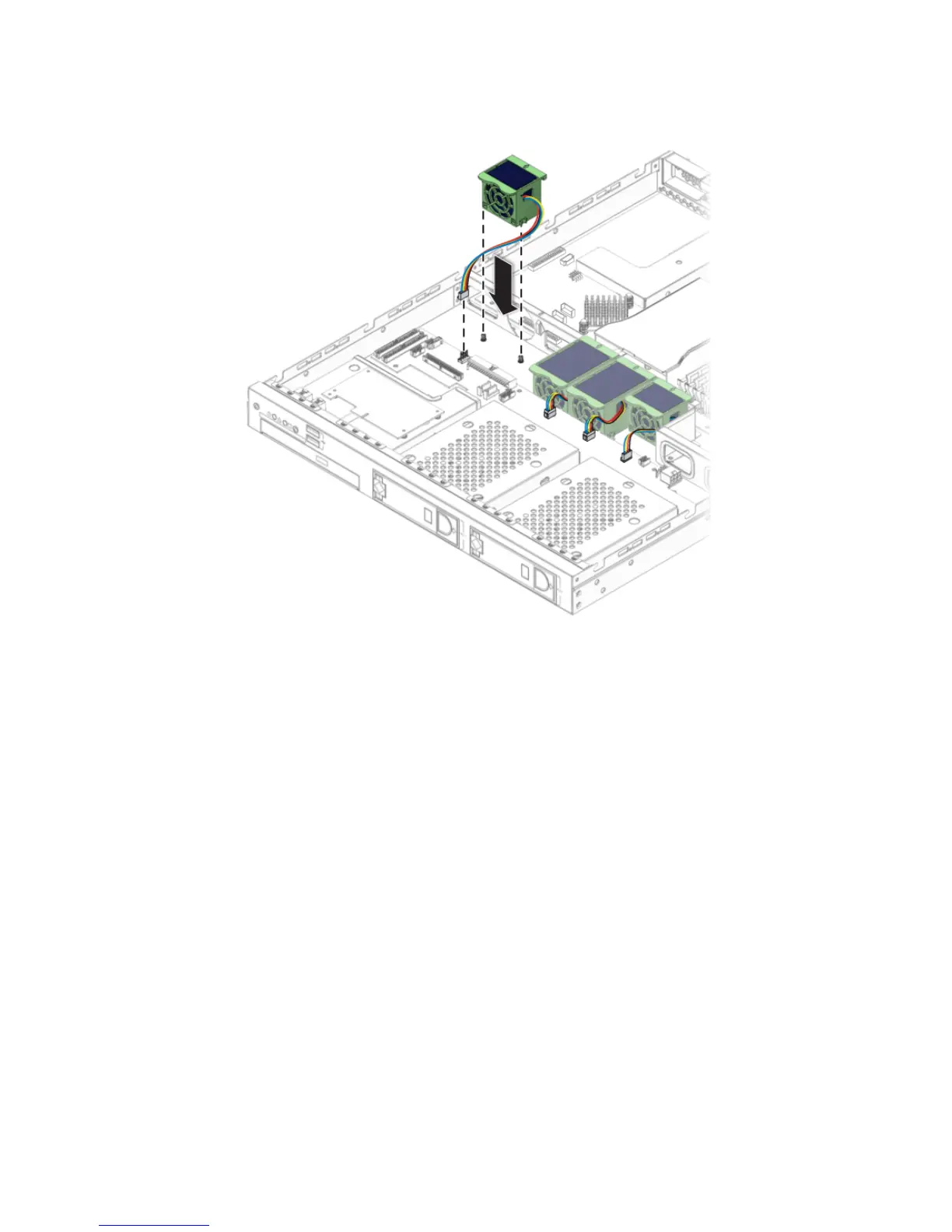
FIGURE 4-24 Installing a Fan Module
3. Gently push the fan down to secure it to the chassis.
4. Connect the fan connector to the appropriate connector on the SATA backplane.
5. Check the routing of all cables for obstructions, and then install the cover.












 To Next Page