Chapter 4 Maintaining the Sun Fire X2100 Server 4-15
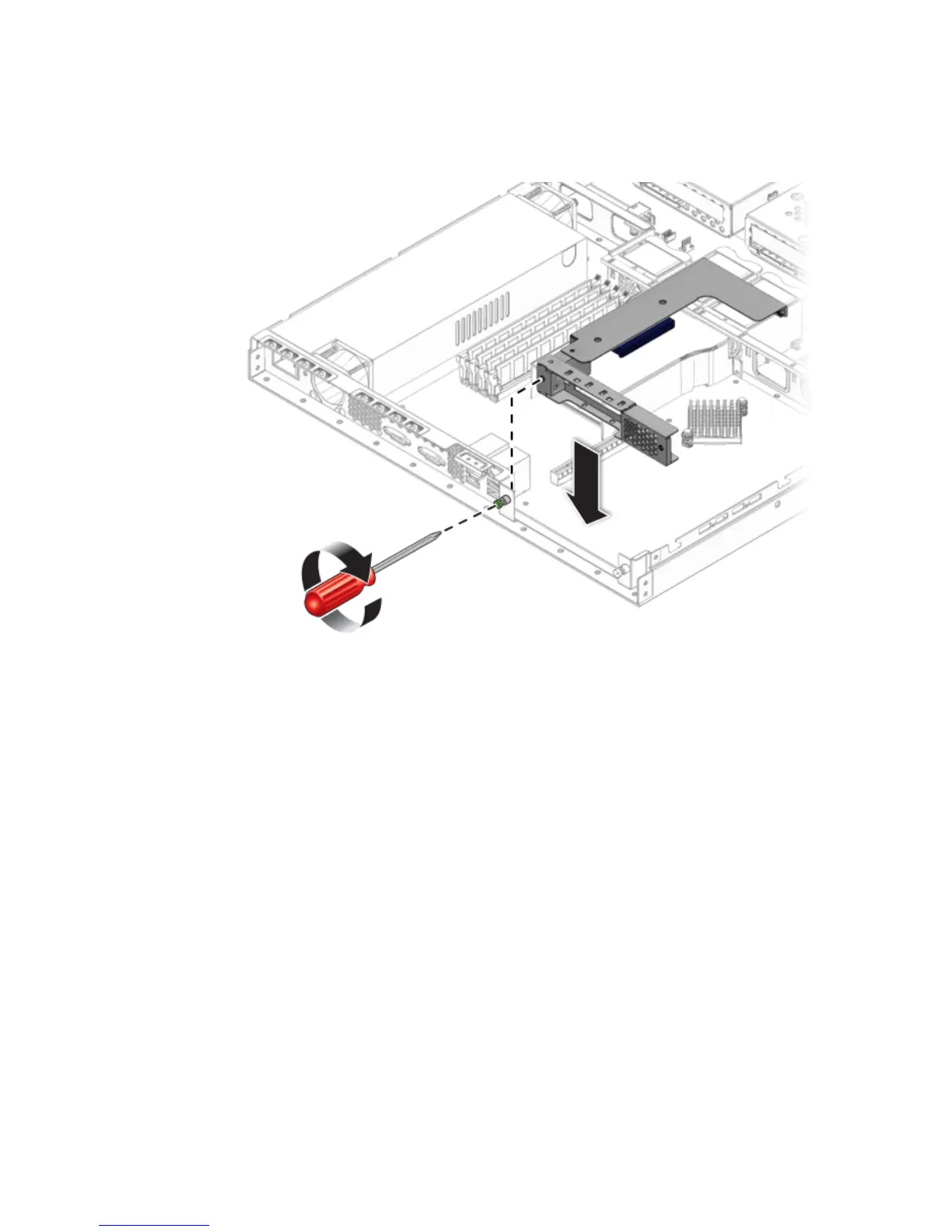
2. Install the riser and card in the connector on the motherboard.
FIGURE 4-11 Installing the PCIe Card Riser Assembly
3. Tighten the captive screw to secure the riser card to the chassis.
4. Check the routing of all cables for obstructions, and then install the cover.
4.5.4 SATA Hard Disk Drive and Carrier
The following procedure describes how to remove and replace a SATA hard disk
drive (HDD) and carrier.












 To Next Page