4-26 Sun Fire X2100 Server User Guide • April 2007
4. Lift the power supply out of the chassis.
4.5.7.2 Installing a Power Supply
Follow these steps to install the power supply:
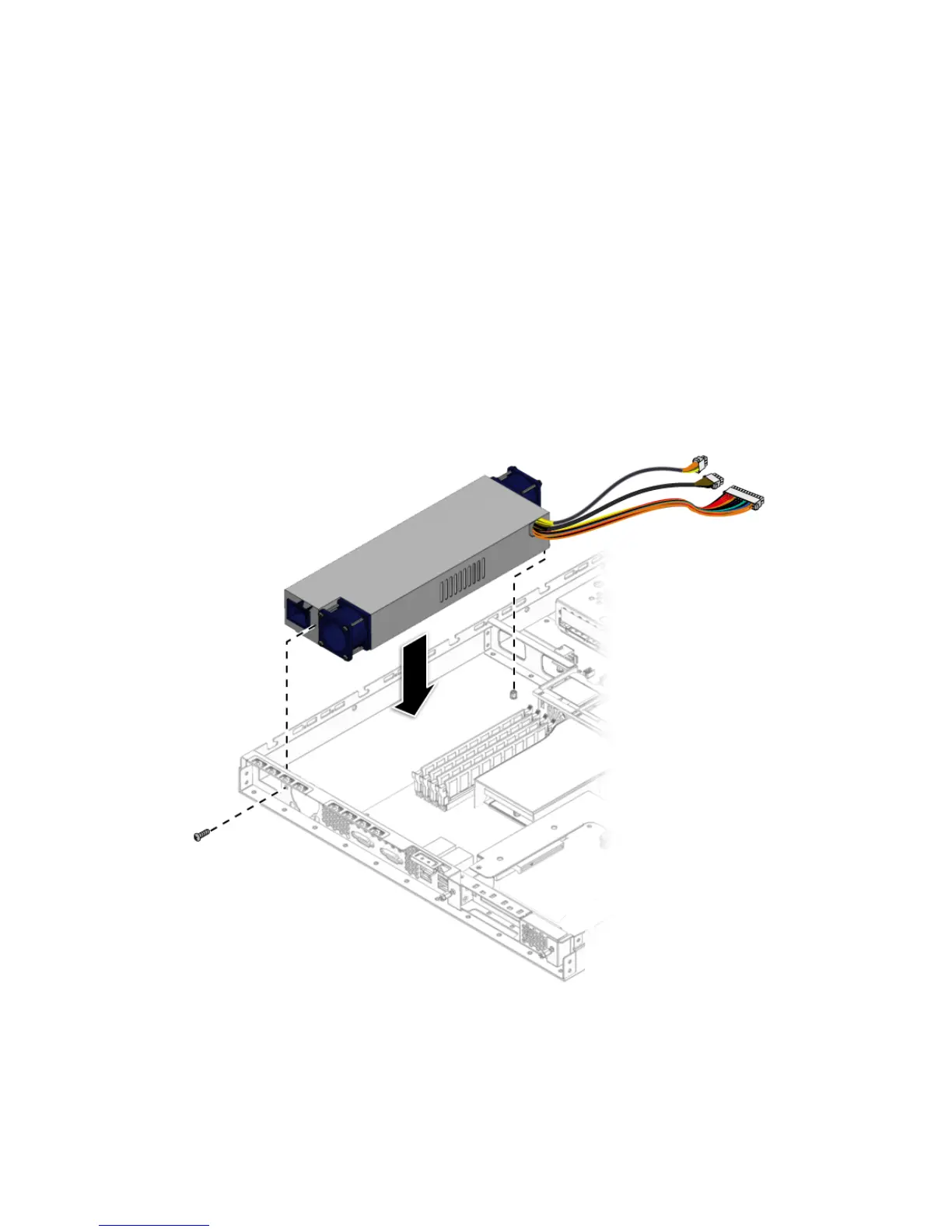
1. Position the power supply over the chassis power-supply cage.
2. Insert the power supply into the chassis.
3. Fasten the power supply to the chassis and backplane with screws.
FIGURE 4-21 Installing the Power Supply












 To Next Page