4-38 Sun Fire X2100 Server User Guide • April 2007
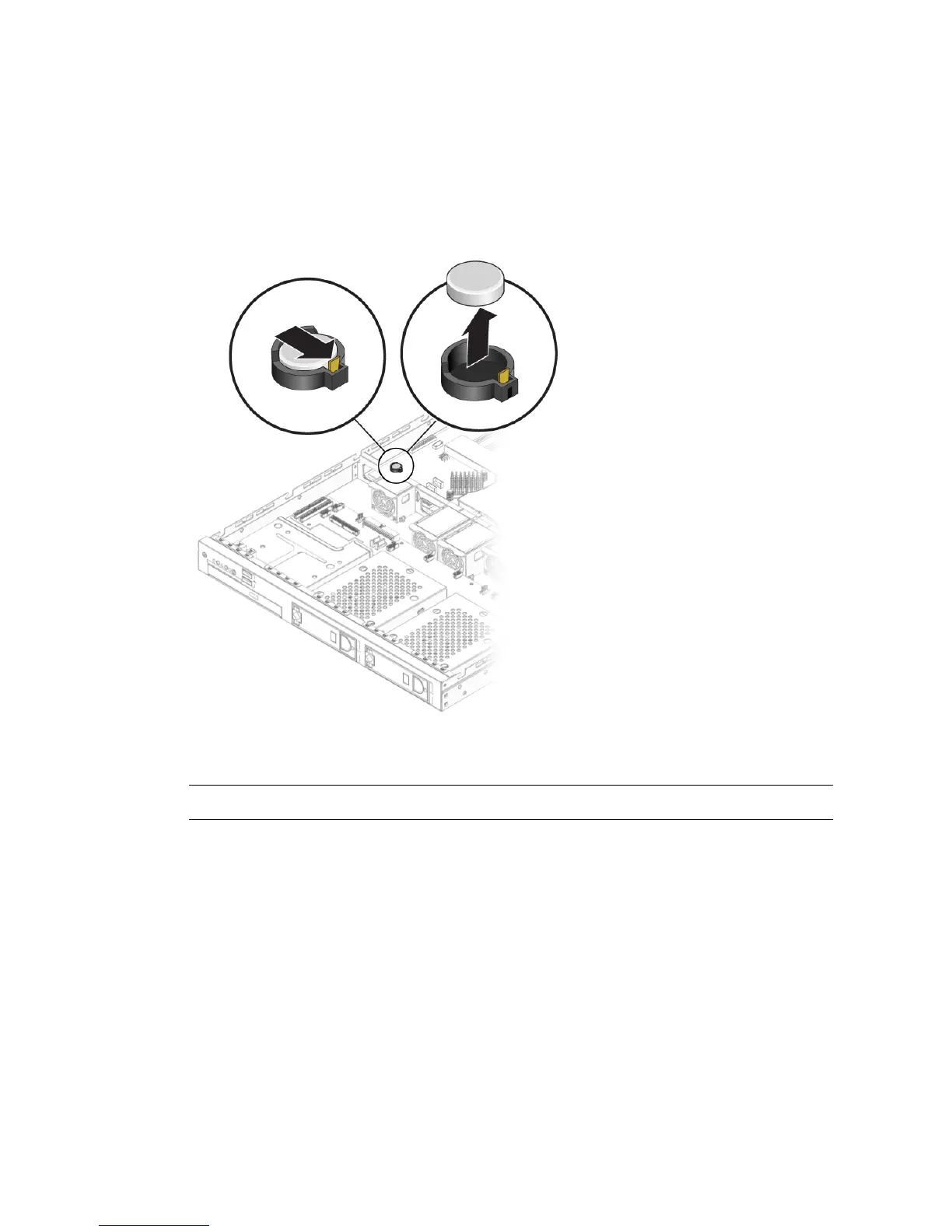
4.5.11.2 Installing the System Battery
Follow these steps to install a system battery:
1. Install the system battery into the holder with the side labeled “+” facing up.
FIGURE 4-29 Installing the System Battery
Note – Replace the battery only with the identical model.
2. Check the routing of all cables for obstructions, and then install the cover.












 To Next Page