4-32 Sun Fire X2100 Server User Guide • April 2007
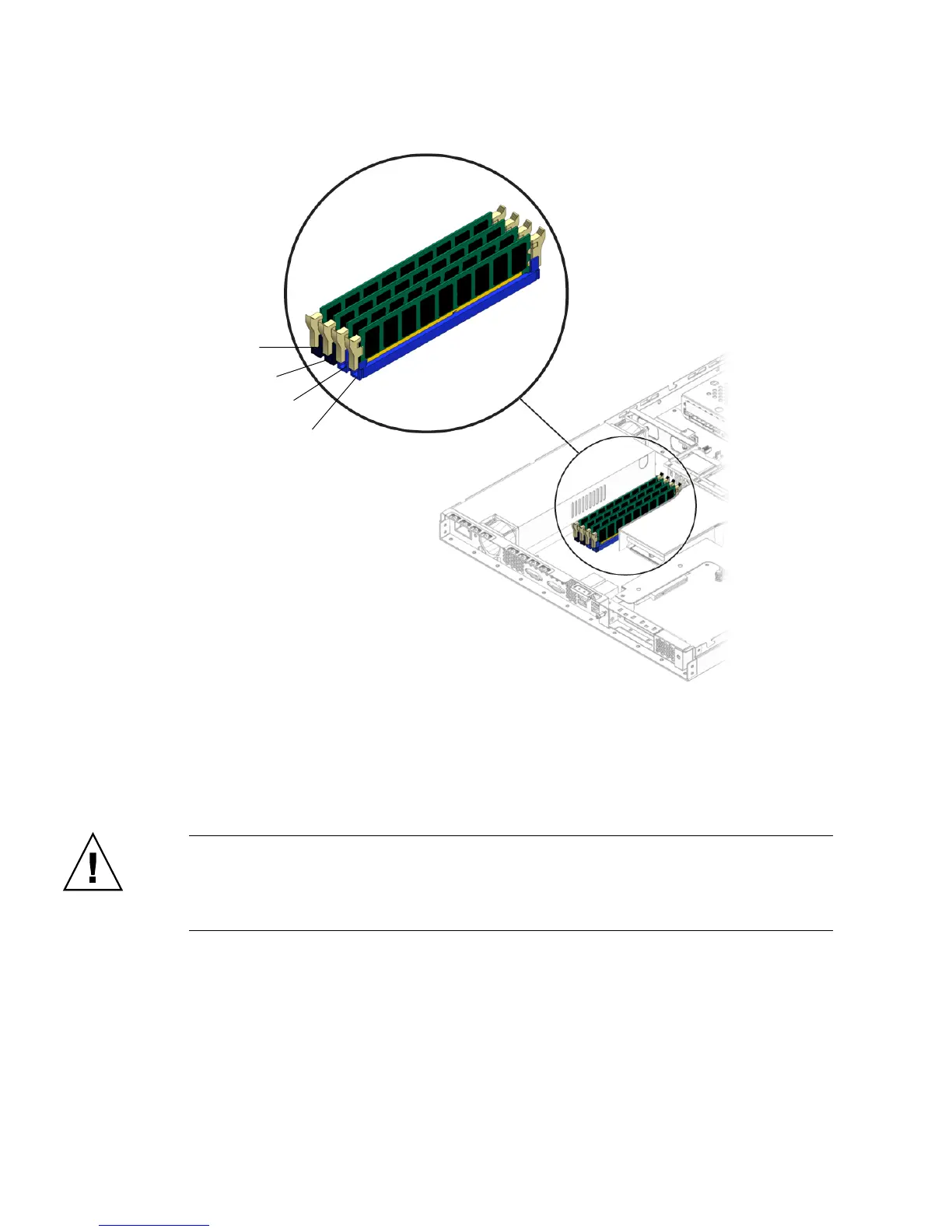
FIGURE 4-25 DIMM Slot Locations
3. Release the DIMM by simultaneously pressing down on the retaining/ejector
levers located at both ends of the DIMM slot (see
FIGURE 4-26).
This action lifts the DIMM from its slot.
Caution – Do not remove the DIMM from the DIMM slot at an angle. This can
damage the DIMM, the edge connector. or the slot. Always handle DIMMs along the
outside edges. Do not handle DIMMs along the gold edge. Do not touch DIMM
contacts, components or other metal parts.
4. Remove the DIMM from the DIMM slot.
DIMM 2
DIMM 3
DIMM 4
DIMM 1












 To Next Page