Chapter 4 Maintaining the Sun Fire X2100 Server 4-43
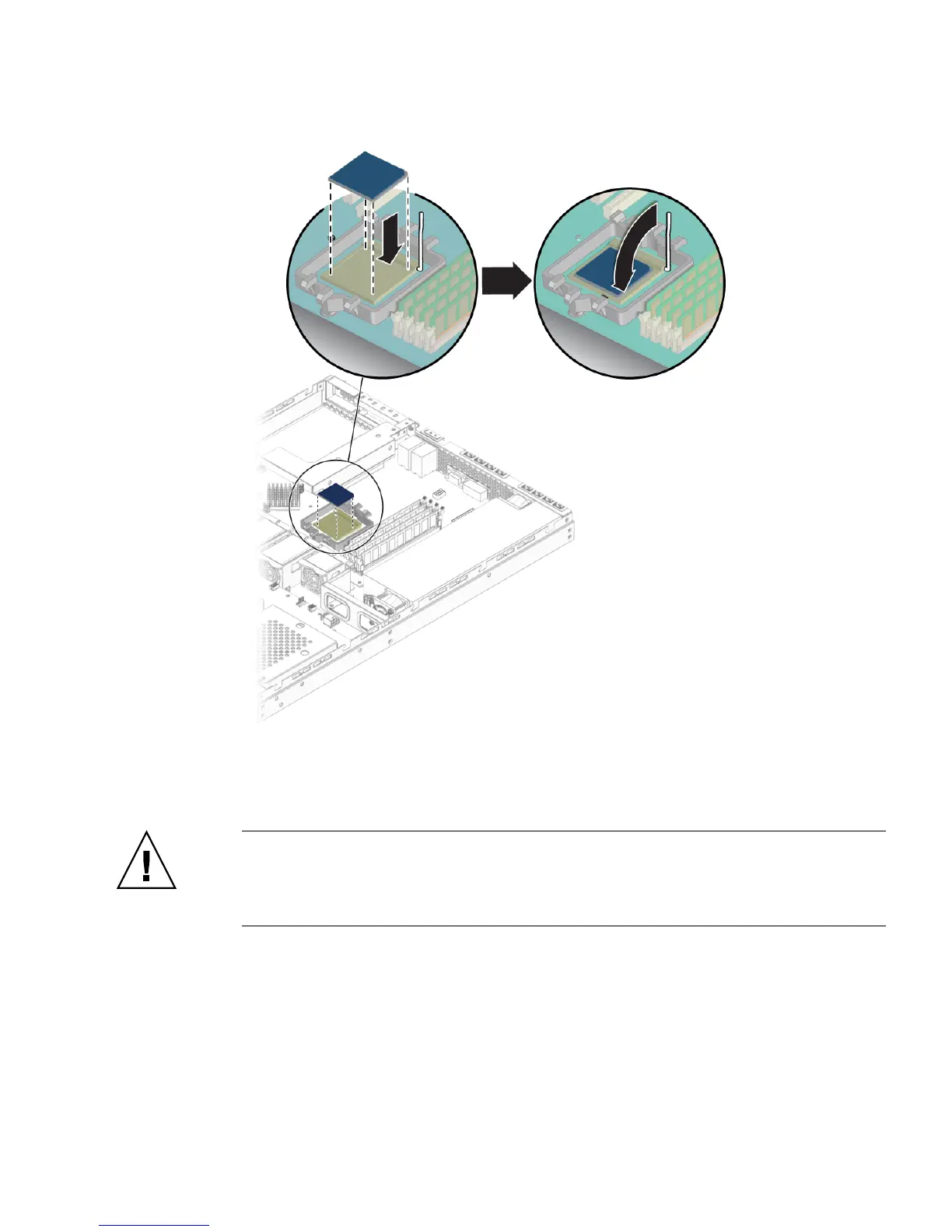
FIGURE 4-34 Installing the CPU
4. Insert the CPU into the socket.
Caution – If the CPU is correctly aligned, then you should be able to easily insert
the CPU into the socket. If you feel more than minimal resistance, stop and recheck
the alignment. Forcing a misaligned CPU into the socket can cause permanent
damage.
5. When the CPU is fully seated in the socket, push the socket release lever down
until it snaps into place, securing the CPU in the socket.
6. Use the syringe to apply approximately 0.1 ml of thermal grease in a circular
pattern to the top of the CPU.












 To Next Page