112 Sun Fire X4170, X4270, and X4275 Servers Installation Guide • December 2009
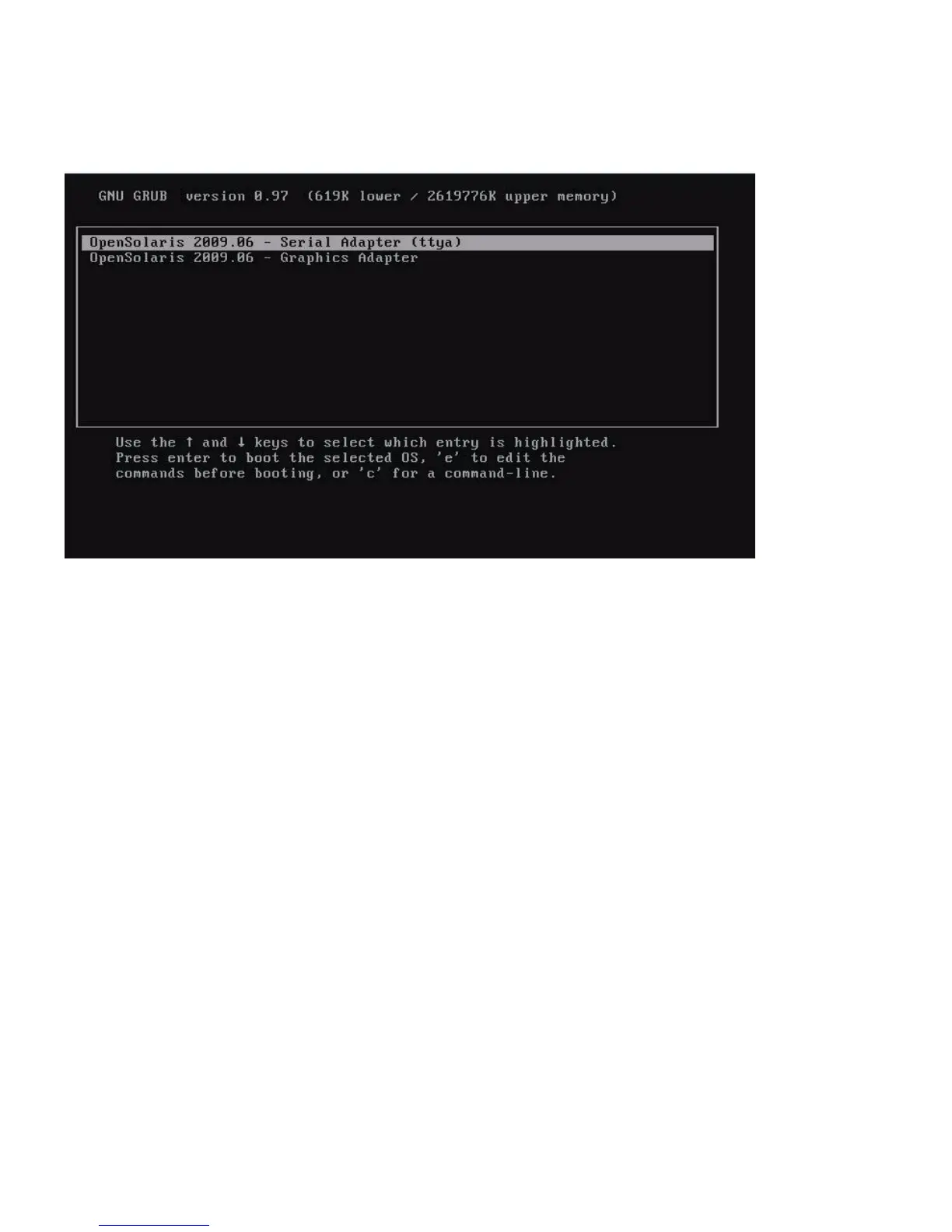
FIGURE 6-1 OpenSolaris GRUB Menu Screen
3. To display output to the video port, choose this option:
OpenSolaris 2009.06 - Graphics Adapter
▼ (Optional) Modify the GRUB Menu to Auto Boot
The GRUB menu on the preinstalled image has been configured for an infinite
timeout so that you can choose the console output on power-up. However, you can
modify this setting so that your system boots automatically.
To modify the GRUB menu to auto boot, edit the /rpool/boot/grub/menu.1st
file as follows:
1. Change the -1 value on the time-out line to reflect the duration you want the
menu to be presented. For example, for a 10-second delay, set the -1 on the time-
out line to 10.
2. Add a line that specifies the default boot entry. For example, to specify the first
entry, set the default to 0.















 To Next Page