Chapter 3 Installing the Server Into a Rack With Slide-Rails 65
Installing the Cable Management Arm
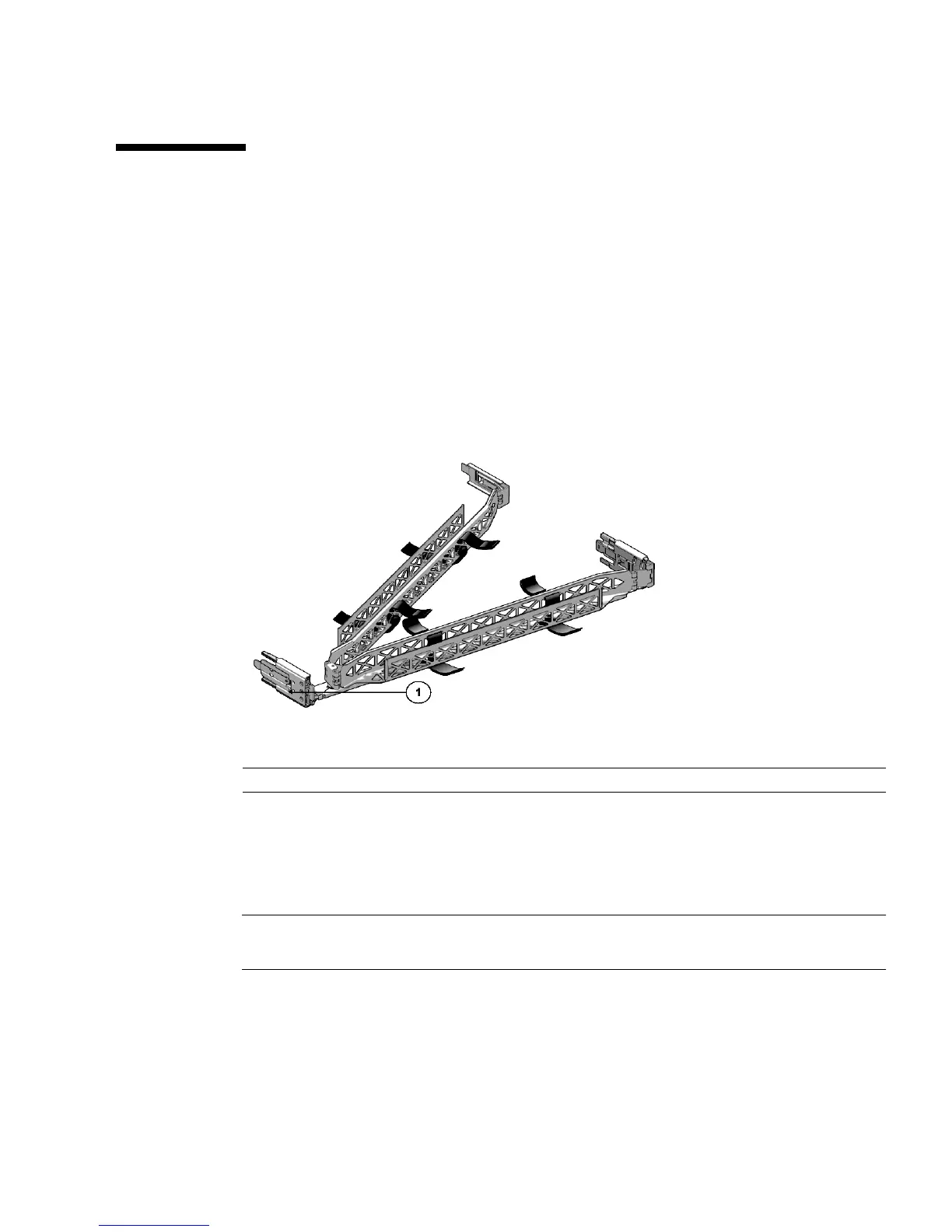
The cable management arm (CMA) is an optional assembly that you can use to route
the server cables in the rack.
▼ Install Cable Management Arm
Use this procedure to install the optional CMA (see FIGURE 3-8).
FIGURE 3-8 Cable Management Arm (CMA)
1. Unpack the CMA parts.
2. Take the CMA to the back of the equipment rack and ensure that you have
adequate room to work around the back of the server.
Note – References to “left” or “right” in this procedure assume that you are facing
the back of the equipment rack.
3. Remove tape to separate parts.
The CMA rail extension might be taped to the CMA arm.
Figure Leg end
1 CMA rail extension















 To Next Page