38 Sun Fire X4170, X4270, and X4275 Servers Installation Guide • December 2009
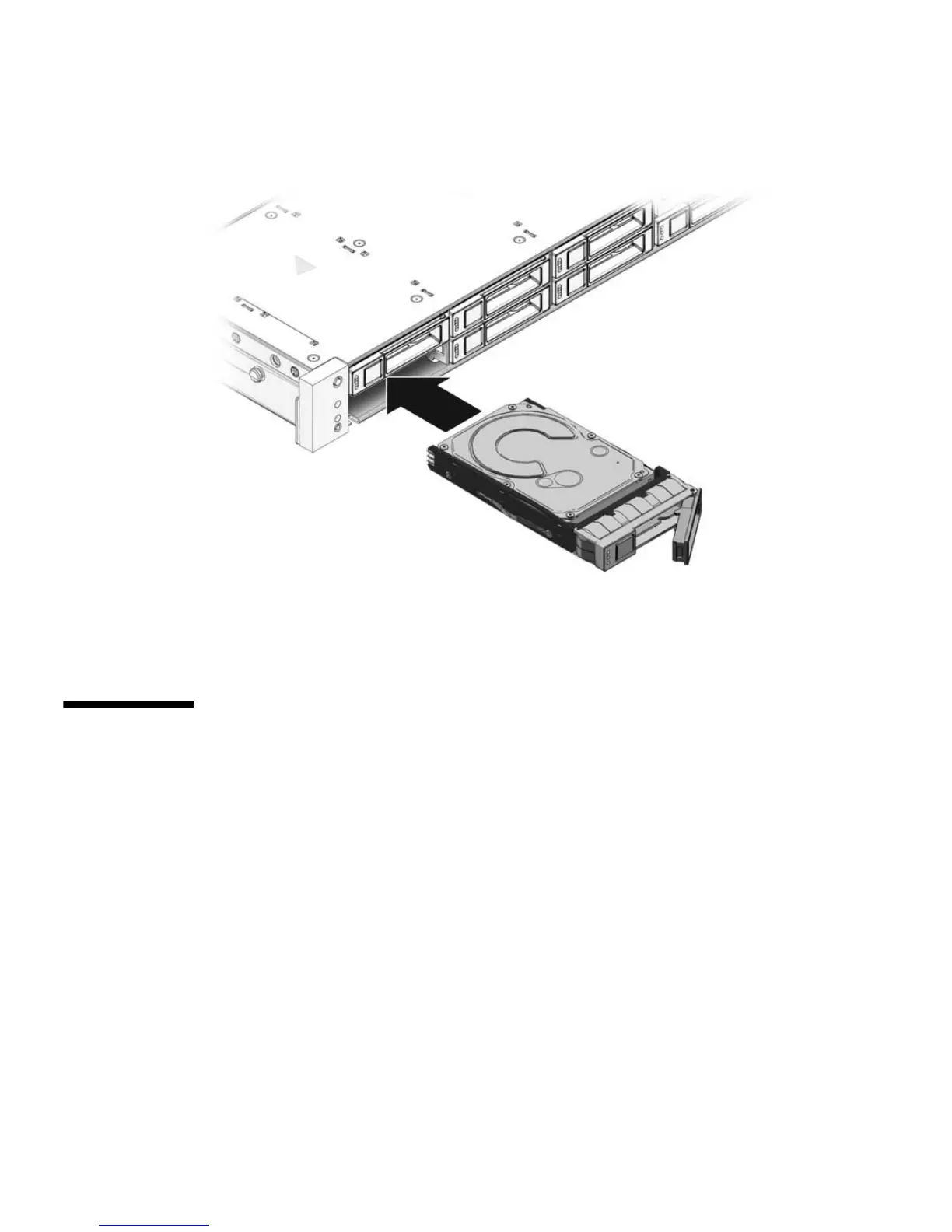
FIGURE 2-9 Installing a Hard Disk Drive
f. Close the latch to lock the drive in place.
g. Repeat Step a through Step g until all hard drives are installed.
Installing a PCIe Card
The following topics are covered in this section:
■ “PCIe Card Configuration Rules” on page 38
■ “Install a PCIe Card” on page 39
PCIe Card Configuration Rules
The server supports three or six PCIe cards depending on the server model.
■ The Sun Fire X4170 Server supports three PCIe cards.
■ The Sun Fire X4270 and X4275 Servers support six PCIe cards.















 To Next Page