Chapter 2 Installing Server Options 31
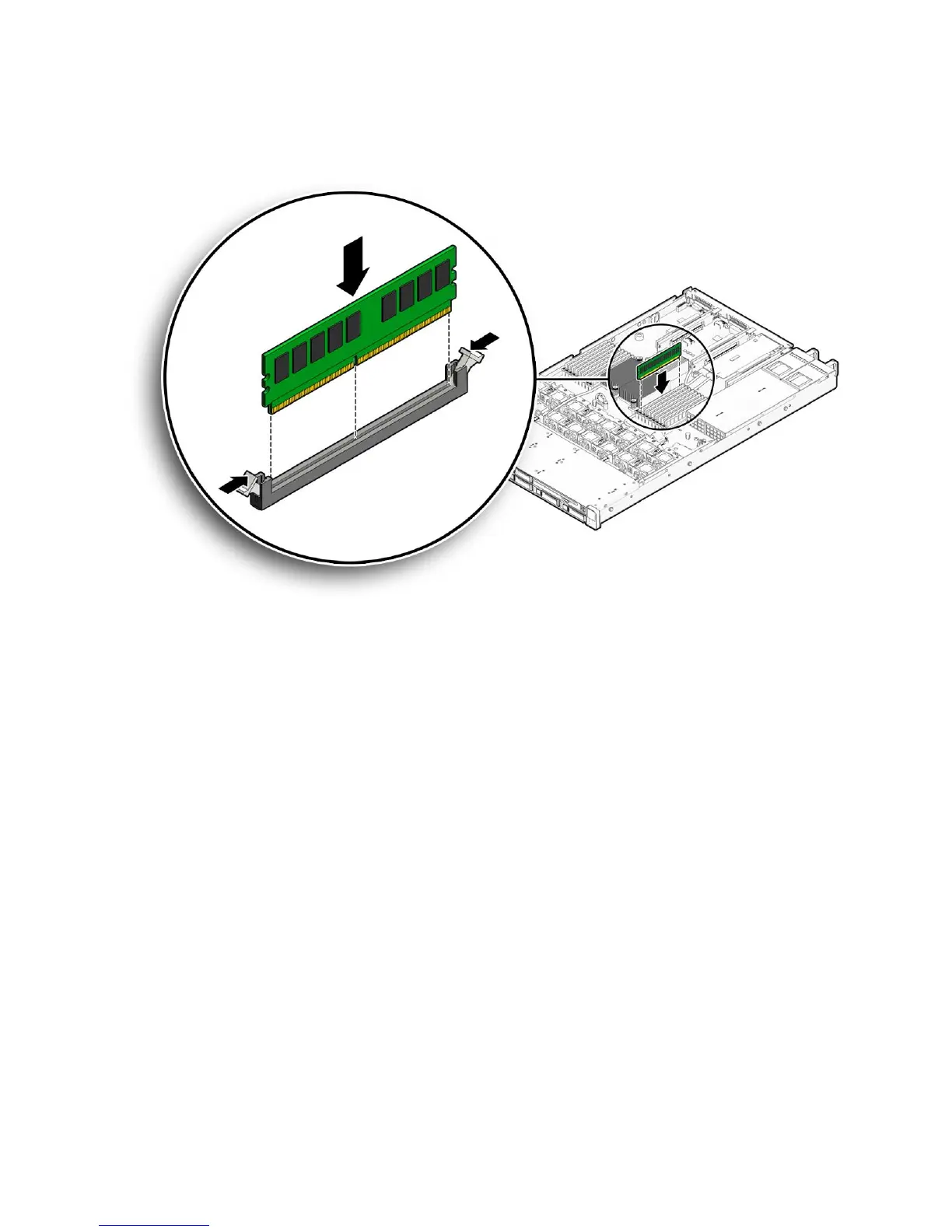
FIGURE 2-4 Installing a DIMM
d. Push the DIMM into the connector slot until both ejector levers close,
locking the DIMM in place.
If the DIMM does not easily seat into the connector, verify that the notch in the
DIMM is aligned with the key in the connector as shown in
FIGURE 2-4.Ifthe
notch is not aligned, damage to the DIMM might occur.
e. Repeat Step a through Step d until all DIMMs are installed.
7. Install the top cover.
See “Installing the Server Top Cover” on page 48.















 To Next Page