Chapter 2 Installing Server Options 45
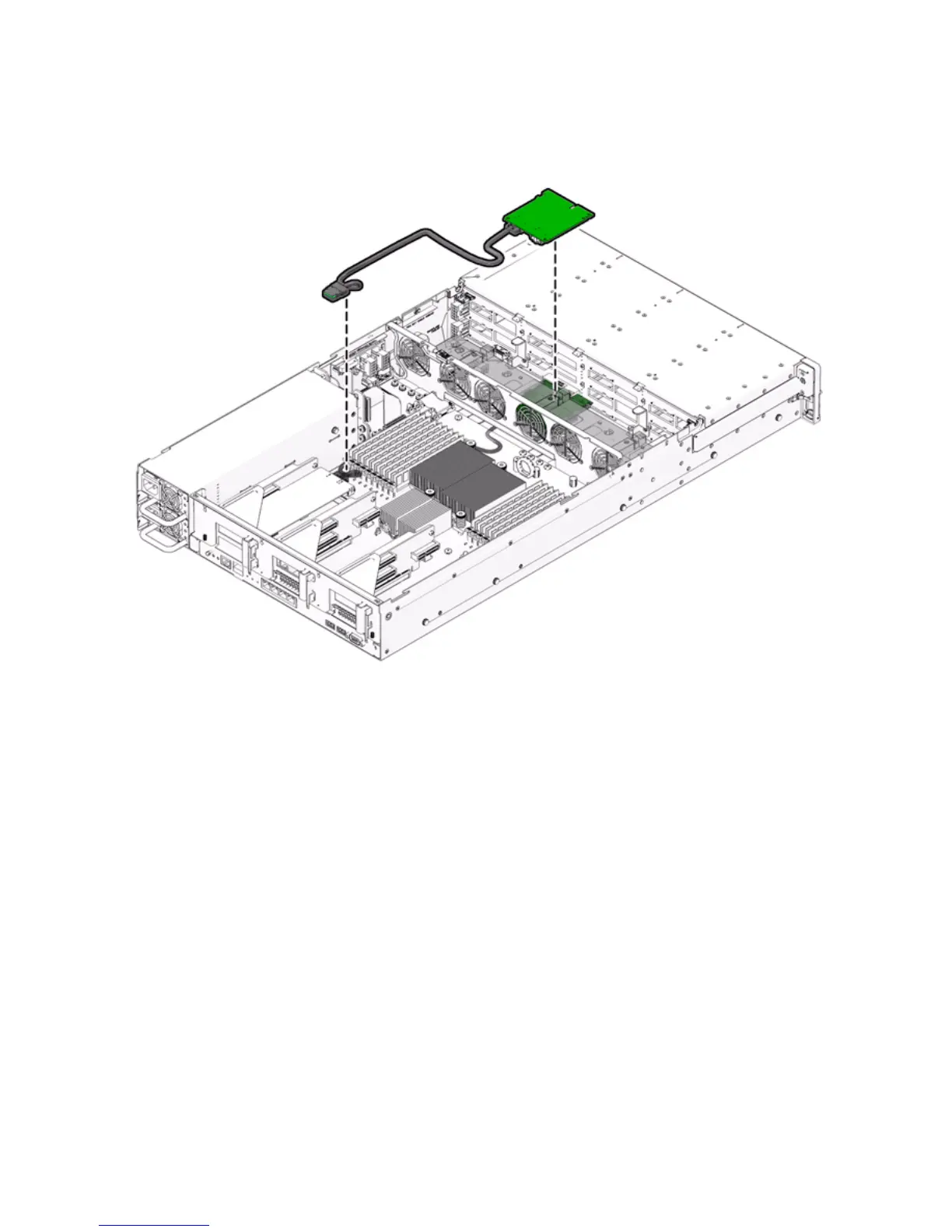
FIGURE 2-17 Installing the SAS PCIe/Hard Disk Drive Cage Cable in the Sun Fire X4275 Server
10. For additional PCIe card installation requirements, refer to the installation
information in the PCIe card shipping kit.
11. Install the server top cover.
See “Installing the Server Top Cover” on page 48.















 To Next Page