Chapter 4 Setting Up the Server 77
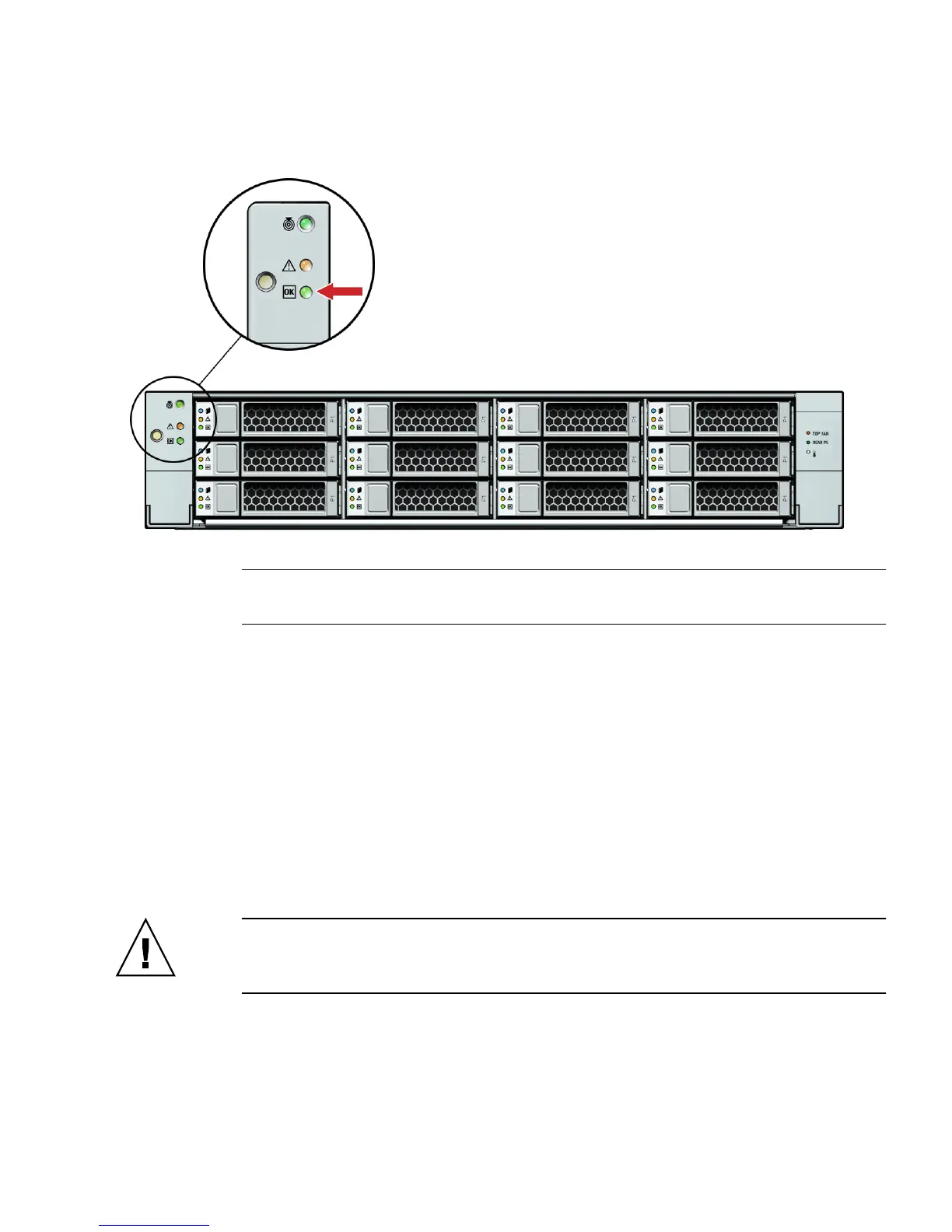
FIGURE 4-5 Sun Fire X4275 Server Front Panel Power/OK LED
Note – Do not push the Power button at this time. Do not apply main power to the rest
of the server until you are ready to install a platform operating system.
3. Connect a serial null modem cable to the SER MGT/RJ-45 serial port [4].
See “Connecting to the ILOM Service Processor for the First Time” on page 78 for
more information about viewing system output from a serial console.
4. Connect Ethernet cables to the SP NET MGT Ethernet port [5].
5. Connect Ethernet cables to the Gigabit Ethernet (NET) connectors as needed for
OS support [6].
6. (Optional) Connect any additional external devices, as required, to the server’s
USB [7] and/or HD15 Video [8] connectors.
7. Connect to the Integrated Lights Out Manager (ILOM) SP. See the next section.
Caution – Do not operate the server without all fans, component heatsinks, air
baffles, and the cover installed. Severe damage to server components can occur if the
server is operated without adequate cooling mechanisms.















 To Next Page