Introduction
Connecting a Hand-Held Scanner
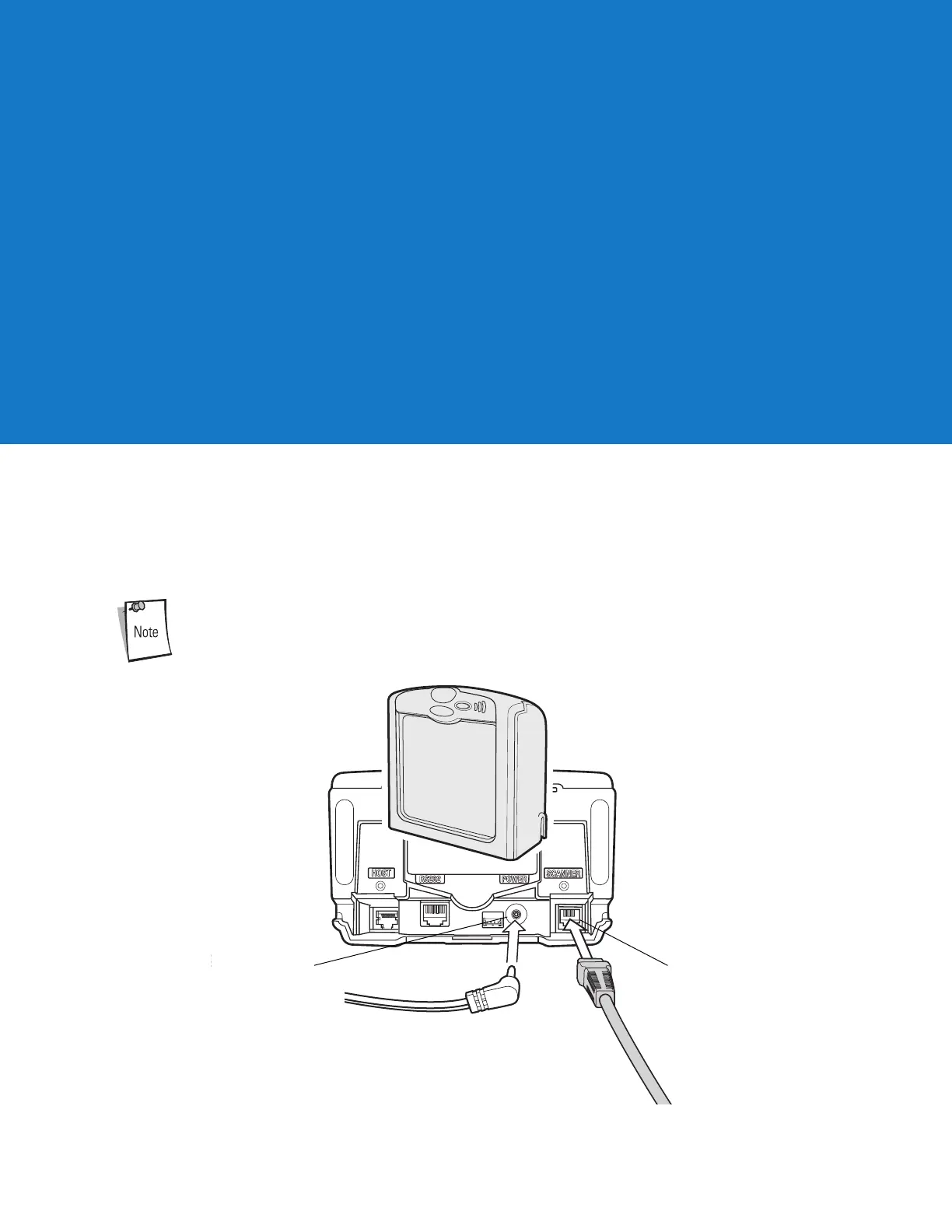
Connect the hand-held scanner’s Synapse Adapter cable to the Scanner port of the LS7708. In most cases, the hand-held laser
scanner configures itself.
When using the hand-held scanner port, connect an external power supply to the power port.
Figure 11-28Connecting to a Hand-Held Laser Scanner
Chapter 11Hand-Held Laser Scanner Port



 To Next Page