Introduction
This chapter covers suggested scanner maintenance, troubleshooting, technical specifications, and signal descriptions (pinouts).
Maintenance
Cleaning the exit window is the only maintenance required. A dirty window can affect scanning accuracy.
• Do not allow abrasive material to touch the window.
• Remove dirt particles with a damp cloth.
• Wipe the window using a tissue moistened with ammonia/water.
• Do not spray water or other cleaning liquids directly into the window.
Replacing the Scanner Window
To replace the scanner window:
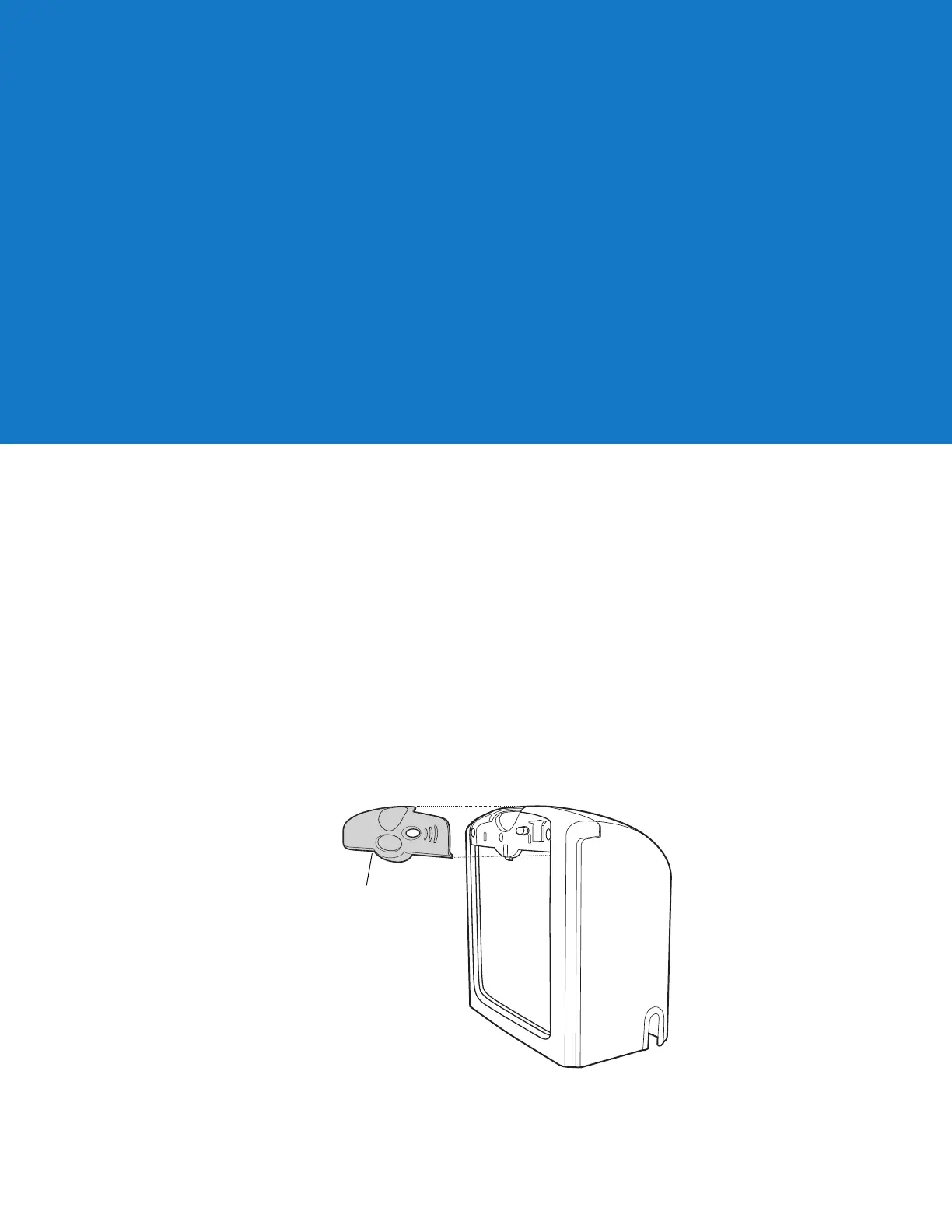
1. Reach under the lip of the front panel and lift it away from the scanner.
Figure 3-10 Removing the Front Panel
Chapter 3Maintenance and Technical
Specifications



 To Next Page