Introduction
This chapter covers the techniques involved in scanning bar codes, beeper and LED definitions, and general instructions and tips about
scanning. See Chapter 1, Getting Started for information on scanner components, and connecting host cables and the power supply.
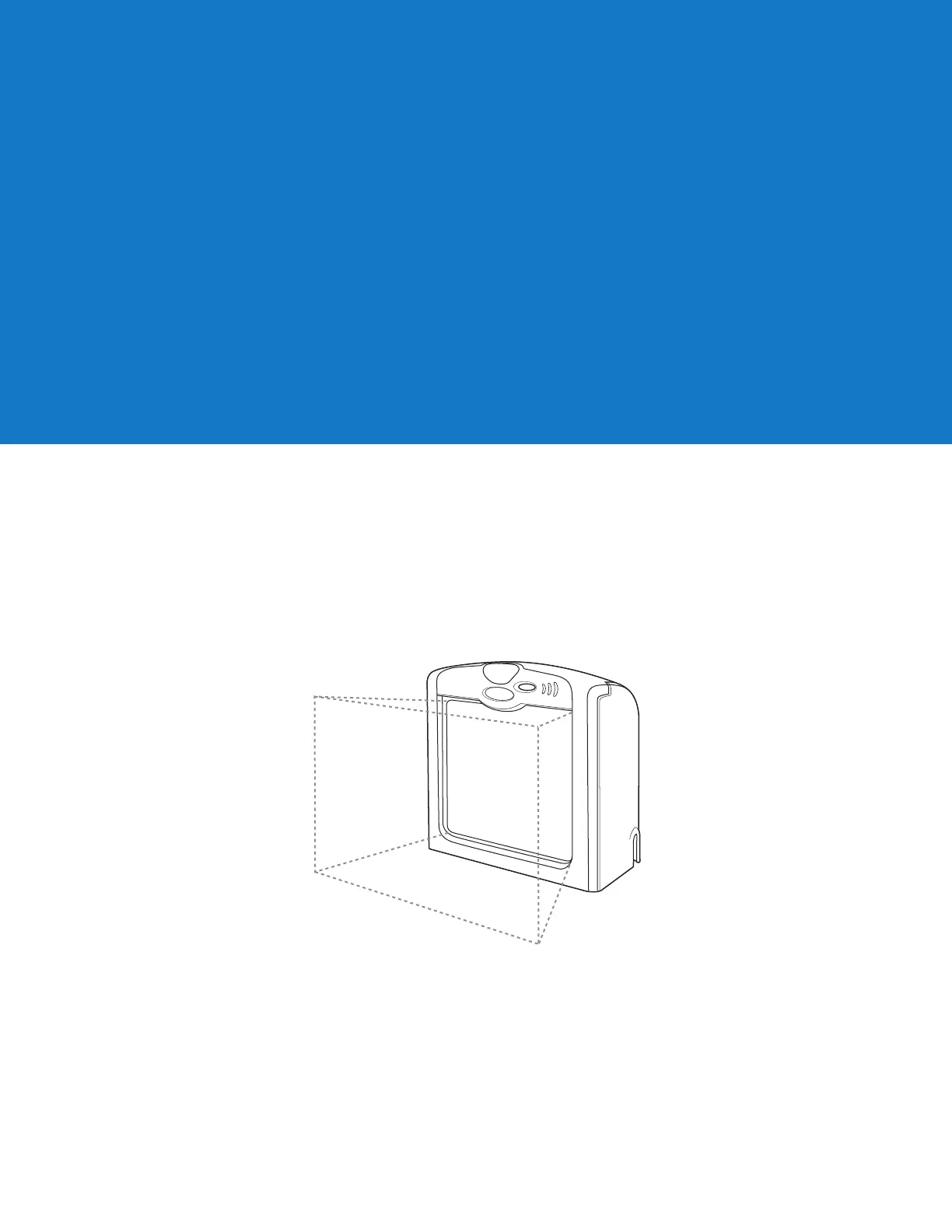
Active Scan Area
The active scan area is the area in front of the scanner window in which a bar code can be decoded. The dotted area in Figure 2-6
represents the active scan area for the scanner.
Figure 2-6 LS7708 Active Scan Area
Scanning Bar Codes
Install and program the scanner. (See each host chapter and Chapter 4, User Preferences, Chapter 13, Symbologies, Chapter 14,
Miscellaneous Scanner Options, and Advanced Data Formatting for instructions on programming the scanner.) For assistance, contact the
local supplier or call the Global Customer Interaction Center. See page xii for contact information.
For the best scanning performance, the counter top or surface area covered by the active scan area should be a light, solid color. Avoid
designs (e.g., stripes or patterns). A rastering, 120-line, omni-directional scan pattern provides rapid, orientation-free scanning.
To scan a bar code:
Chapter 2Scanning



 To Next Page