2 - 2 LS7708 Scanner Product Reference Guide
1. Ensure all cable connections are secure.
2. Orient the item with the bar code facing the scanner window.
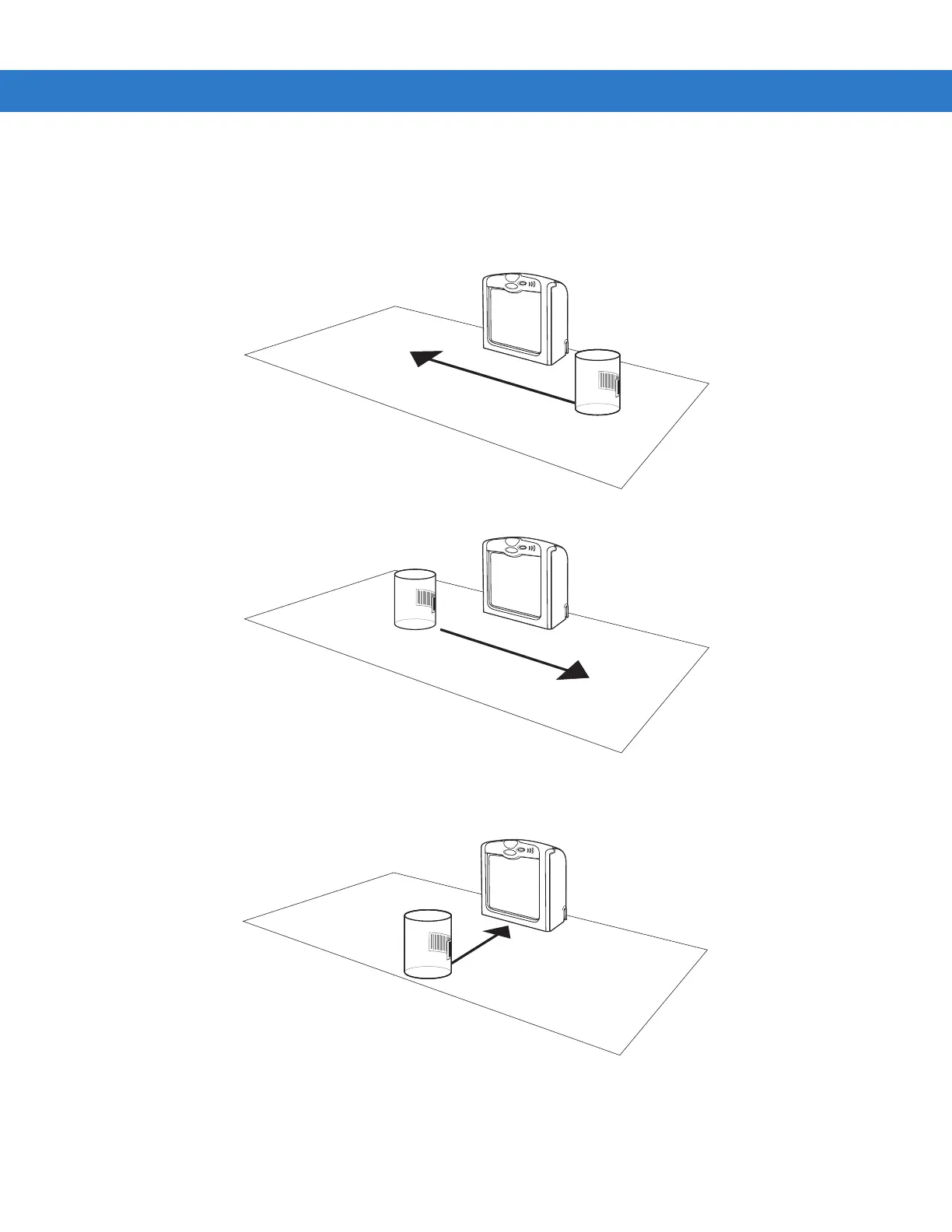
3. Move the item through the active scan area in the direction of the arrows (swipe scanning, see Figure 2-7), or place the item in
front of the scanner (presentation scanning, see Figure 2-8). Ensure that the scan lines cross every bar and space of the symbol.
Figure 2-7 Scanning a Bar Code - Swipe Method
Figure 2-8 Scanning a Bar Code - Presentation Method
4. Upon successful decode, the scanner beeps and the green LED flashes.
For more information on beeper definitions, see Table 2-1.



 To Next Page