13 - 48 LS7708 Scanner Product Reference Guide
Code 39 Buffering (Scan & Store)
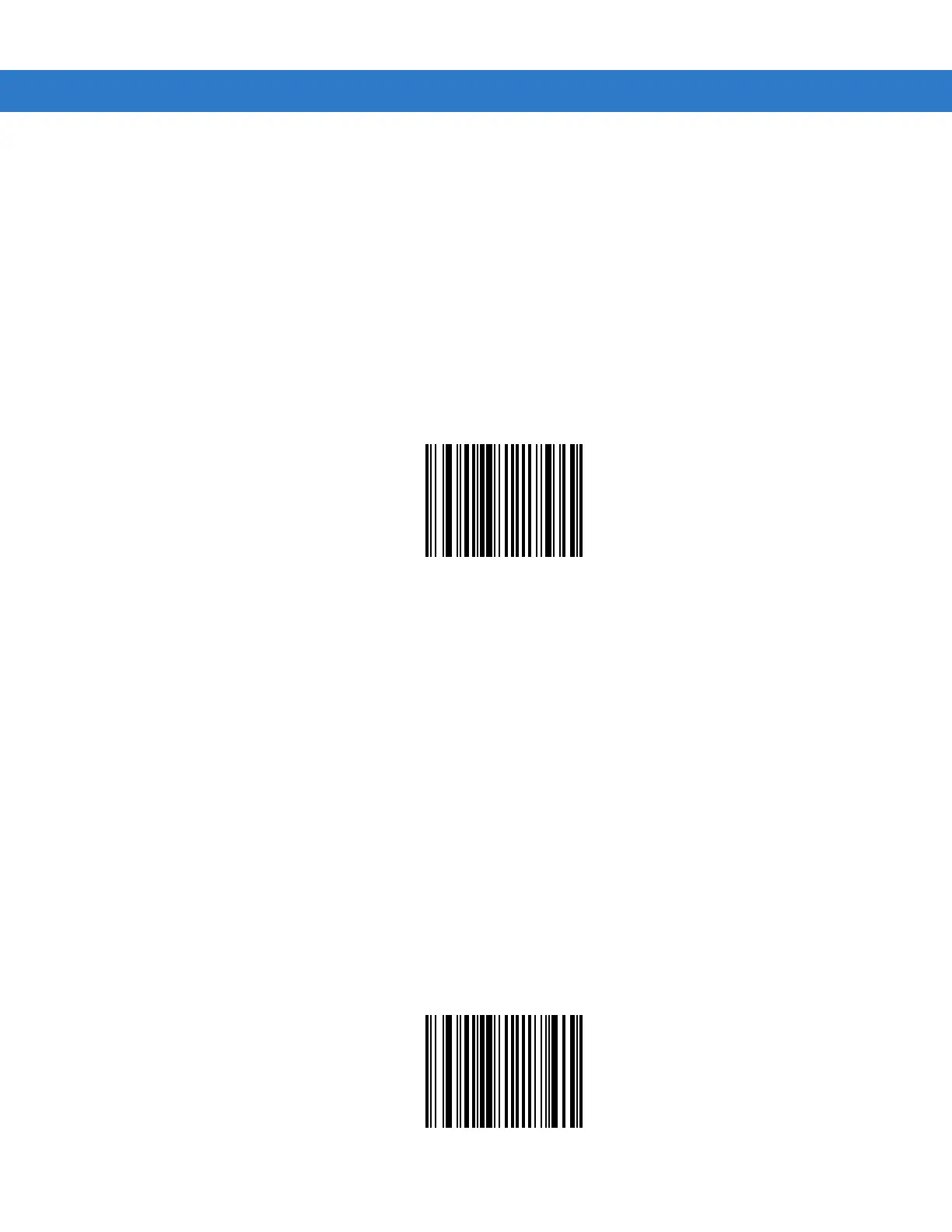
This feature allows the scanner to accumulate data from multiple Code 39 symbols.
When the Scan and Store option (Buffer Code 39) is selected, all Code 39 symbols having a leading space as a first character are
temporarily buffered in the unit to be transmitted later. The leading space is not buffered.
Decode of a valid Code 39 symbol with no leading space causes transmission in sequence of all buffered data in a first-in first-
out format, plus transmission of the “triggering” symbol. See the following pages for further details.
When the Do Not Buffer Code 39 option is selected, all decoded Code 39 symbols are transmitted immediately without being
stored in the buffer.
This feature affects Code 39 only. If Buffer Code 39 is selected, Zebra recommends configuring the scanner to decode Code 39
symbology only.
Buffer Code 39
(Enable)
*Do Not Buffer Code 39



 To Next Page