Symbologies 13 - 31
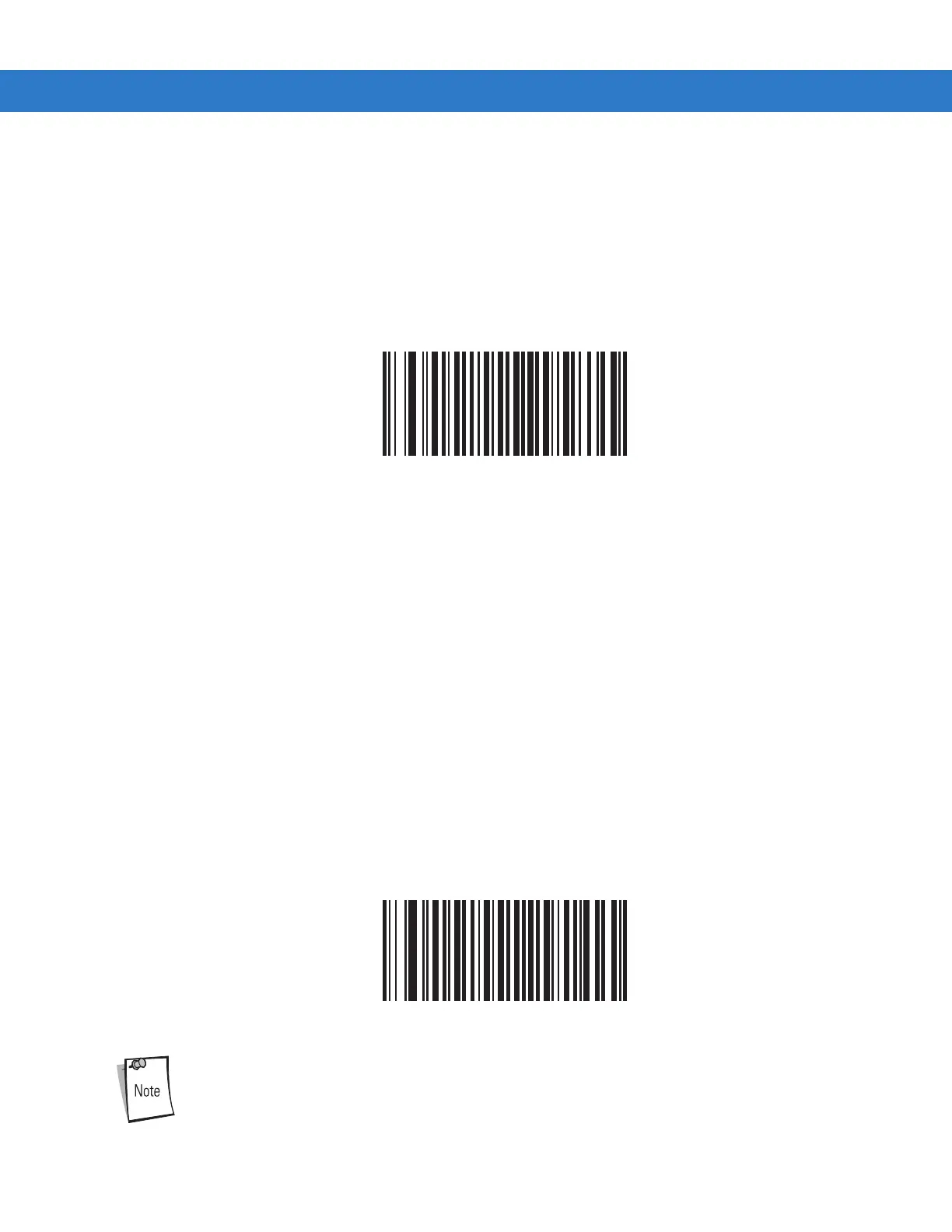
Bookland ISBN Format
If you enabled Bookland EAN using Enable/Disable Bookland EAN on page 13-10, select one of the following formats for
Bookland data:
• Bookland ISBN-10 - The scanner reports Bookland data starting with 978 in traditional 10-digit format with the special
Bookland check digit for backward-compatibility. Data starting with 979 is not considered Bookland in this mode.
• Bookland ISBN-13 - The scanner reports Bookland data (starting with either 978 or 979) as EAN-13 in 13-digit format
to meet the 2007 ISBN-13 protocol.
*Bookland ISBN-10
Bookland ISBN-13
For Bookland EAN to function properly, first enable Bookland EAN using Enable/Disable Bookland EAN
on page 13-10, then select either Decode UPC/EAN Supplementals, Autodiscriminate UPC/EAN
Supplementals, or Enable 978/979 Supplemental Mode in Decode UPC/EAN Supplementals on page 13-
11.



 To Next Page